Enable the Run Command service
Last updated on
Prerequisites
Section titled “Prerequisites”The STACKIT Server Agent is installed on your server. Read more: Install the Server Agent via Portal
General
Section titled “General”To send Run Commands to your server, you must have the STACKIT Server Agent running on your virtual machine (VM) and enable the Run Command service in your project.
This guide explains how to enable the service via the STACKIT Cloud Portal. If you prefer to use the API, please refer to: Enable the service via API.
How to enable the Run Command service
Section titled “How to enable the Run Command service”The Run Command service can be easily activated in the “Commands” section of your server and is then ready for use for all servers in your STACKIT project.
Simply navigate to Computing > Server, click on one of your Servers > Command > Templates and then click on the Activate Commands button:
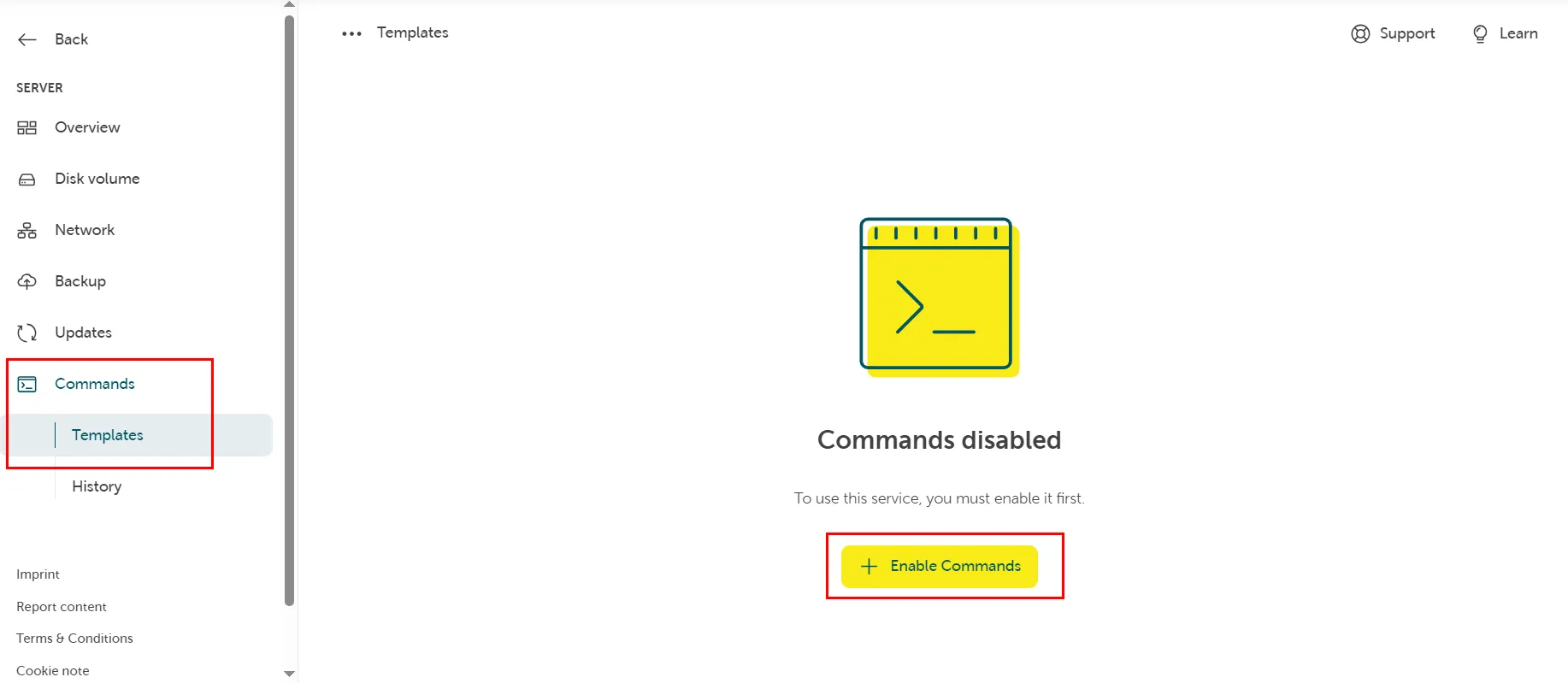
A popup window will show up and you have to press “Enable” again to confirm your choice.