Join your Windows Server to a domain
Last updated on
Introduction
Section titled “Introduction”This tutorial describes the required steps on how to join an existing Windows Server to a domain via Run command.
Prerequisites
Section titled “Prerequisites”- Windows Server VM
- Run command enabled
- You have a running Active Directory (Your domain controller should be placed on the same local network as the domain-join-candidate!)
Join your Windows Server to a domain by using command template JoinDomain
Section titled “Join your Windows Server to a domain by using command template JoinDomain”The command template can be found in the Server pane under Commands:
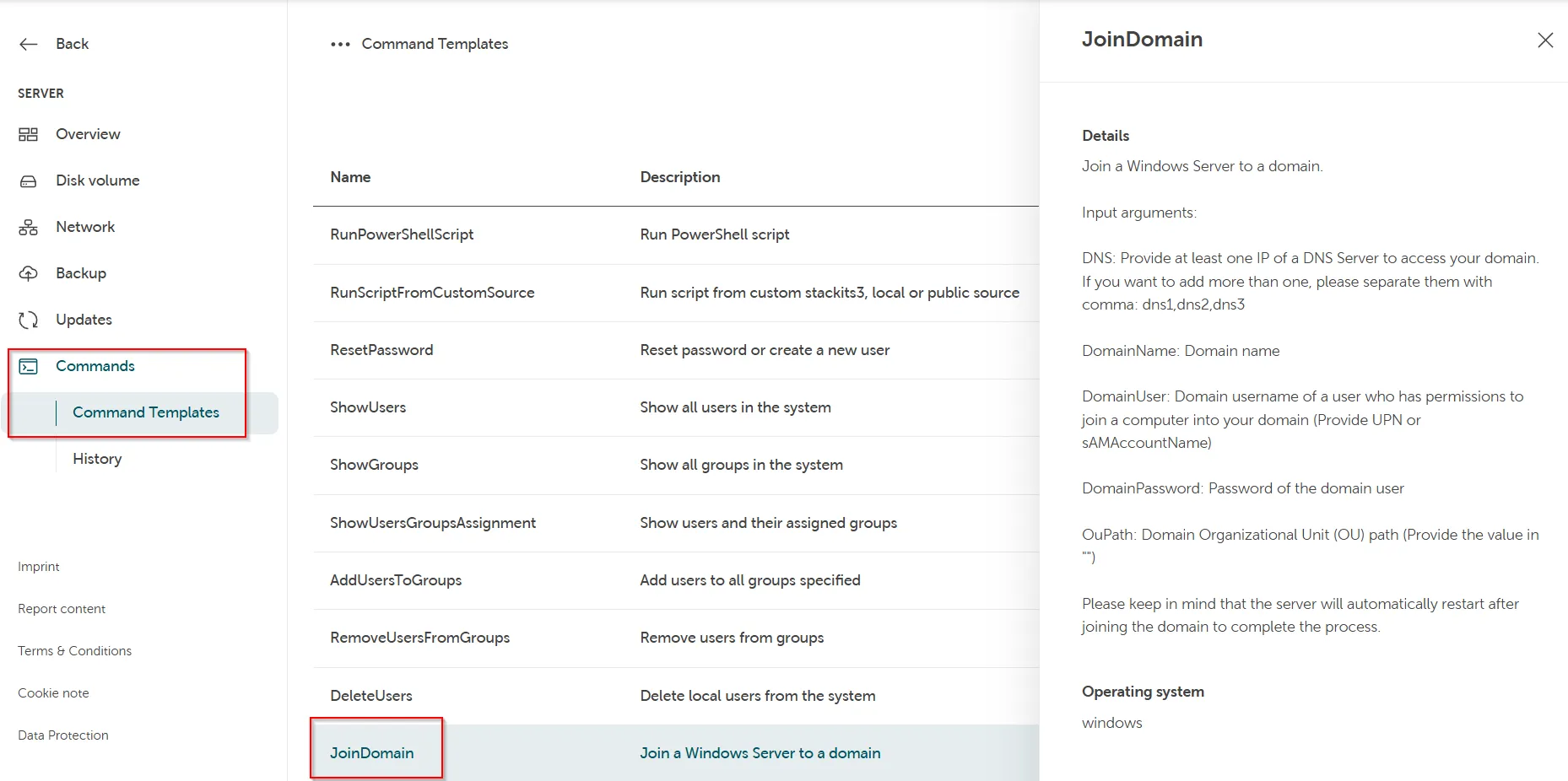
Required input arguments of the command template:
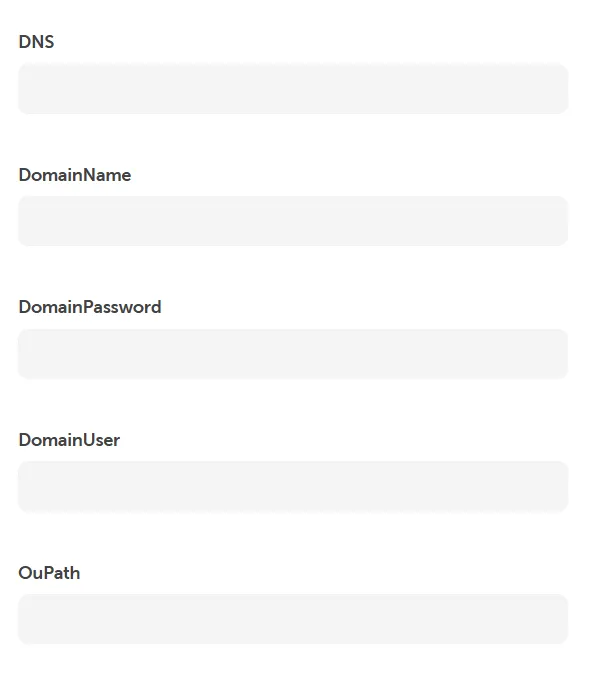
DNS: Provide at least one IP of a DNS Server to access your domain. If you want to add more than one, please separate them with a comma: dns1,dns2,dns3.
DomainName: Domain name
DomainPassword: Password of the domain user
DomainUser: Domain username of a user who has permissions to join a computer into your domain (Provide UPN or sAMAccountName)
OuPath: Domain Organizational Unit (OU) path (Provide the value in ")
Troubleshooting
Section titled “Troubleshooting”If you get an error message that the domain join failed, verify the following:
Section titled “If you get an error message that the domain join failed, verify the following:”- The user is preceded by the domain as in the example above and is correct
- The password is correct
- The DNS is correct.
- The domain name is correct.
- The domain controller can be reached by the domain-join-candidate on the local network.
If the domain-join is successful, but the computer is not renamed afterwards, please verify the following:
Section titled “If the domain-join is successful, but the computer is not renamed afterwards, please verify the following:”- There is no already existing computer account in the AD.