Concepts
Last updated on
Accessibility
Section titled “Accessibility”STACKIT Logme service available with an pubic IP address within the Cloud Foundry and outside, so they can be combined also with Kubernetes workloads or Virtual Machines.
Security
Section titled “Security”STACKIT Logme service is secured by ACLs and authentication on instance level. Each instance node of a service runs isolated in our Compute Engine.
Scalability
Section titled “Scalability”The service is offered in t-shirt sized following individual service plans described in Service Plans for Logme. When you reach the limits of a plan, you can upgrade to the next bigger t-shirt size which includes more resources and support bigger workloads.
Service Dashboard
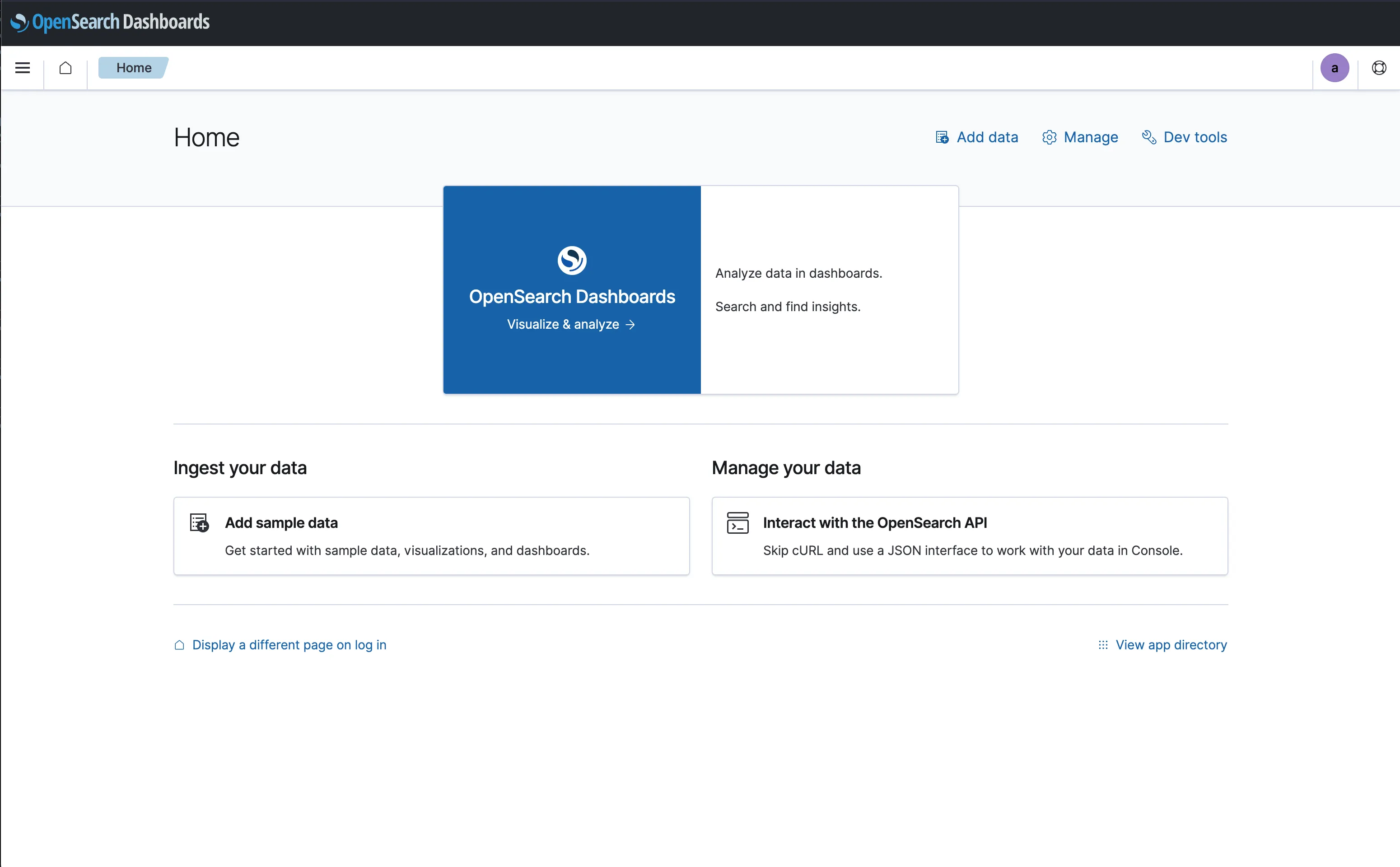
Section titled “Service Dashboard”The service dashboard will redirect you to the OpenSearch Dashboards UI of the service. Please use already created credentials or generate new credentials for the login. Learn with Create and manage credentials for Logme how to create new credentials.
Data Service Access
Section titled “Data Service Access”The data service access ensures the communication of the Portal to your booked services.
The Logme service can be ordered inside the Cloud Foundry Runtime using Cloud Foundry CLI or by STACKIT Portal for the exposed usage. In Create and manage Logme services you find the description how to order it via the STACKIT Portal.
Custom Parameters
Section titled “Custom Parameters”The following custom parameters are currently available:
java_heapspacejava_maxmetaspaceism_job_intervalism_deletion_afterism_jitter
They can be modified with the JSON parameter file.
JSON Examples
Section titled “JSON Examples”| Function | JSON STRING | Documentation Link |
|---|---|---|
| Custom Parameter | -c '{ "java_heapspace": "256" }' | Custom Parameter Docs |
| Data Retention | -c '{ "ism_job_interval": "60", "ism_deletion_after": 8h }' | Data Retention Docs |
Backup and Recovery
Section titled “Backup and Recovery”Our Backup Manager is configured to perform a full backup every 4 hours and keep backups for the last 14 days.
Of course, you can manually trigger additional backups from the service dashboard, where you can also select and restore an existing backup.