Access
Last updated on
Prerequisites
Section titled “Prerequisites”- You have a running Logme service: Create and manage Logme services
- You have created Logme credentials: Create and manage Logme credentials
-
On the sidebar click on LogMe.
-
Navigate to your desired instance and click on its pane.
-
On the left bar click on Credentials
-
Click on an existing credentials entry. To create new credentials, follow the instructions in Create and manage Logme credentials.
-
On the right bar open the link, that you can find under Management URL in a new tab.
-
Copy and paste the credentials into the new tab to login.
-
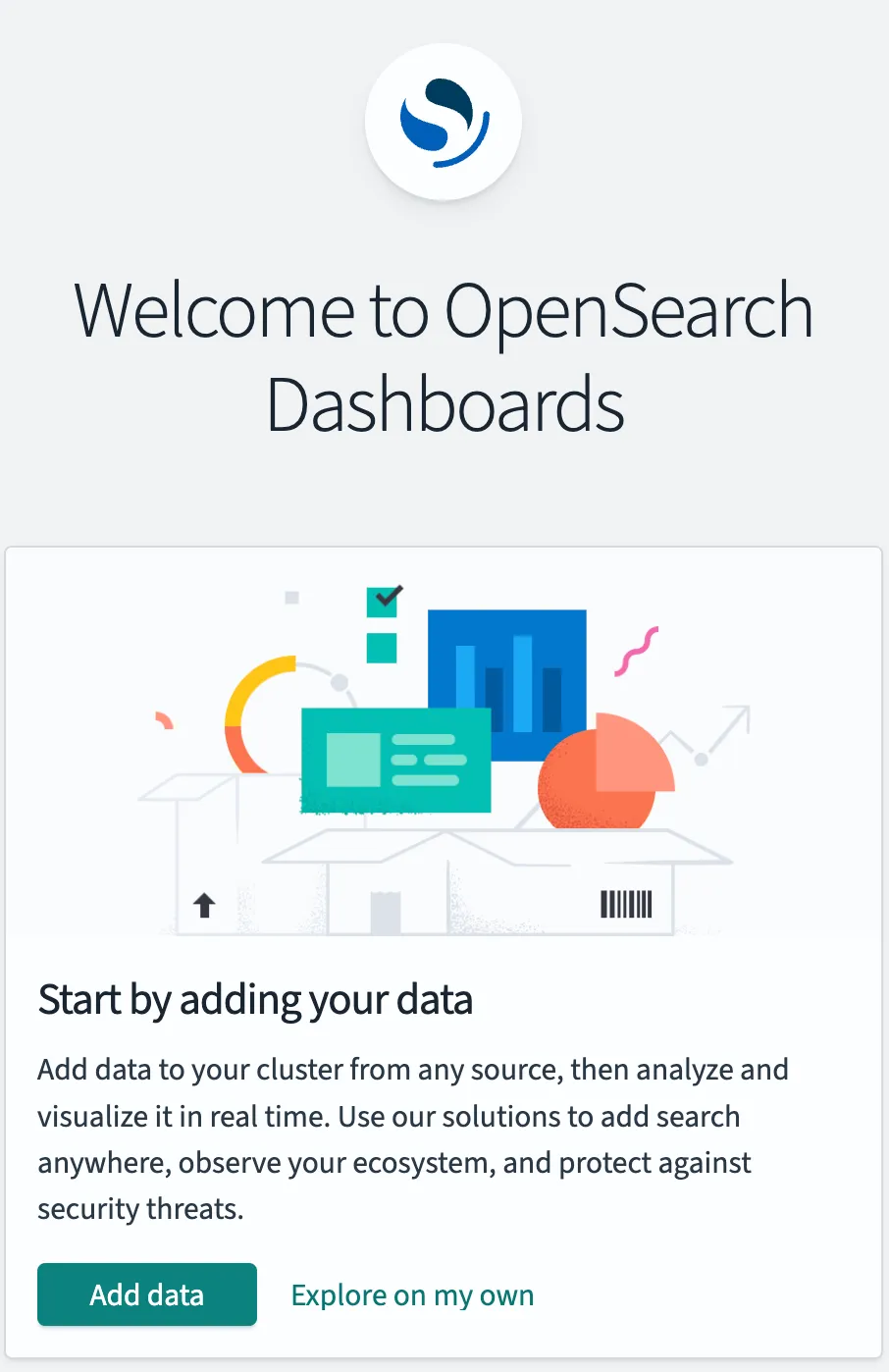
On the first login you see a welcome message from OpenSearch: