API Postman Collection Observability
Last updated on
Usage of a Postman collection to communicate with the Observability API
Section titled “Usage of a Postman collection to communicate with the Observability API”In this tutorial you will learn how to use Postman Collections in order to use and test the Observability API. We created a collection that holds the Observability API. This collection can be imported into Postman and this article is all about it.
Prerequisites
Section titled “Prerequisites”- Postman installed
- Knowledge about RESTful-API
- Knowledge about HTTP requests
Working with the collection
Section titled “Working with the collection”Import the collection into Postman
Section titled “Import the collection into Postman”- Download the Observability Postman Collection.
- Open Postman and select File->Import.
- Go to the directory that holds your collection file, select it and click Open.
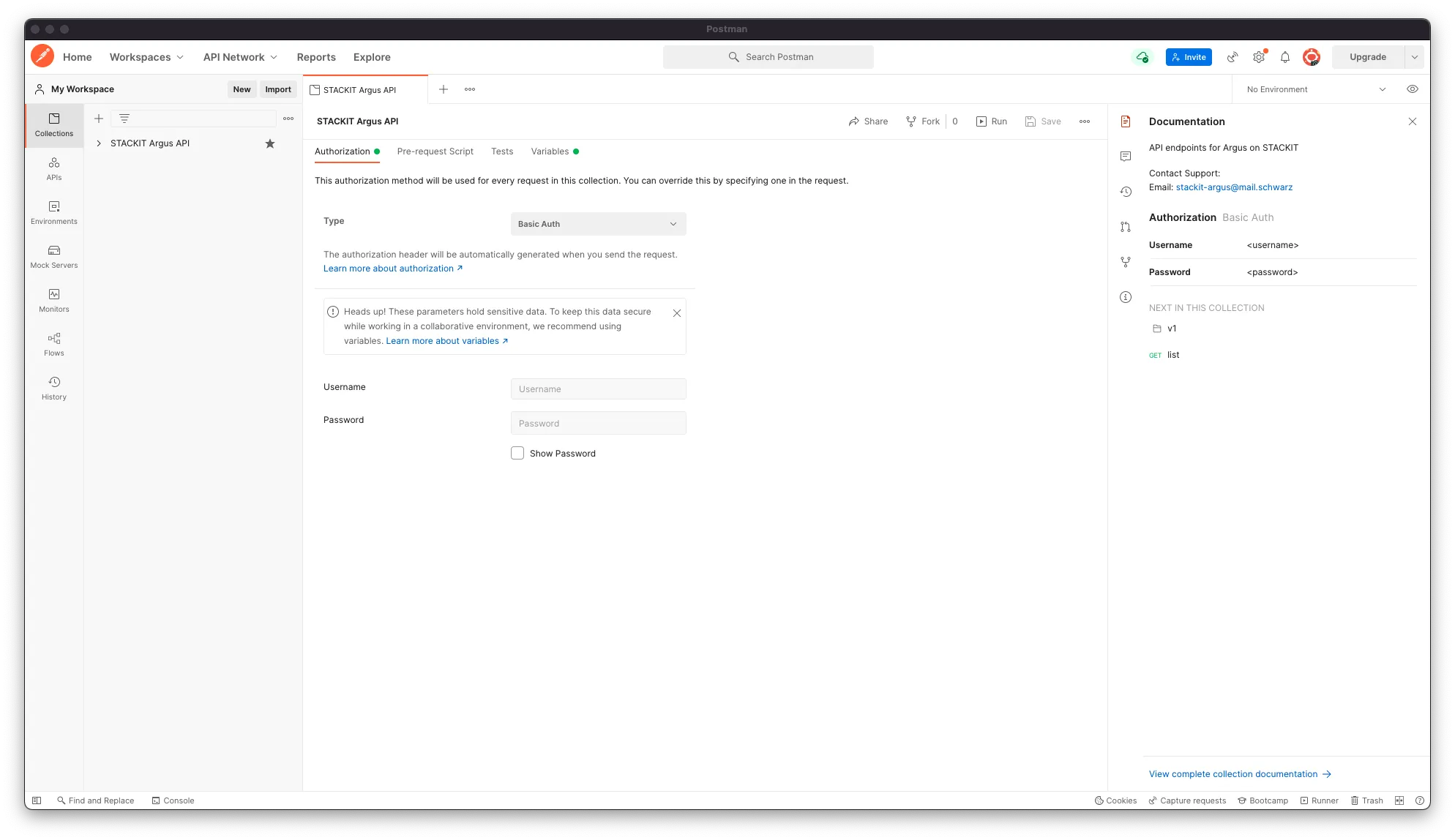
- You should get a screen like beneath and on the left side you should be able to see STACKIT Observability API.
Configure the collection in Postman
Section titled “Configure the collection in Postman”Before using the API there are some steps that should be done:
- Select the collection on the left side.
- Insert your username and password (which you get from your Observability instance → service credential key) into the authorization tab.
- Switch to the Variables tab.
- Change the
baseUrlto your URL. - Open the collection by clicking on the > sign.
- Run the “GET”-Request list by clicking and Send to test if the requests are working.
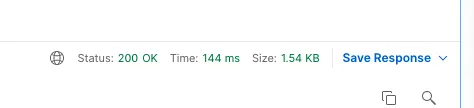
- On the right side you should be able to see a small line like below. If this appears it means the request was successful.
- test the credentials by sending another request.
- click on the v1 folder of the collection.
- select the “GET” request with the description v1 instances read.
- click on the send button.
- if you see Status: 200 OK the request was successful. If not check the documentation by clicking on:
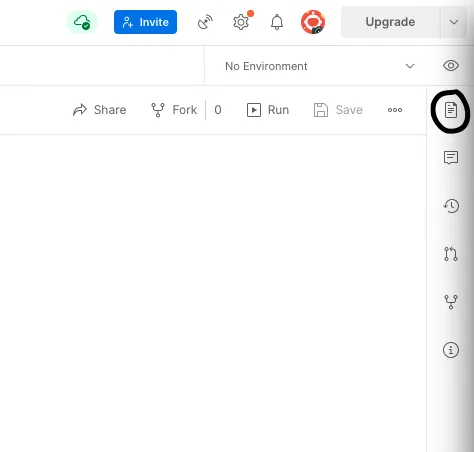
This opens a small site with criteria to send a successful request.
Further Information
Section titled “Further Information”You can adjust the authorization part by selecting another authorization method. This action can be performed inside of each request by clicking on the Authorization tab and changing the authorization method.