STACKIT Server Update Management Service verwenden
Zuletzt aktualisiert am
Verlauf
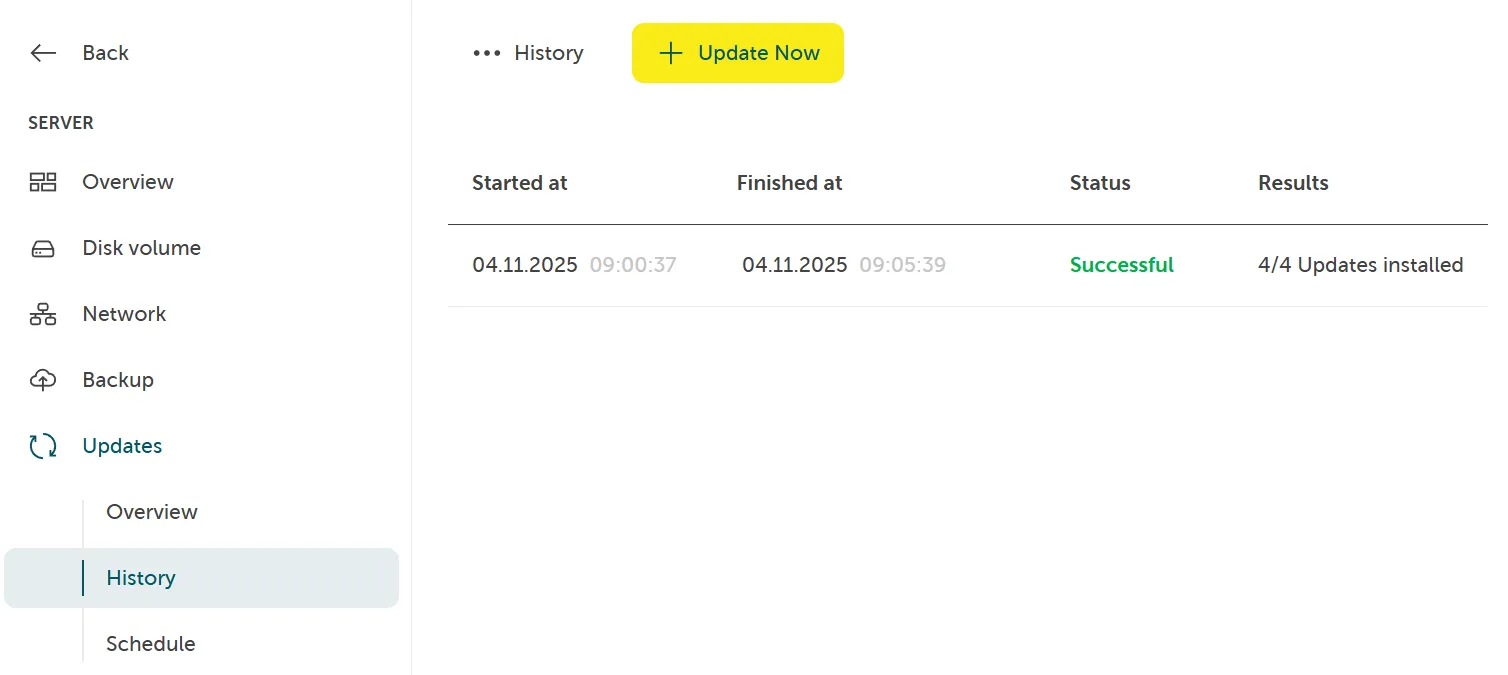
Abschnitt betitelt „Verlauf“Um alle kürzlich ausgelösten Updates, deren Start- und Endzeitpunkt, Status und Ergebnisse zu finden, navigieren Sie zu Server > Updates > Verlauf:
Jetzt aktualisieren
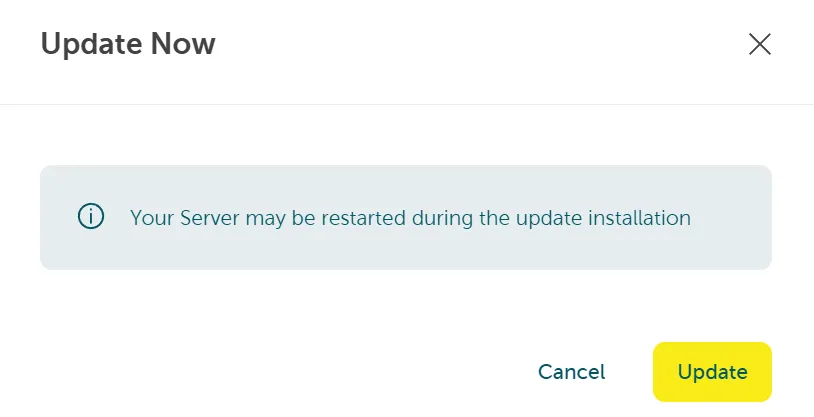
Abschnitt betitelt „Jetzt aktualisieren“Navigieren Sie zu Server > Updates > Verlauf. Klicken Sie auf die Schaltfläche „Jetzt aktualisieren”, um einen neuen Update-Job für Ihren spezifischen Server auszulösen. Bestätigen Sie anschließend durch Klicken auf Update: