Zugriff auf Ihre Instanzen
Zuletzt aktualisiert am
Voraussetzungen
Abschnitt betitelt „Voraussetzungen“- Sie verfügen über eine Logme-Managed-Service-Instanz: Erstellen und verwalten von Logme-Managed-Service-Instanzen
- Sie haben Anmeldeinformationen für Ihre Logme-Managed-Service-Instanz erstellt: Erstellen und verwalten von Logme-Anmeldeinformationen
-
Klicken Sie in der Seitenleiste auf Logme.
-
Navigieren Sie zu Ihrer gewünschten Instanz und klicken Sie auf deren Kachel.
-
Klicken Sie in der linken Leiste auf Anmeldeinformationen.
-
Klicken Sie auf einen vorhandenen Anmeldeinformations-Eintrag.
Um neue Anmeldeinformationen zu erstellen, folgen Sie den Anweisungen unter Erstellen und verwalten von Logme-Anmeldeinformationen. -
Öffnen Sie in der rechten Leiste den Link unter Management-URL in einem neuen Tab.
-
Kopieren Sie die Anmeldeinformationen und fügen Sie sie im neuen Tab zum Login ein.
-
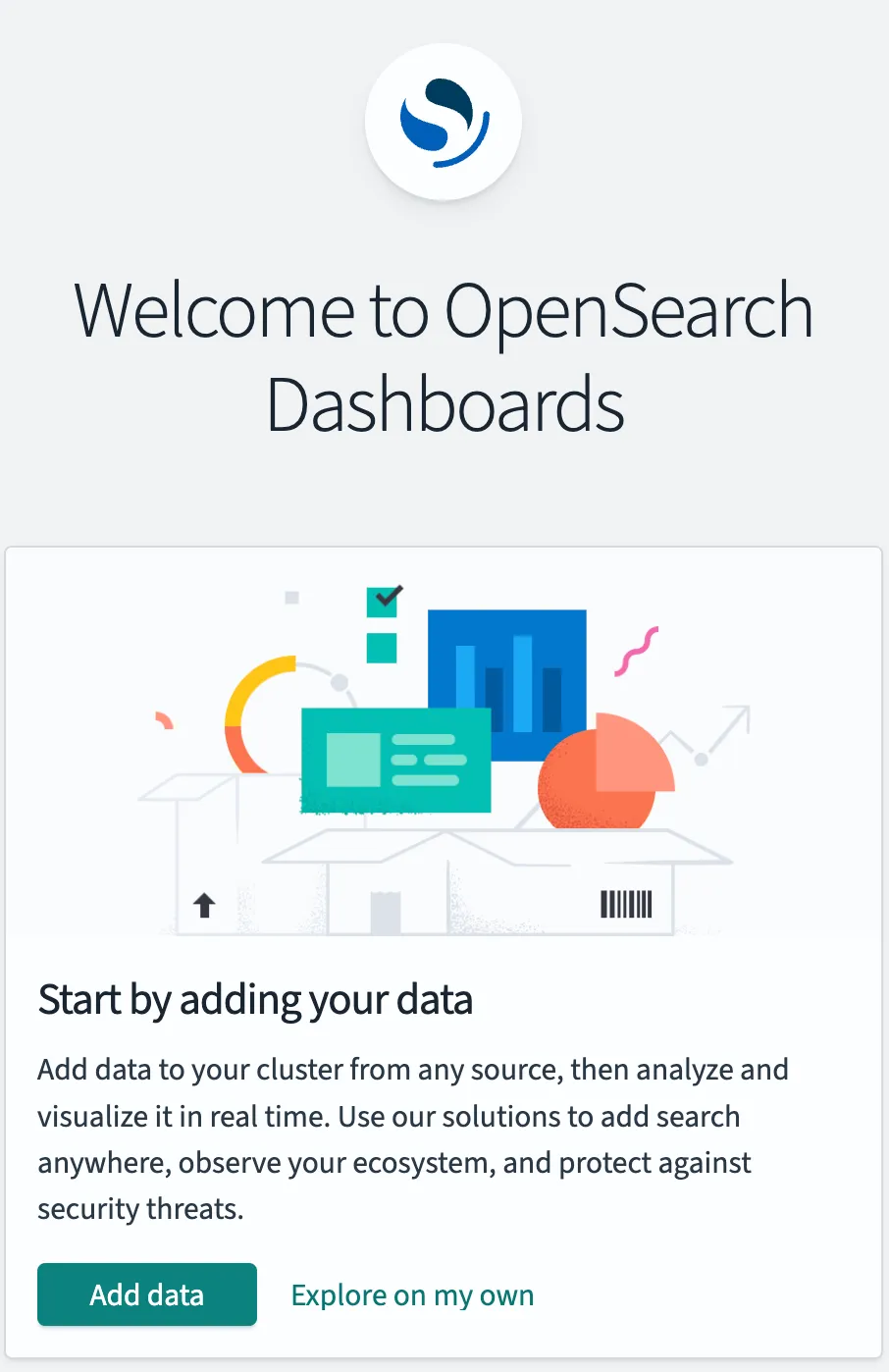
Beim ersten Login sehen Sie eine Willkommensnachricht von OpenSearch: