Delete an instance
Last updated on
If a STACKIT Server instance is no longer needed, it can be easily deleted. This page describes how this works and what to look out for.
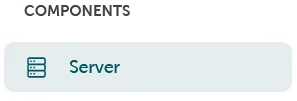
Data carrier management can be found in the Portal under Components → Server.
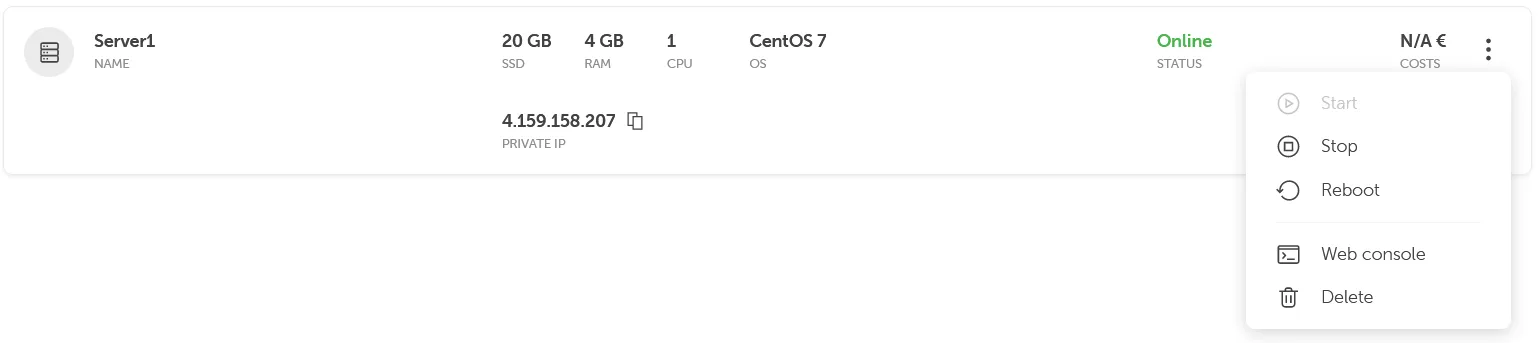
Here you can select the server to be deleted and select Delete via the function menu.
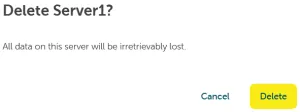
The server is deleted once the deletion process is confirmed.
Delete Server via CLI
Section titled “Delete Server via CLI”Information about how to delete an instance via CLI is available here.
Delete Server via API
Section titled “Delete Server via API”Information about how to delete an instance via API is available here.