Disable a Server Update Management Service
Last updated on
Disable the Server Update Management Service
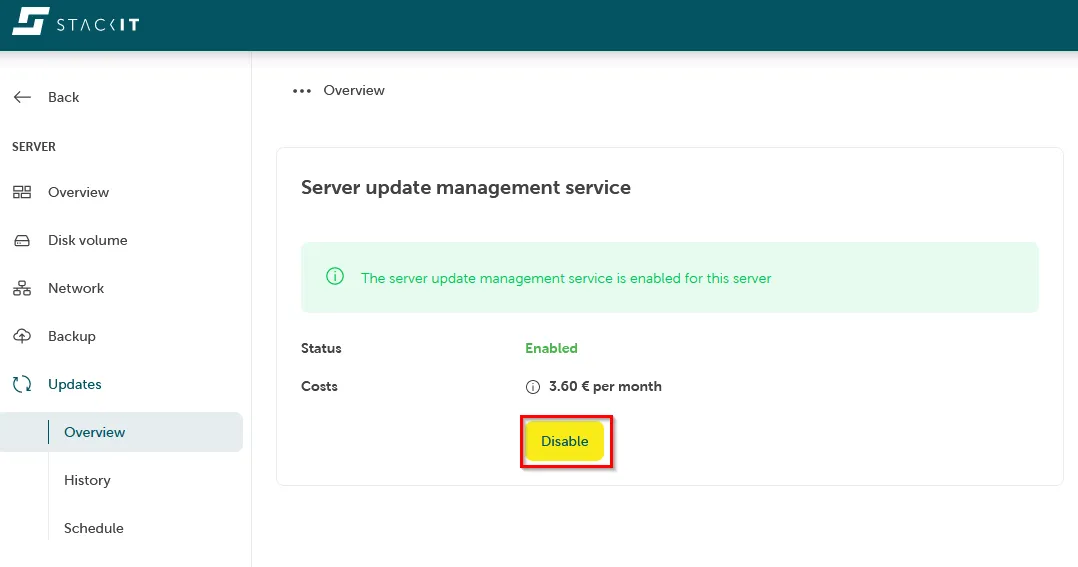
Section titled “Disable the Server Update Management Service”In order to disable the Server Update Management Service for your server:
-
Navigate to Server > Updates > Overview.
-
Click “Disable”: