Use a Server Update Management Service
Last updated on
Update History
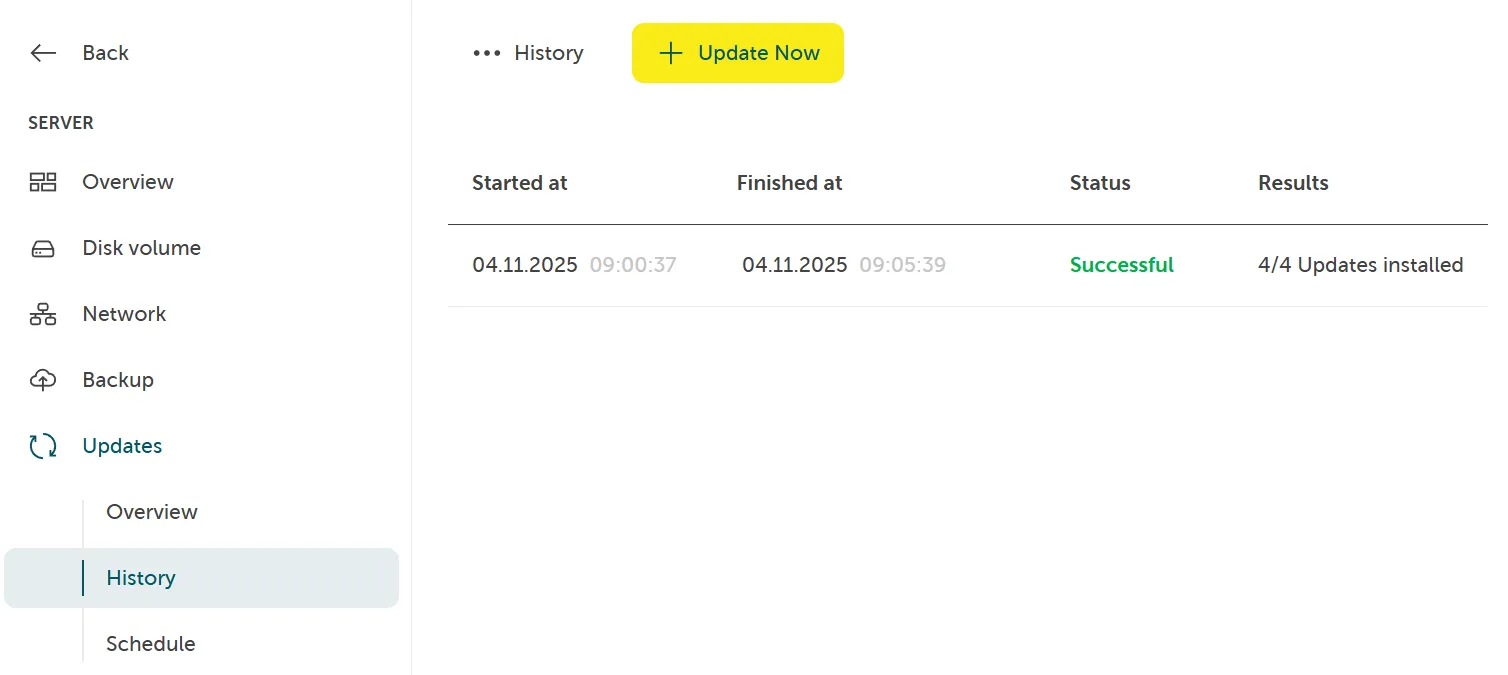
Section titled “Update History”To find all recently triggered updates, their start and finish time, status and results navigate to Server > Updates > History:
Update now
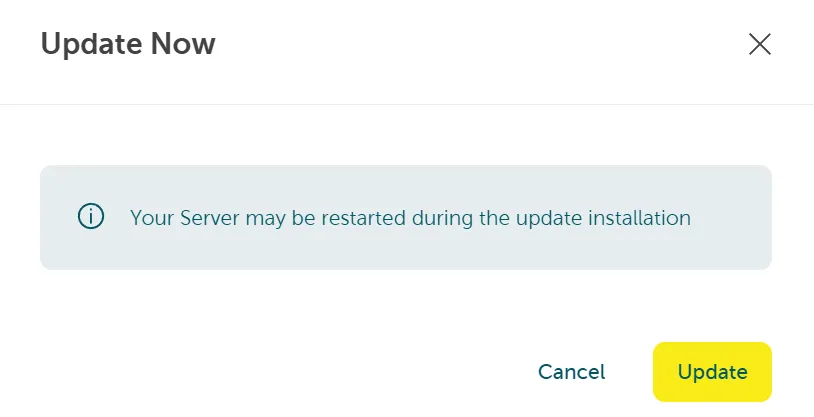
Section titled “Update now”Navigate to Server > Updates > History. Click the button “Update now” to trigger a new update job for your specific server. Then confirm by clicking Update: