Clear cache of a distribution
Last updated on
You clear your cache in the overview of your distribution(s).
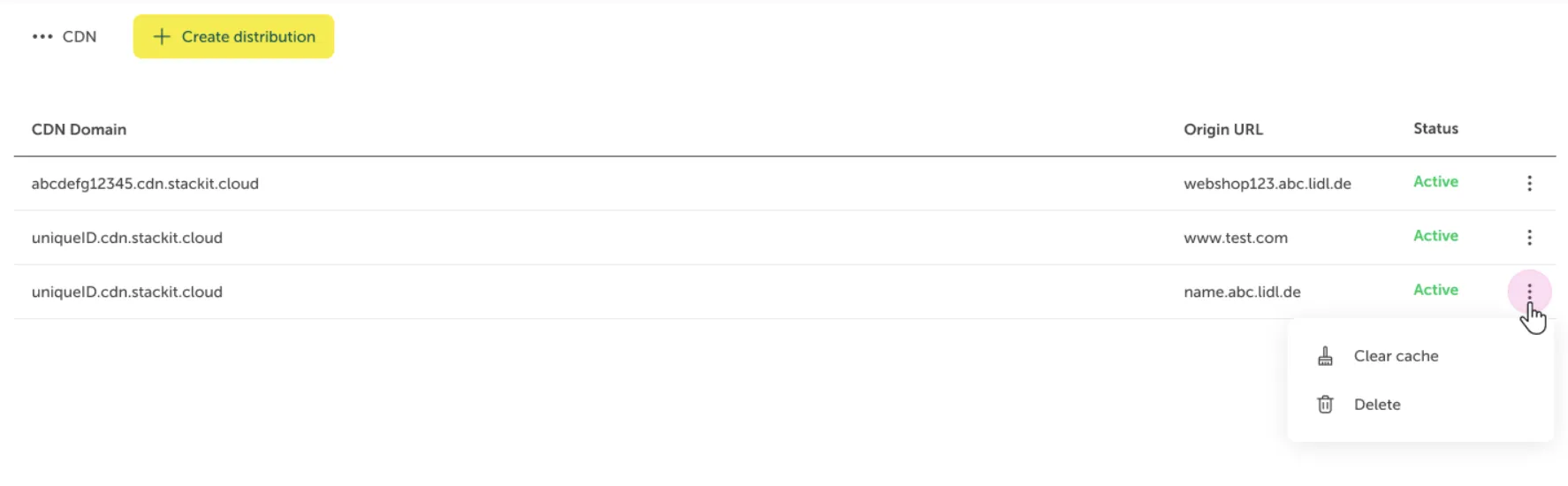
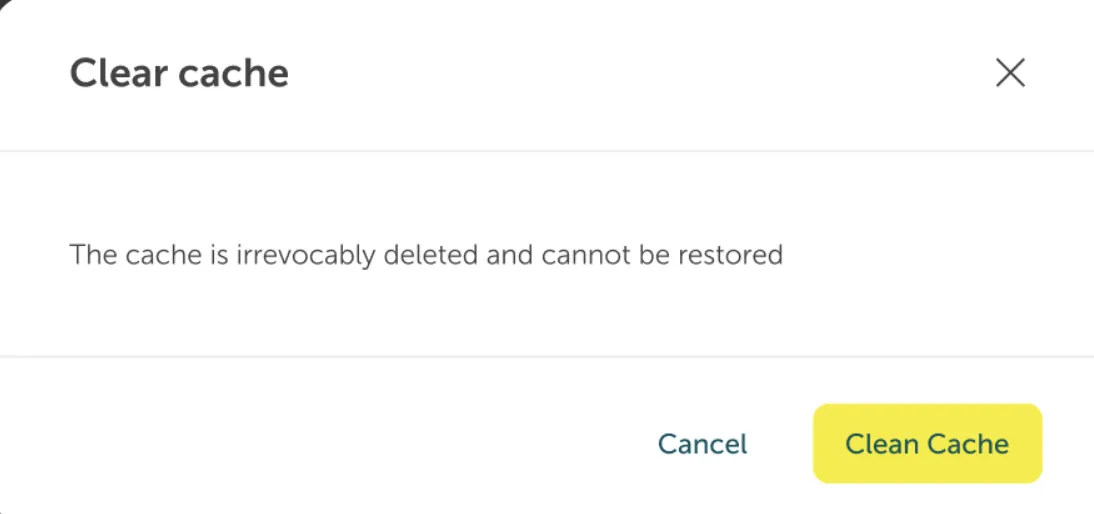
You have to confirm that you want to clear the cache by clicking the “Clean cache” button
A timestamp of your last clear cache action will be shown on your distribution detail page.

Description on how to clear cache of CDN distribution via API.
| Request | |
|---|---|
| POST | /v1/projects/{projectId}/distributions/{distributionId}/cache/purge |
Required parameters
Section titled “Required parameters”| Name | Datentyp | Required |
|---|---|---|
projectId | String | yes |
distributionId | String | yes |
Response
Section titled “Response”Example value
Section titled “Example value”Example description
Section titled “Example description”Request was successful, which is indicated by the Status code. No data is returned.
Terraform functions are not available yet.