Use Labels
Zuletzt aktualisiert am
Sie können Labels verwenden, um Issues und Pull Requests zu klassifizieren und die Übersicht darüber zu verbessern.
Labels erstellen
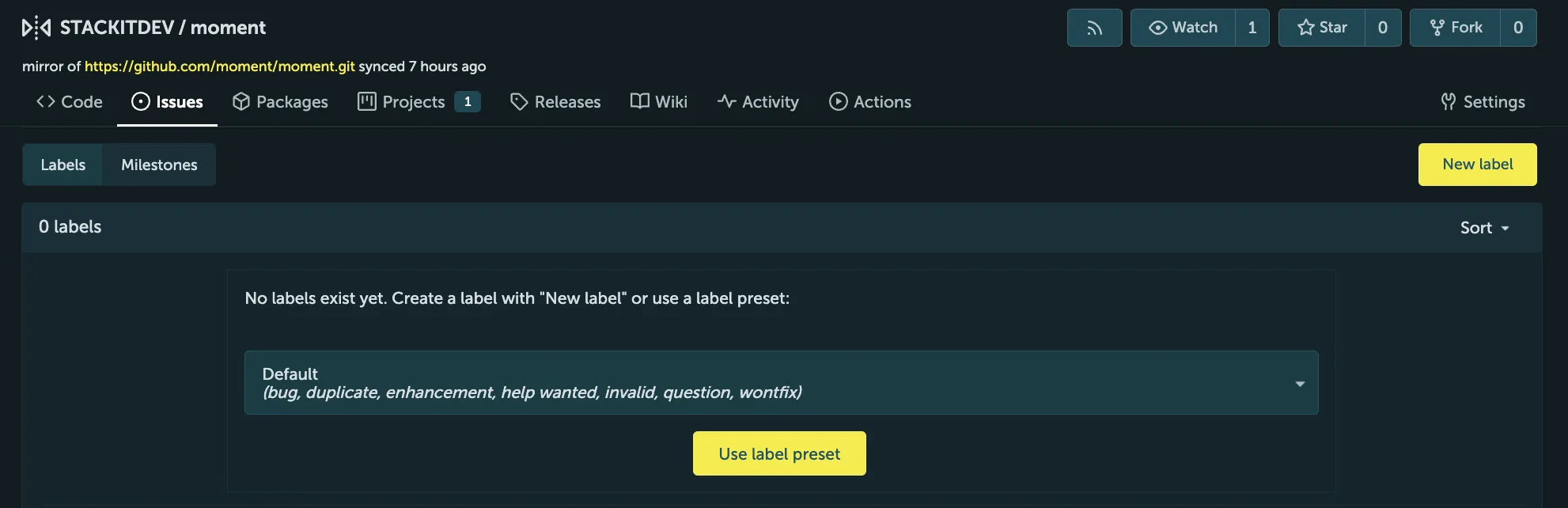
Abschnitt betitelt „Labels erstellen“- Gehen Sie zum Tab Issues und wählen Sie Labels aus, um zur Labels-Verwaltungsseite zu gelangen.
- Klicken Sie auf New label.
- Geben Sie den Namen ein und wählen Sie die Farbe des neuen Labels aus.
- Legen Sie fest, ob das Label exklusiv sein soll oder nicht.
Organisationsweite Labels
Abschnitt betitelt „Organisationsweite Labels“Sie können organisationsweite Labels definieren, die für alle Repositorys der Organisation freigegeben sind, einschließlich bereits vorhandener und neu erstellter Repositorys. Organisationsweite Labels können in den Settings der Organisation erstellt werden.
Label-Sets
Abschnitt betitelt „Label-Sets“Wenn Sie ein Repository (oder eine Organisation) erstellen, können Sie mithilfe der Option Issue Labels sicherstellen, dass bestimmte Labels vorhanden sind. Diese Option listet eine Reihe verfügbarer Label-Sets auf, die global auf Ihrer Instanz konfiguriert sind.