Delete a Server Backup Management Service
Last updated on
Disable the Server Backup Management Service
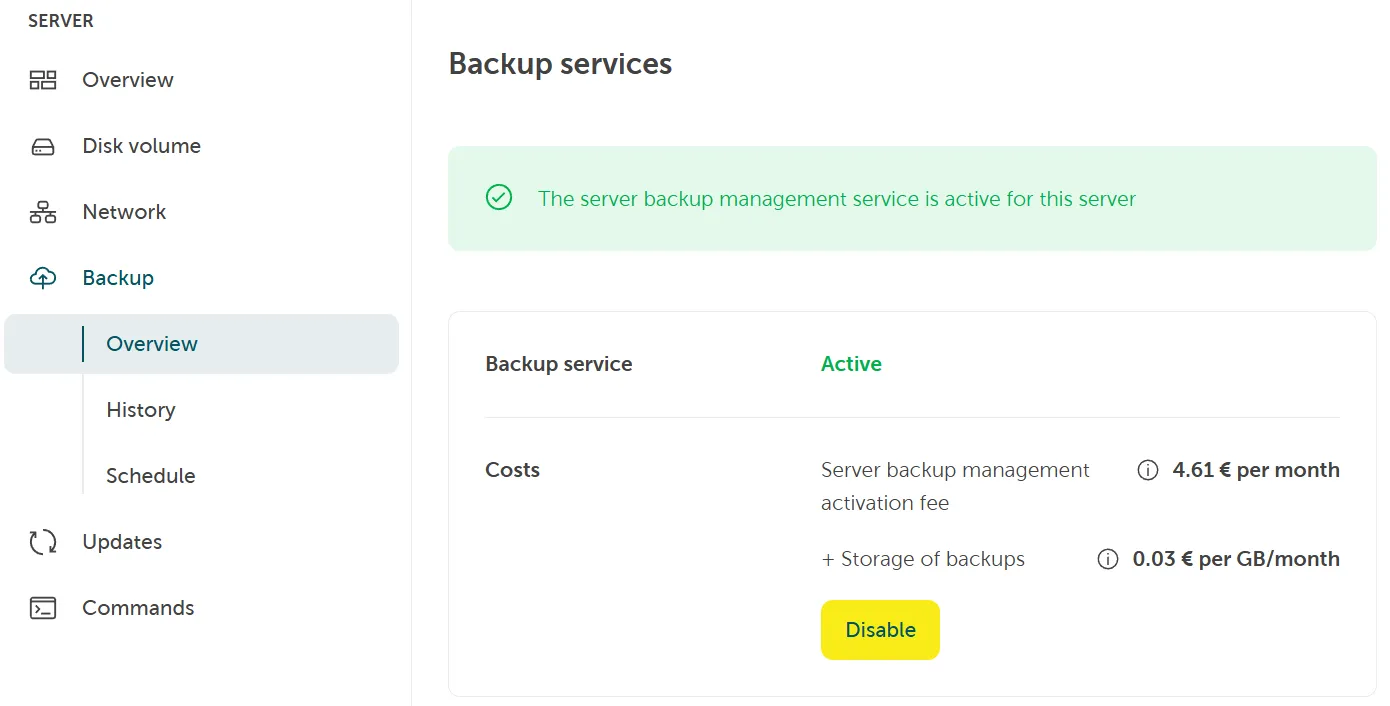
Section titled “Disable the Server Backup Management Service”To disable the Server Backup Management Service for your unmanaged server, you can do this from the Backup Overview page by clicking the Disable button.
Delete a backup
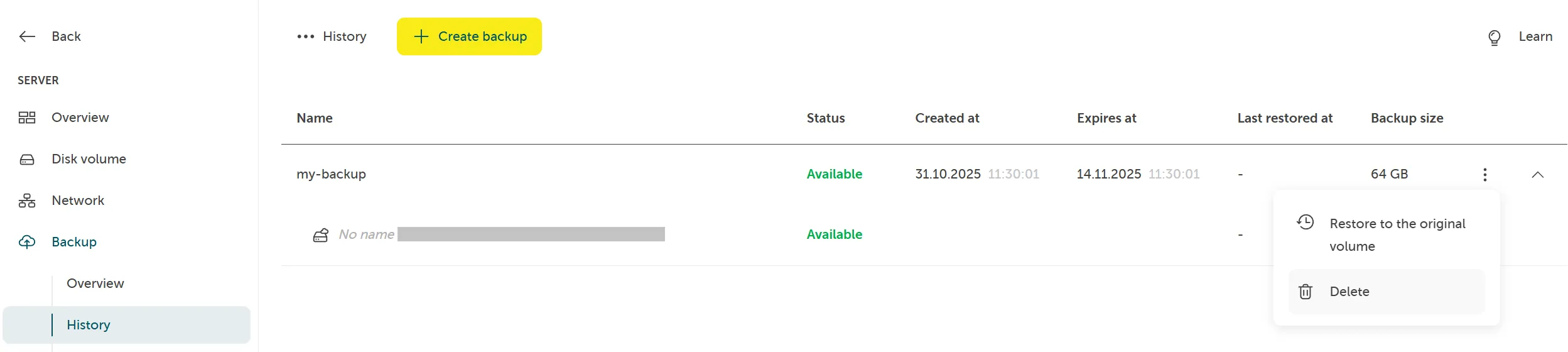
Section titled “Delete a backup”To delete a backup go to Server > Backup > History. Select a backup via context menu and then click on Delete:
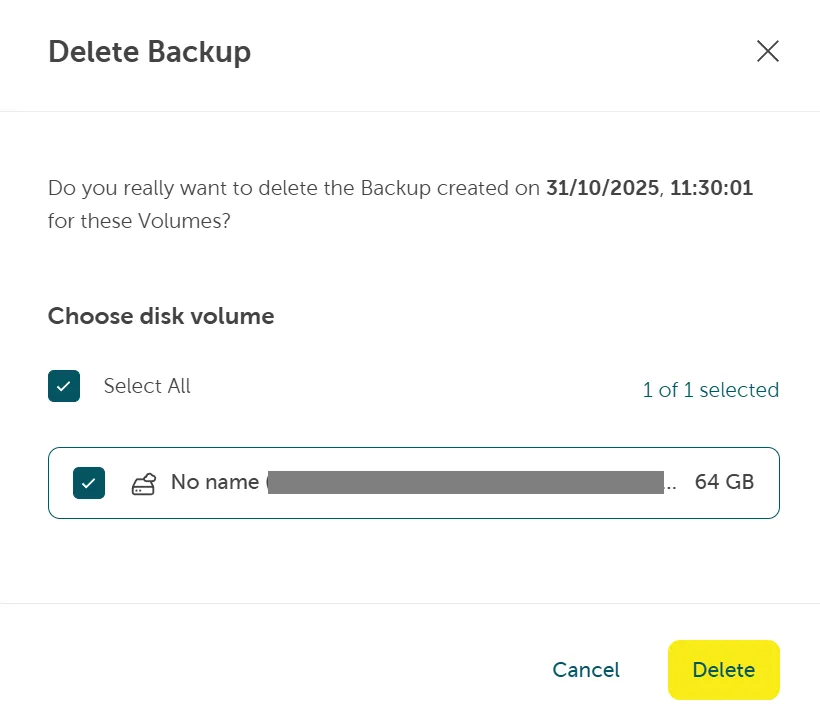
Confirm deletion by clicking Delete:
Delete a backup schedule
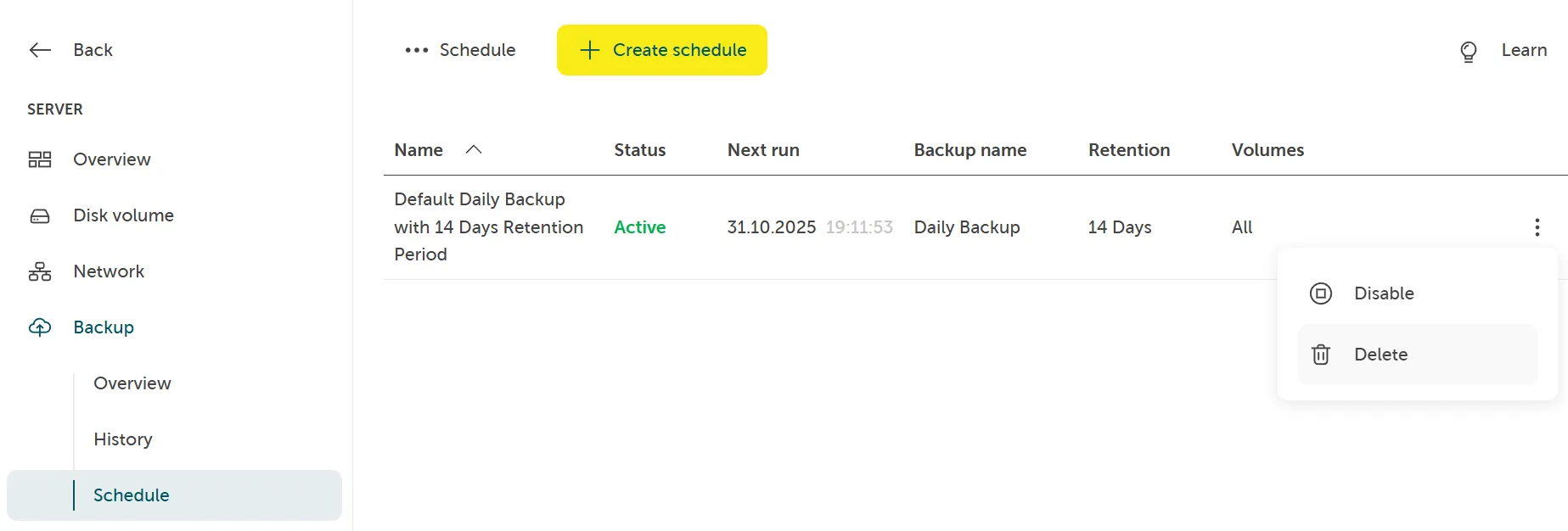
Section titled “Delete a backup schedule”To delete a backup schedule navigate to Sever > Backup and then select Schedule. Click on the context menu and select Delete.