Order a Server Backup Management Service
Last updated on
Click on your server to see its details. In the menu on the left you can find a Backup section where you can perform all activities in regards to the Server Backup Management Service.
For managed servers
Section titled “For managed servers”For unmanaged servers
Section titled “For unmanaged servers”Order the Server Backup Management Service through the steps below.
-
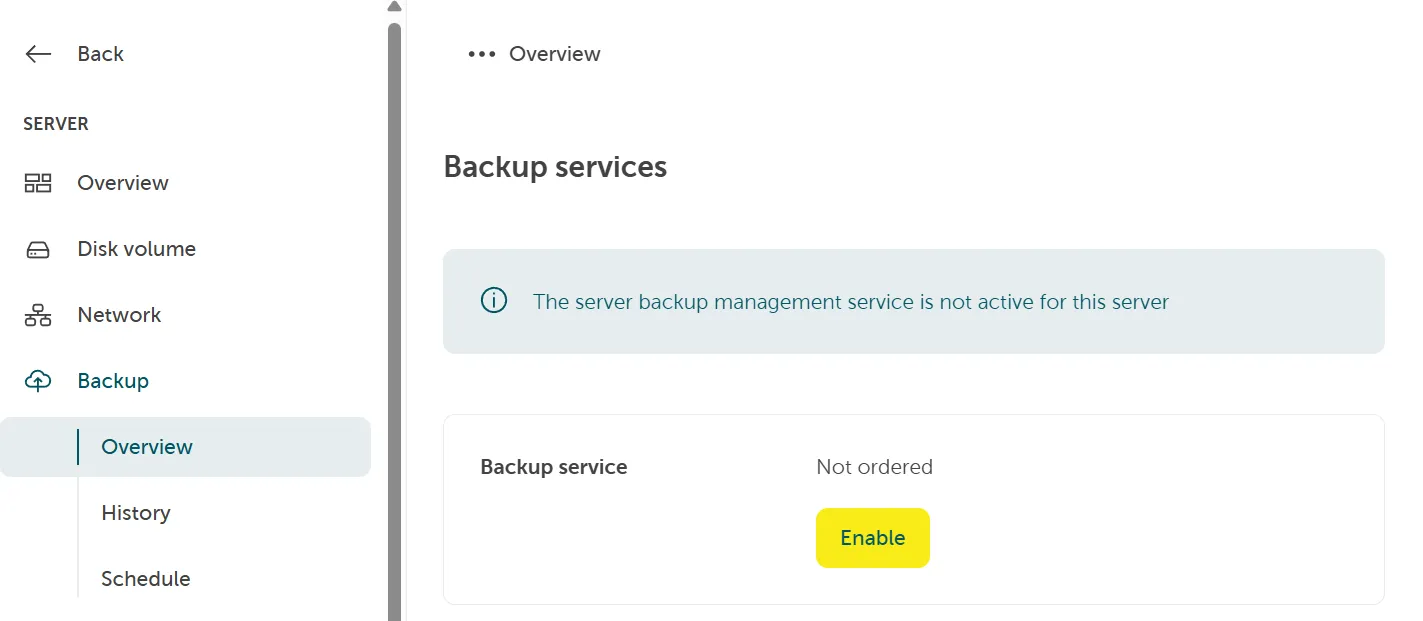
In the STACKIT Portal go to Server > Backup > Overview and click the button Enable.
-
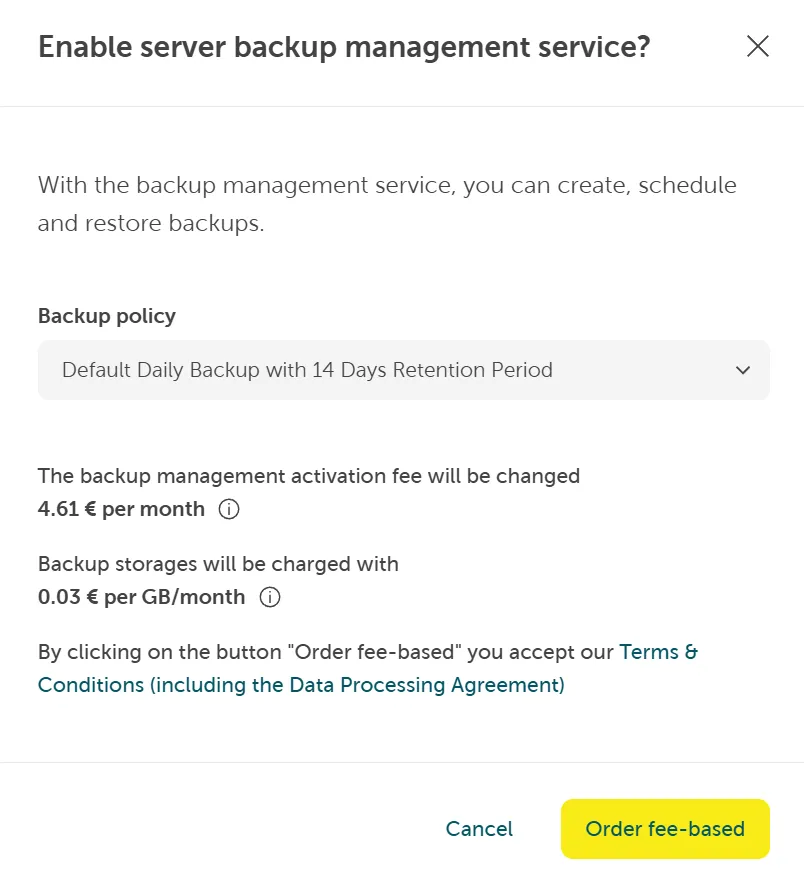
Enable the Server Backup Management Service.
Check for default daily backup schedule. This creates a backup schedule for all volumes with a retention period of 14 days per default. By clicking Order fee-based you accept the price and our Terms and Conditions.