STACKIT Compatibility
Zuletzt aktualisiert am
STACKIT Secret Manager is compatible with the HashiCorp Vault API.
This compatibility allows you to retrieve secrets in STACKIT Git Pipelines using existing tools such as the hashicorp/vault-action GitHub Action.
By integrating the Secret Manager into your pipelines, you can securely access credentials, tokens, and configuration values during workflow running.
Using STACKIT Secret Manager in Pipelines
Section titled “Using STACKIT Secret Manager in Pipelines”To retrieve secrets from STACKIT Secret Manager within a pipeline workflow, follow the steps below.
Gather required information
Section titled “Gather required information”Before configuring the pipeline, obtain the following information from the STACKIT Portal:
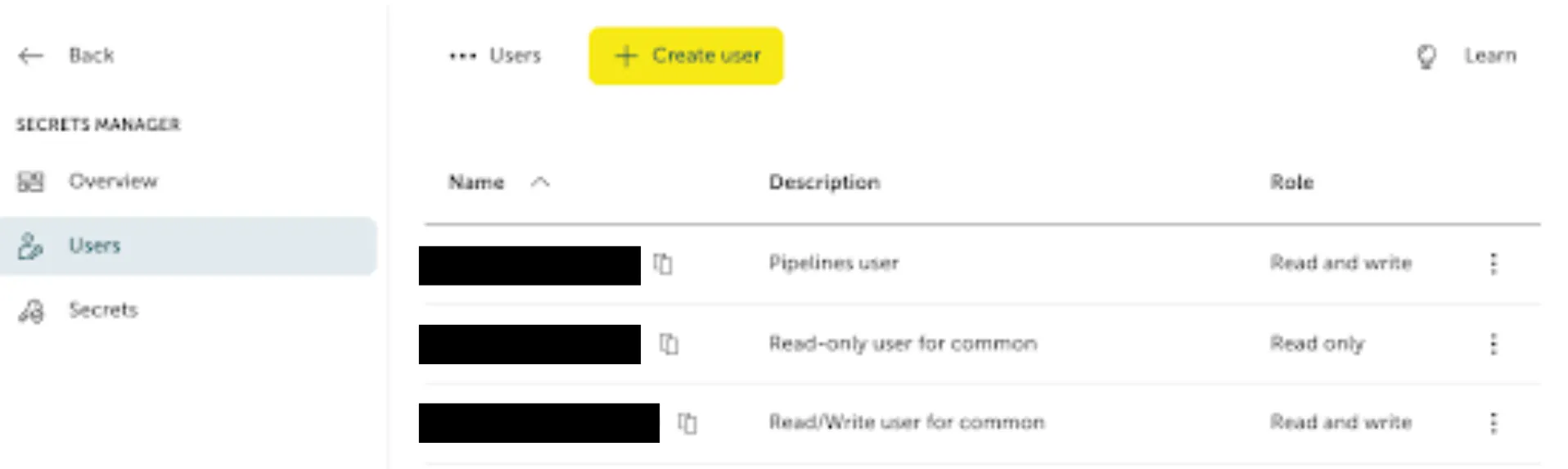
- Username and password
Credentials used to authenticate against the Secret Manager API.
-
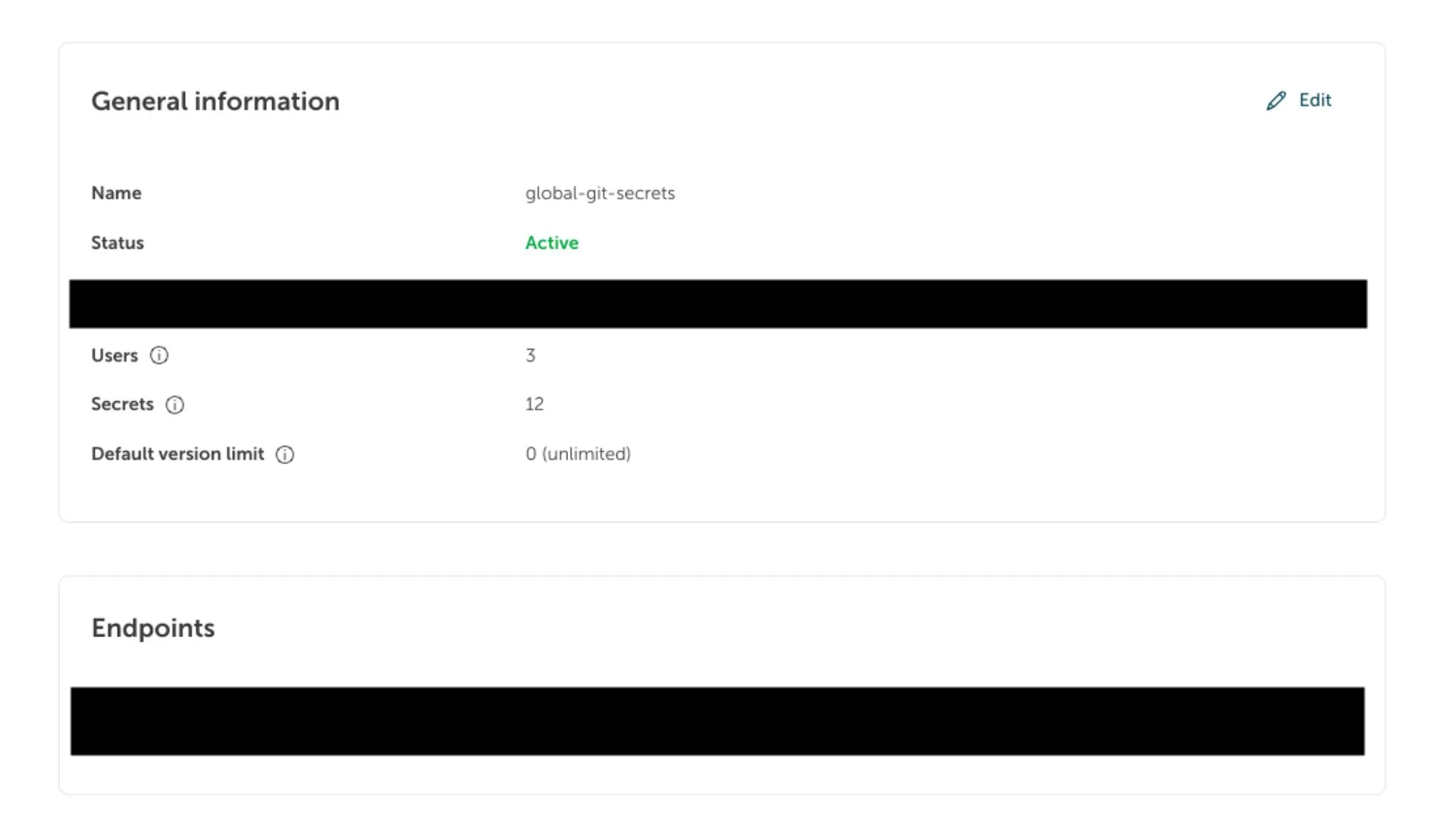
API URL
The endpoint used to access the STACKIT Secret Manager service. -
Secret Manager UUID
The unique identifier of your Secret Manager instance.
Understand the secret path format
Section titled “Understand the secret path format”Secrets in STACKIT Secret Manager are accessed using the following path format:
[UUID]/data/[secret-name] [secret-key]Path components
Section titled “Path components”-
[UUID]
The unique identifier of the Secret Manager instance. -
[secret-name]
The name of the secret container. -
[secret-key]
The specific key-value entry that should be retrieved.
Example:
33333333-3333-3333-3333-333333333333/data/stackit-git versionThis retrieves the key version from the secret container stackit-git.
Configure the HashiCorp Vault Action
Section titled “Configure the HashiCorp Vault Action”To access secrets during pipeline running, you can use the
HashiCorp Vault Action.
The following example demonstrates how to retrieve a secret in a pipeline workflow.
name: Import Secrets
on: [push]
jobs:  test:    runs-on: ubuntu-act
    steps:      - uses: actions/checkout@v4
      - name: Import Secrets        id: import-secrets        uses: hashicorp/vault-action@v2        with:          url: https://prod.sm.eu01.stackit.cloud          method: userpass          username: ${{ secrets.SECRET_MANAGER_USERNAME }}          password: ${{ secrets.SECRET_MANAGER_PASSWORD }}          secrets: |            33333333-3333-3333-3333-333333333333/data/stackit-git version
      - name: Echo version        run: echo $VERSION
      - name: Sensitive Operation        run: echo '${{ steps.import-secrets.outputs.version }}'
In this example:
- The pipeline authenticates against the STACKIT Secret Manager
- The specified secret is retrieved
- The value is made available as a workflow output and environment variable
Additional information
Section titled “Additional information”For more details about related services and tools, see: