Creating Service Users
Last updated on
The following tutorial shows how to create Service Users to be used for your Automated Workflows and Machine to Machine authentication.
Prerequisites
Section titled “Prerequisites”- You have a STACKIT Dremio Instance
- You have a Dremio
ADMINrole in your Dremio Instance or permissions to create service users.
Step-by-Step configuration
Section titled “Step-by-Step configuration”To add a new ACL entry:
-
Open your project in the STACKIT Portal
Section titled “Open your project in the STACKIT Portal”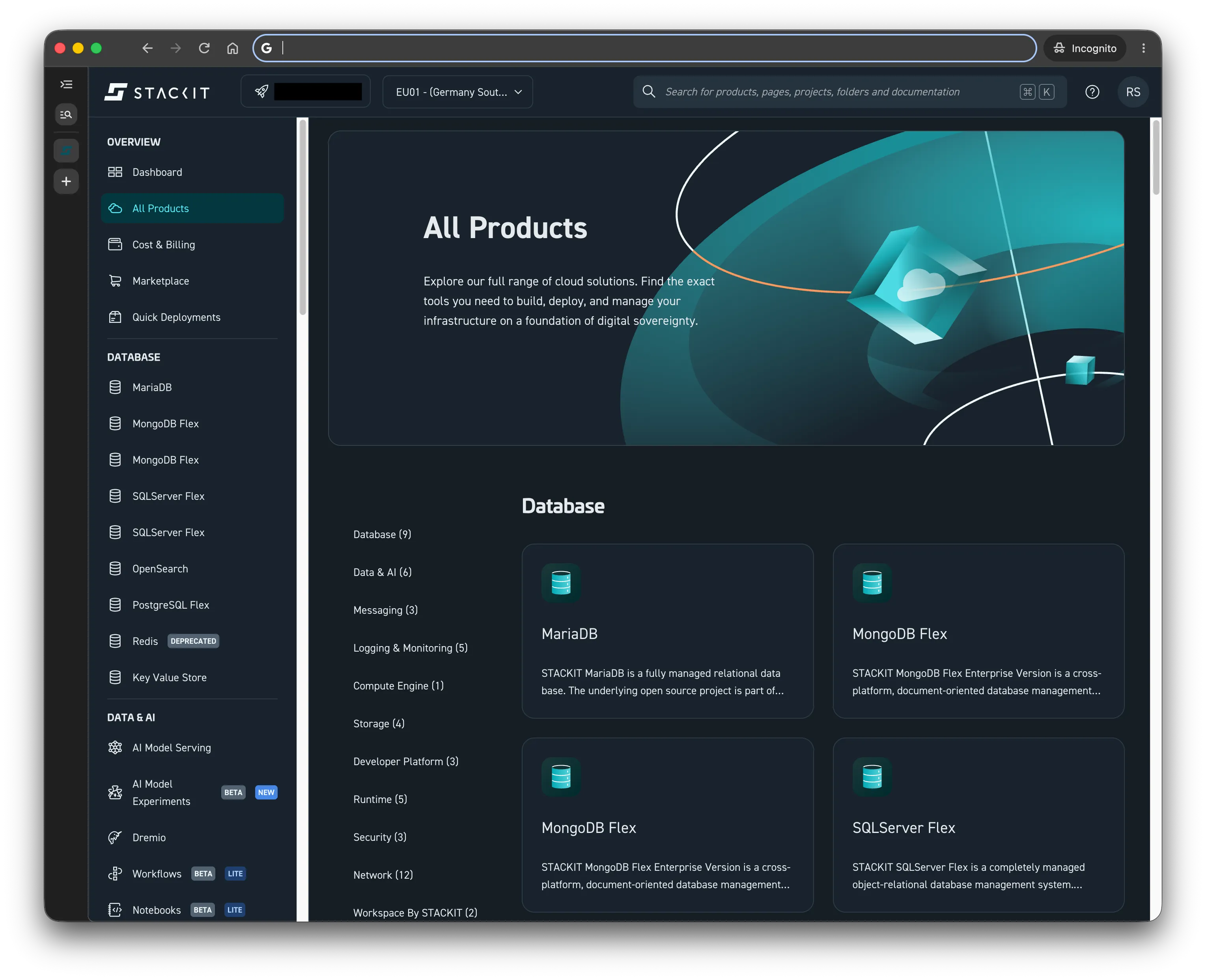
-
Navigate to Dremio
Section titled “Navigate to Dremio”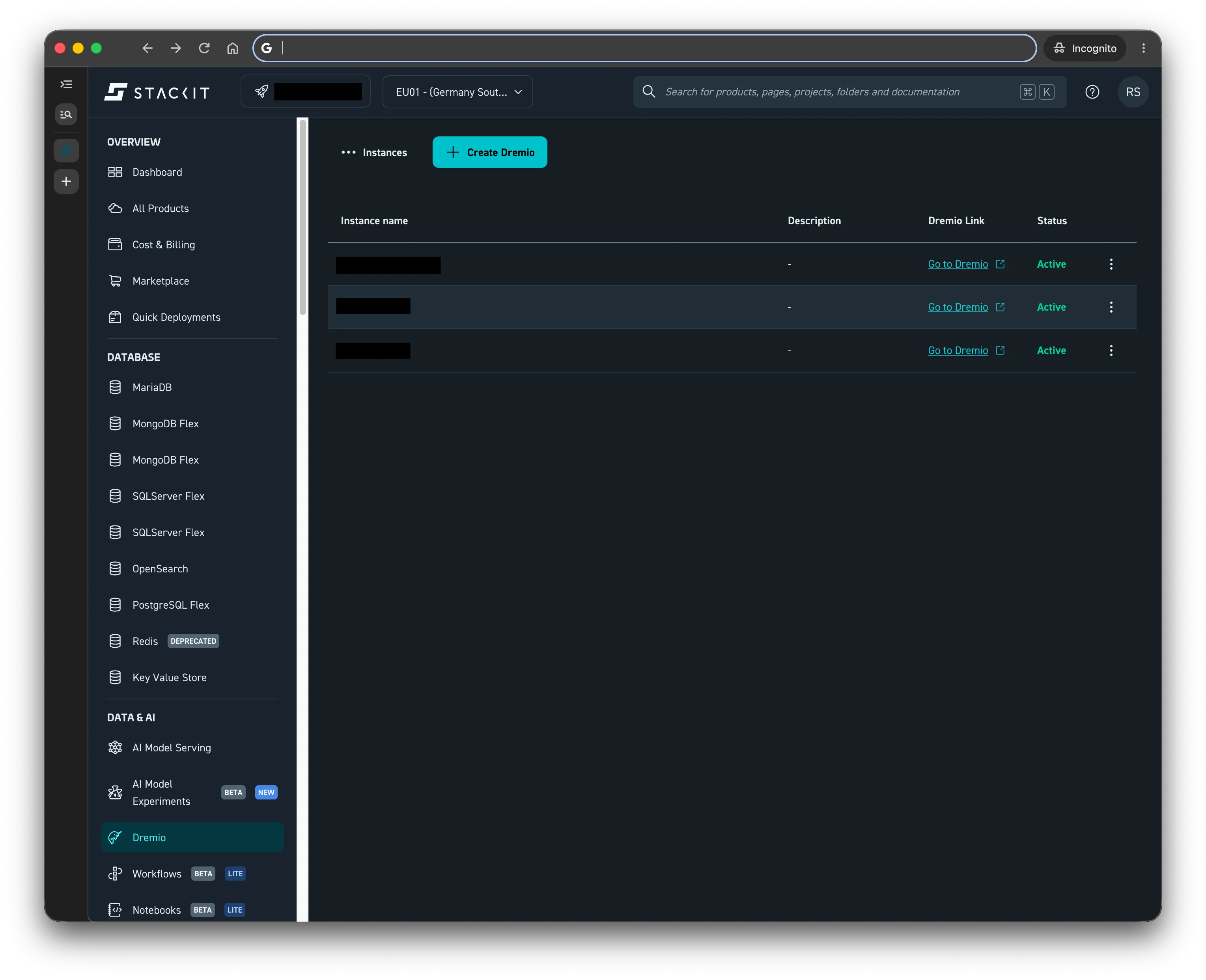
-
Click on the Go to Dremio link corresponding to your instance and log in and navigate to Settings.
Section titled “Click on the Go to Dremio link corresponding to your instance and log in and navigate to Settings.”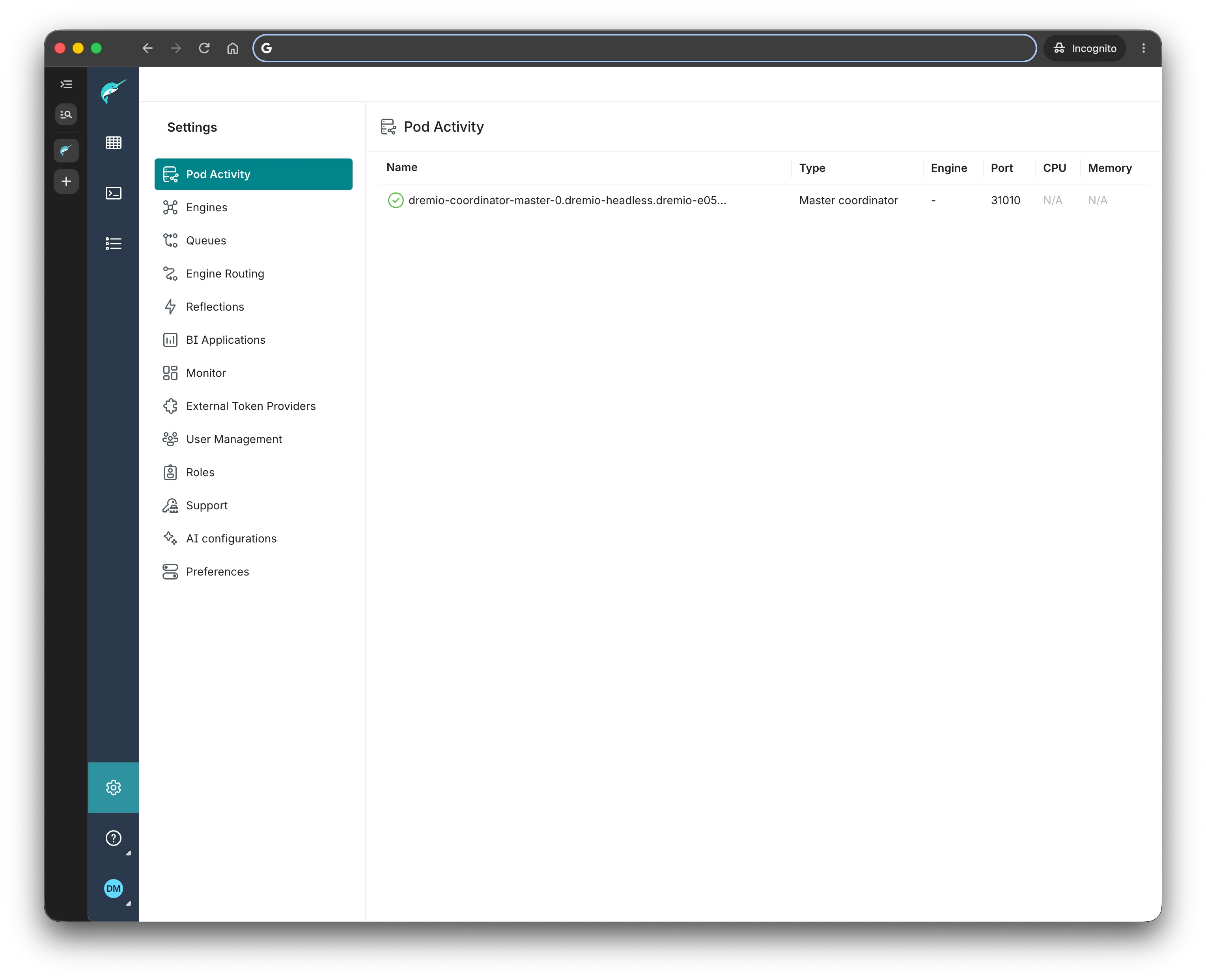
-
Click on User Management from the Settings menu
Section titled “Click on User Management from the Settings menu”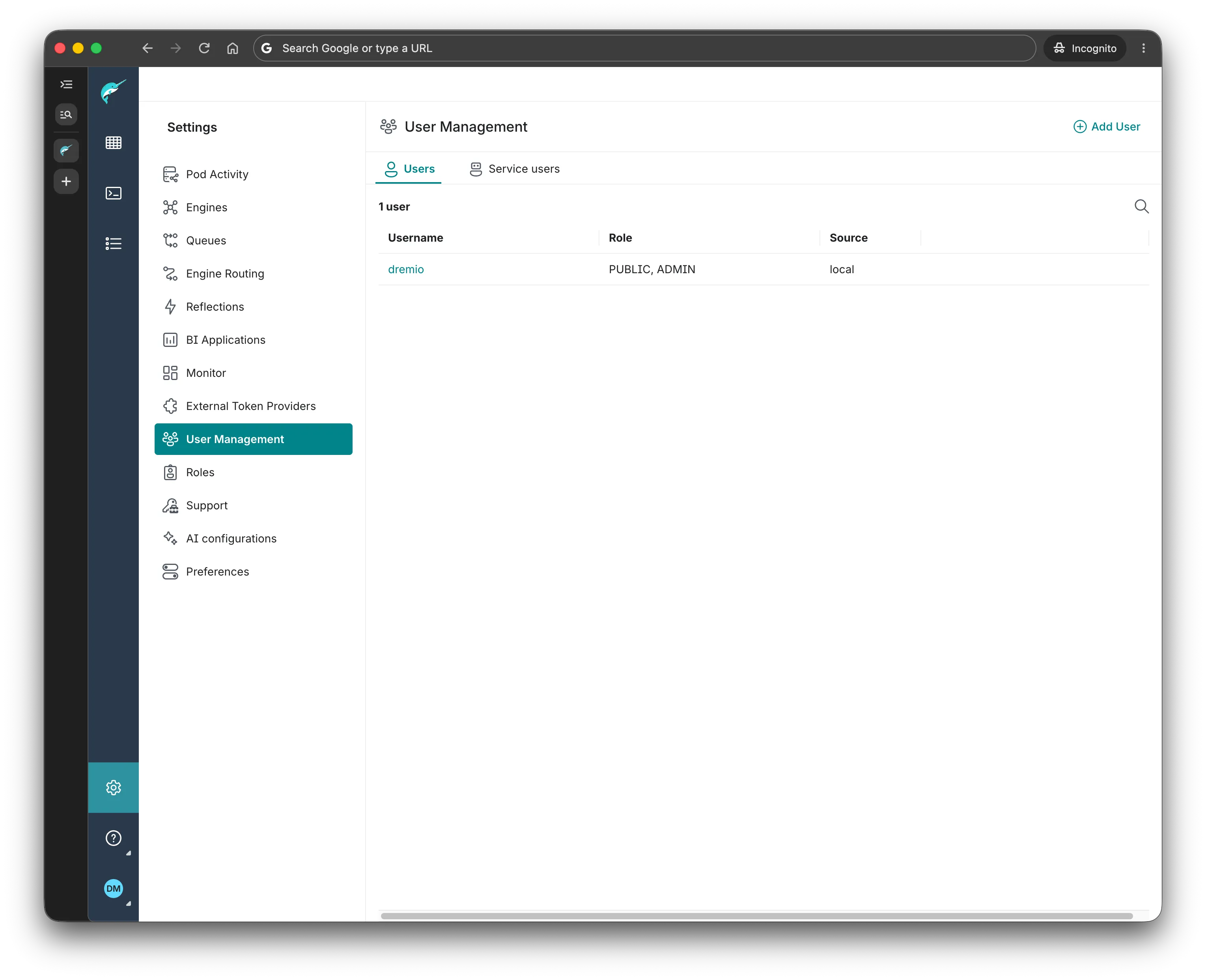
-
Click on the Service Users tab.
Section titled “Click on the Service Users tab.”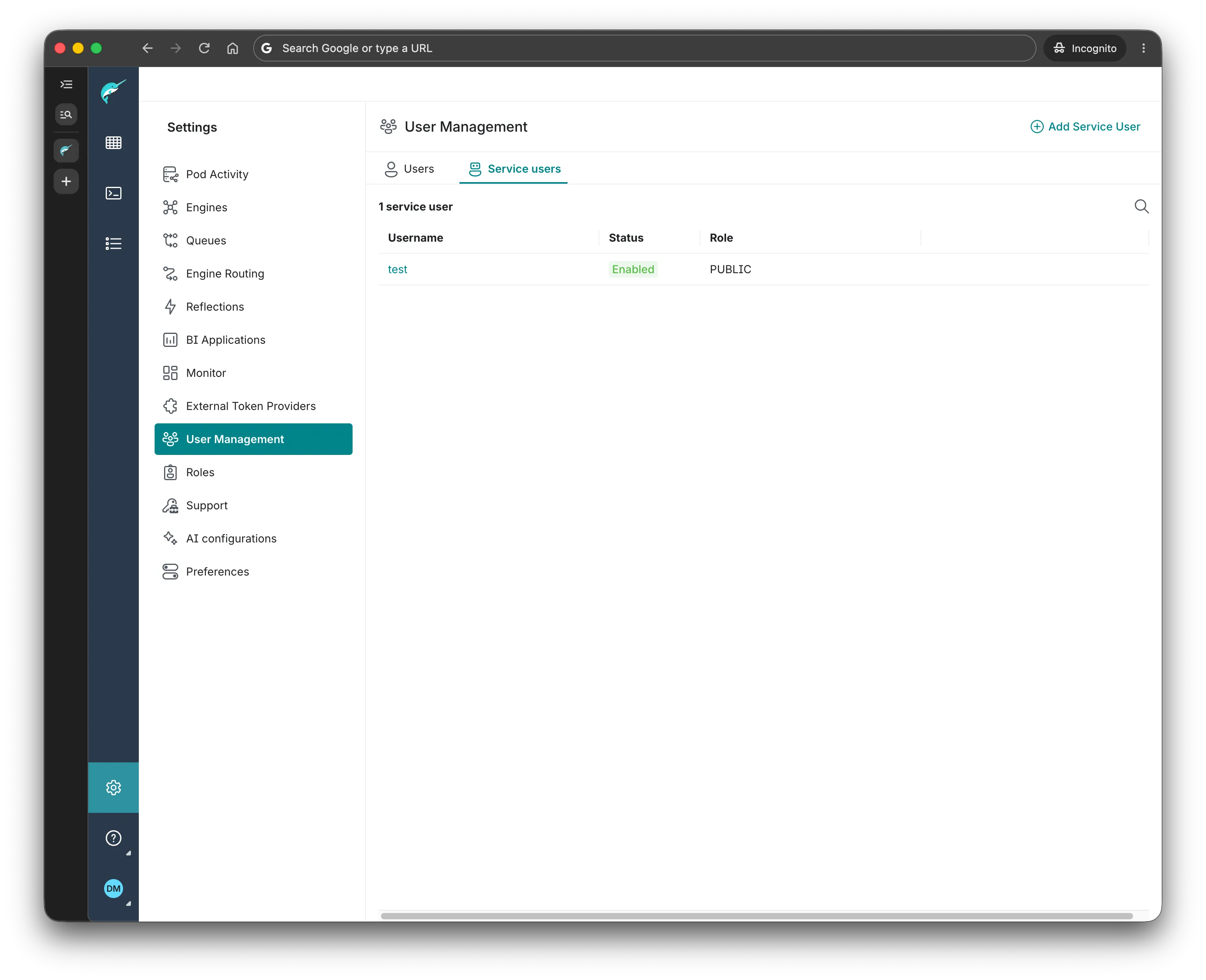
-
Click on the Add Service User button in the top right.
Section titled “Click on the Add Service User button in the top right.”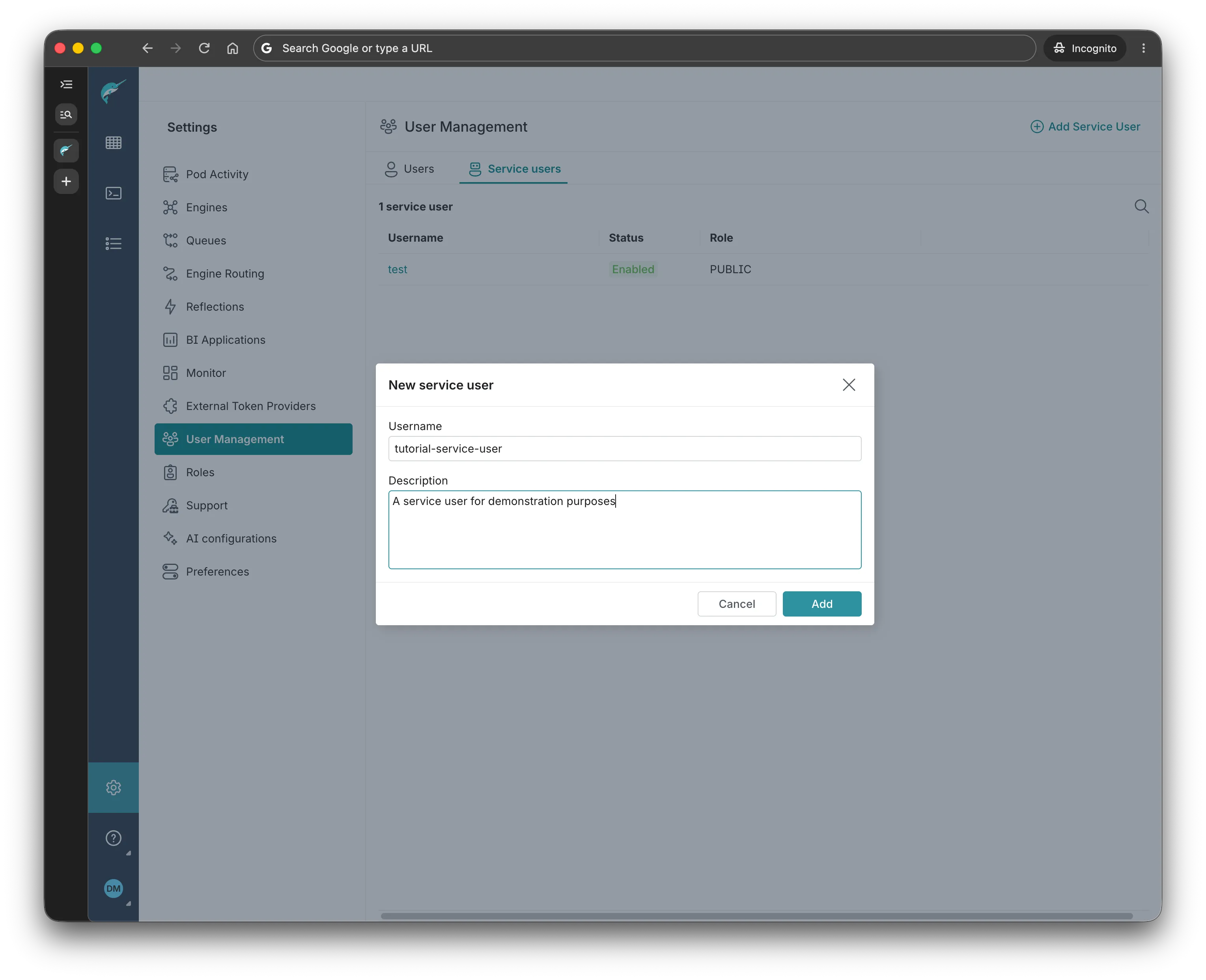
-
Fill in the desired Username and Description and click Add.
Section titled “Fill in the desired Username and Description and click Add.”