Get your kubeconfig
Last updated on
You authenticate with Kubernetes using a Kubeconfig file. Follow the next steps to get the file.
Prerequisites:
- Successfully authenticated in the UI of a STEC instance.
Steps:
-
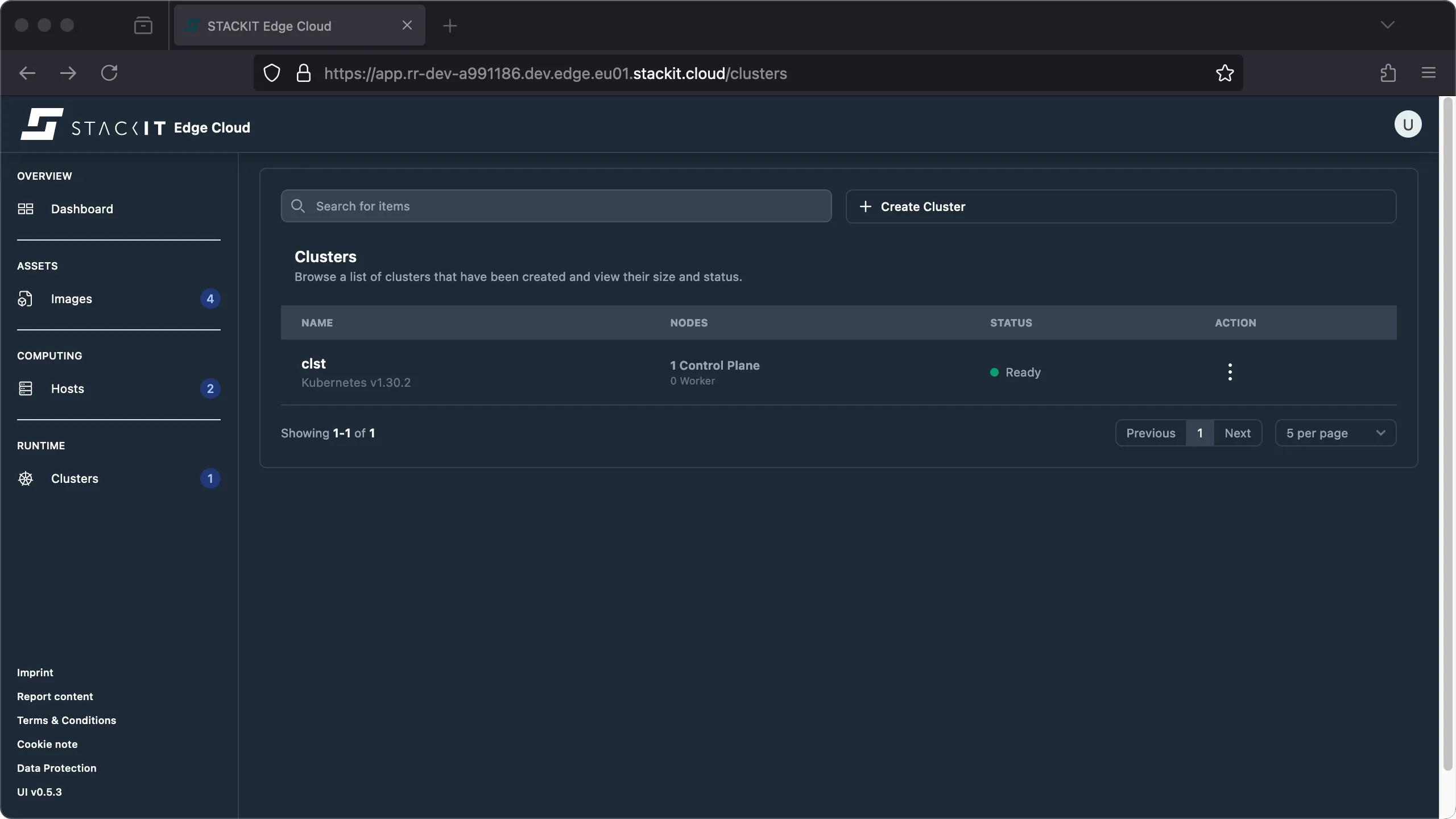
Navigate to the Cluster section. You’ll get to the Clusters overview. Click on the name of the cluster you want to get the Kubeconfig file for.
-
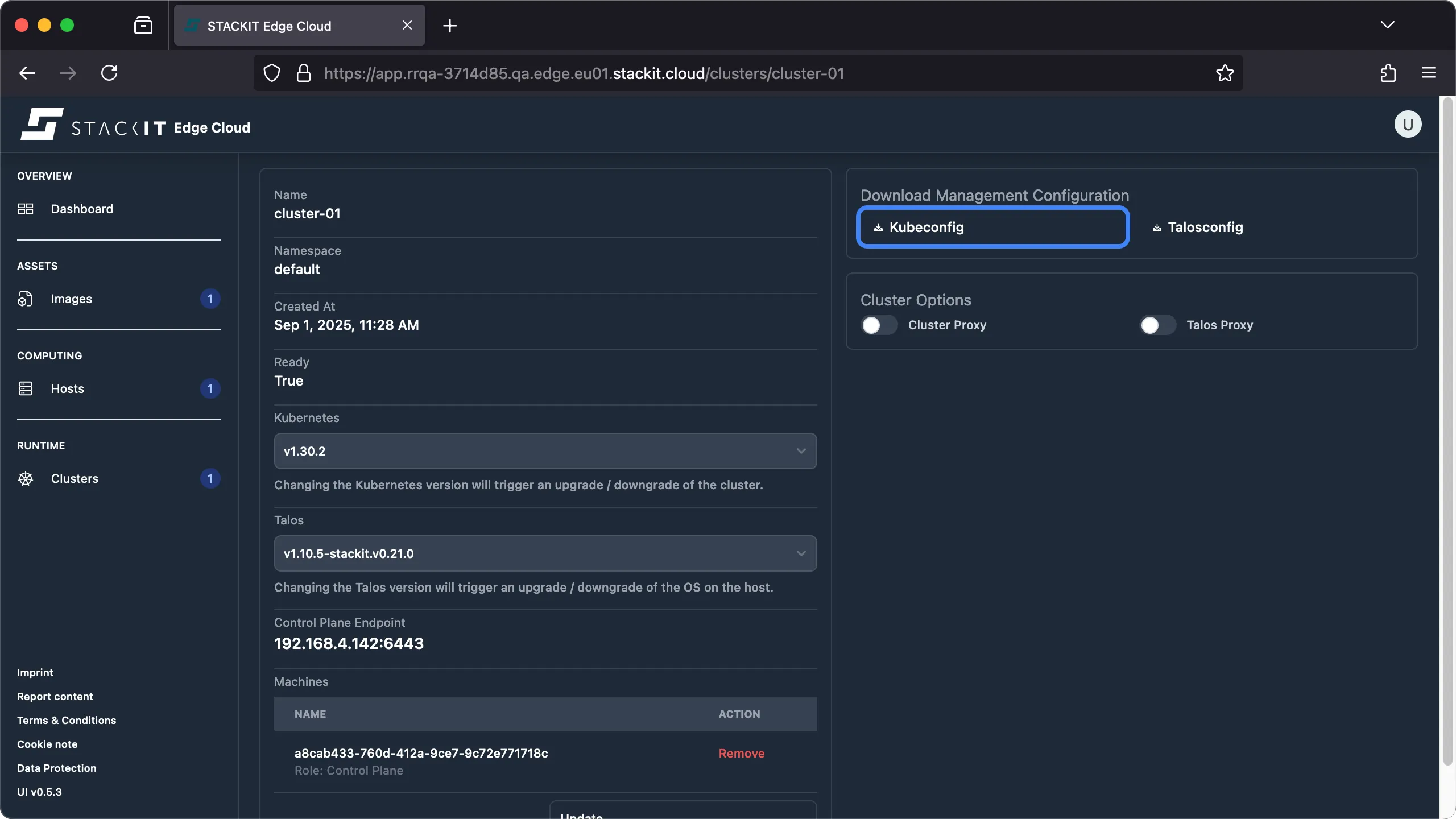
Click on the Kubeconfig button to start the download of a valid Kubeconfig file for the selected cluster.
Prerequisites:
- Successfully authenticated with a STEC instance.
- Tools: a generic Linux bash terminal,
kubectl,yq.
Steps:
-
The kubeconfig for every cluster lives in the STEC instance as a Kubernetes secret. You simply have to get the correct secret, decode and save it to a file.
Terminal window > export KUBECONFIG=~/.kubeconfig/your-stec.kubeconfig.yaml> CLUSTER_NAME="cluster-01"> kubectl get secrets/${CLUSTER_NAME}-kubeconfig --namespace default -o yaml | yq '.data.value' | base64 --decode > ${CLUSTER_NAME}.kubeconfig.yaml