Create NFS Shares
Last updated on
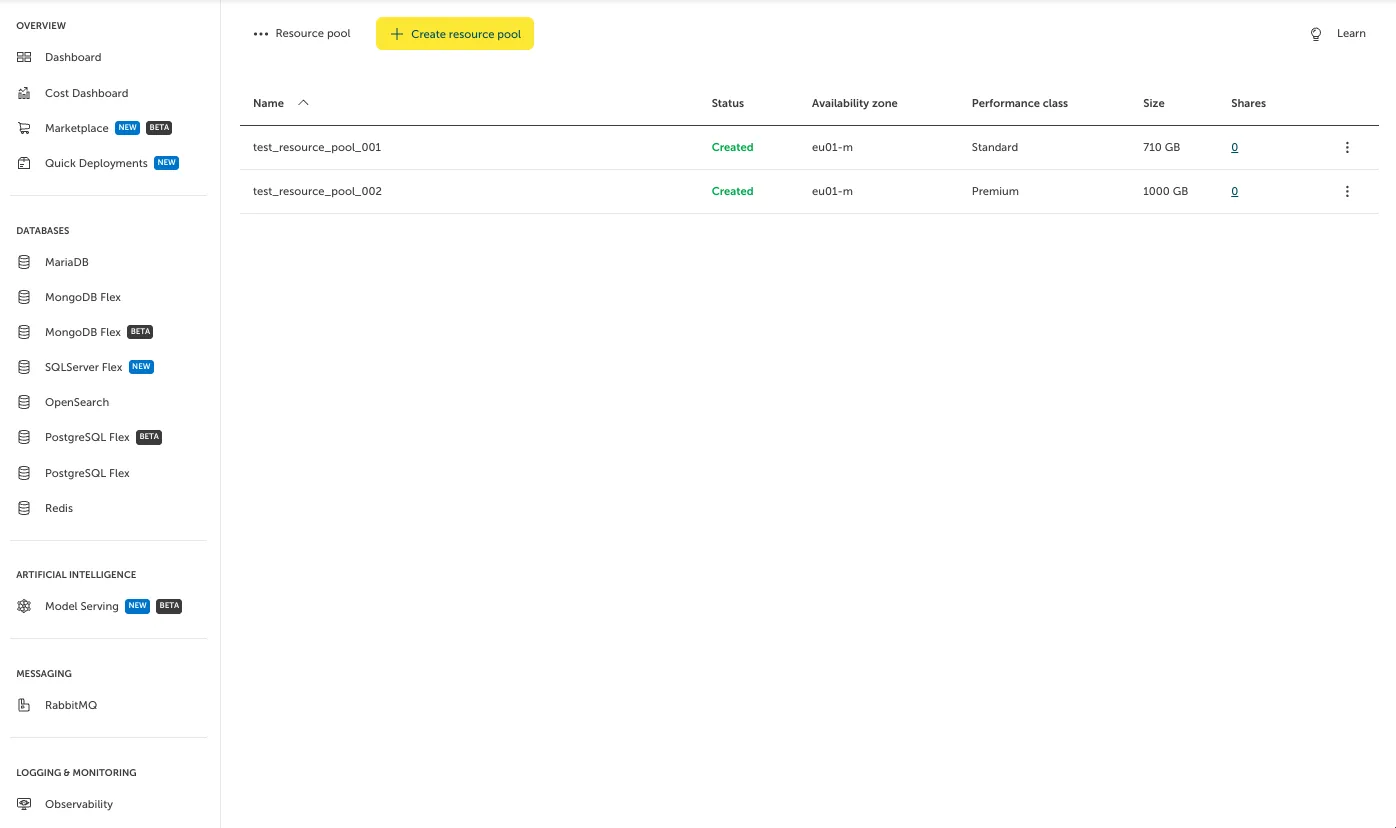
To create an NFS Share on a Resource Pool, click on the Resource Pool in the list that you want to create the NFS Share on. In our case, we will use “test_resource_pool_002”.
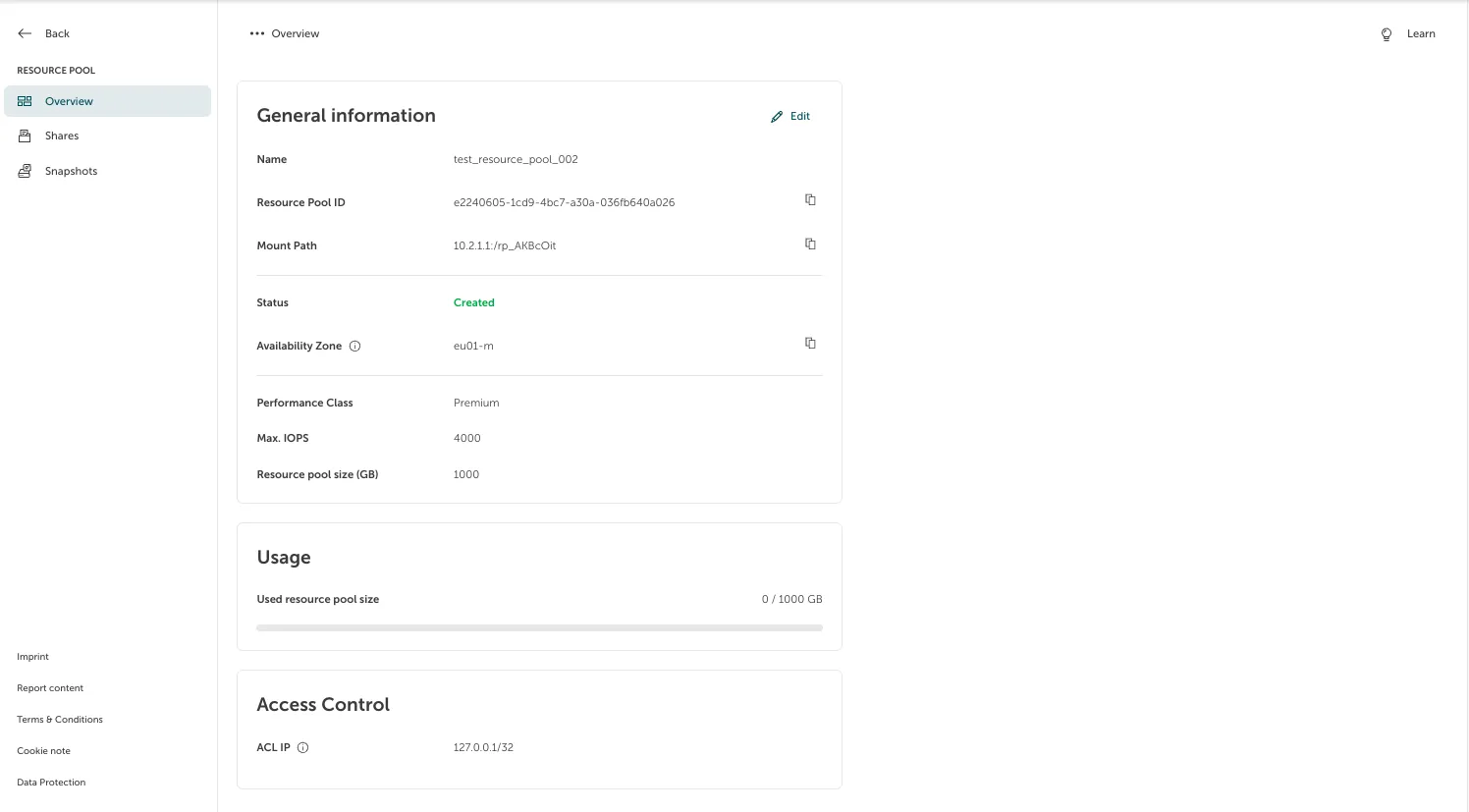
On the side, you can see and select “Shares”.
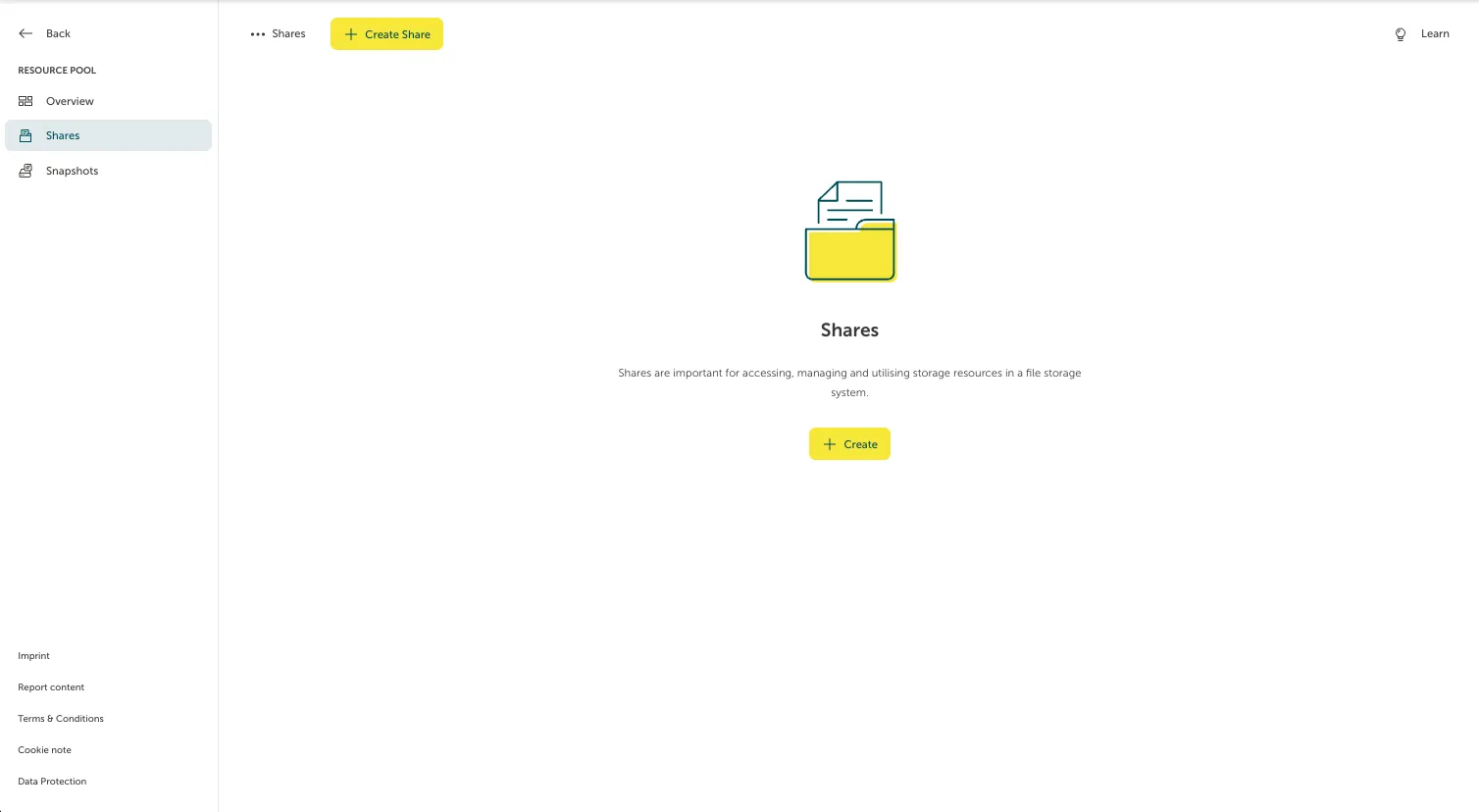
Now, click “Create”.
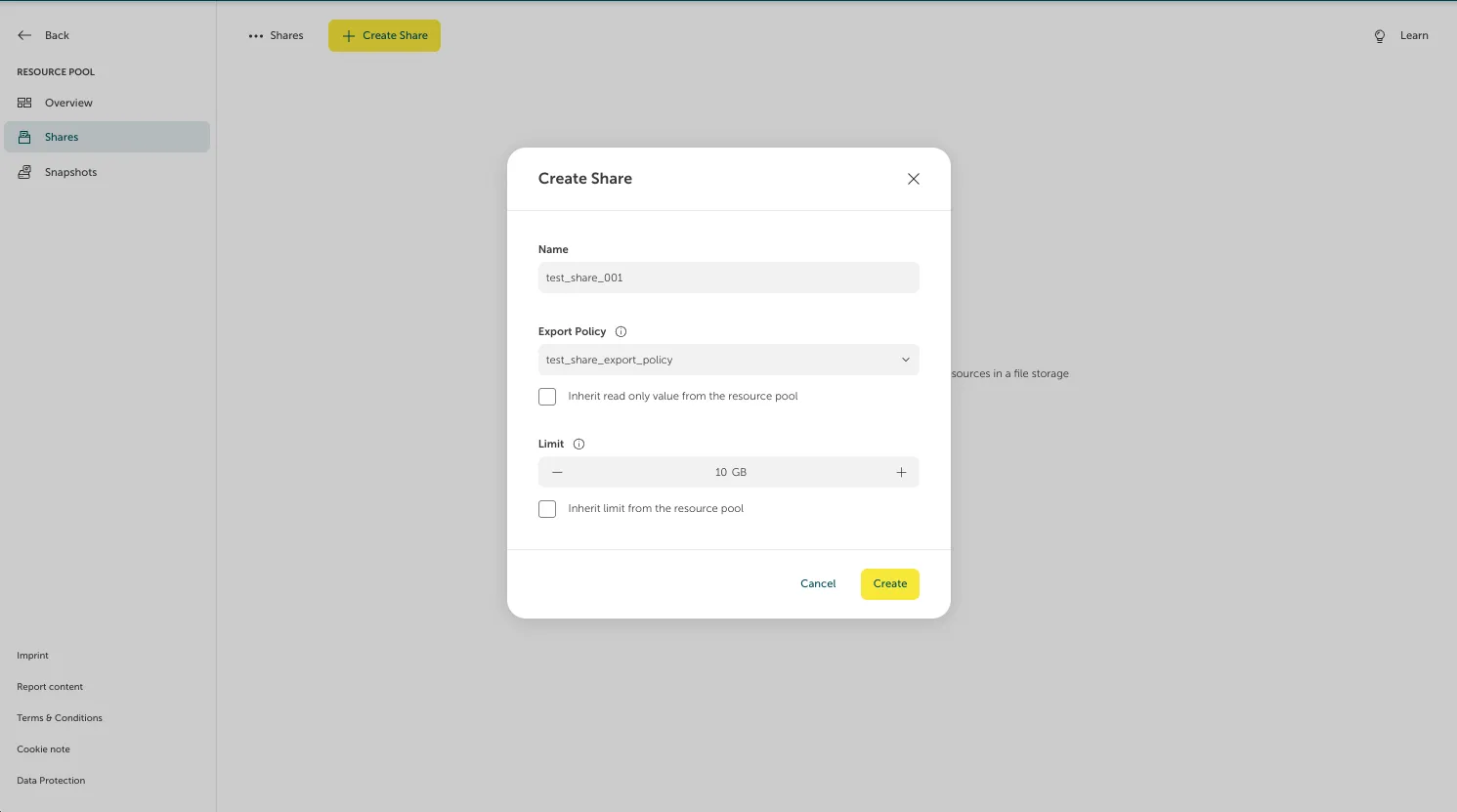
A form will pop up where we can fill in the required data. After doing so, hitting “Create” will create the requested NFS Share.