Create Resource Pools
Last updated on
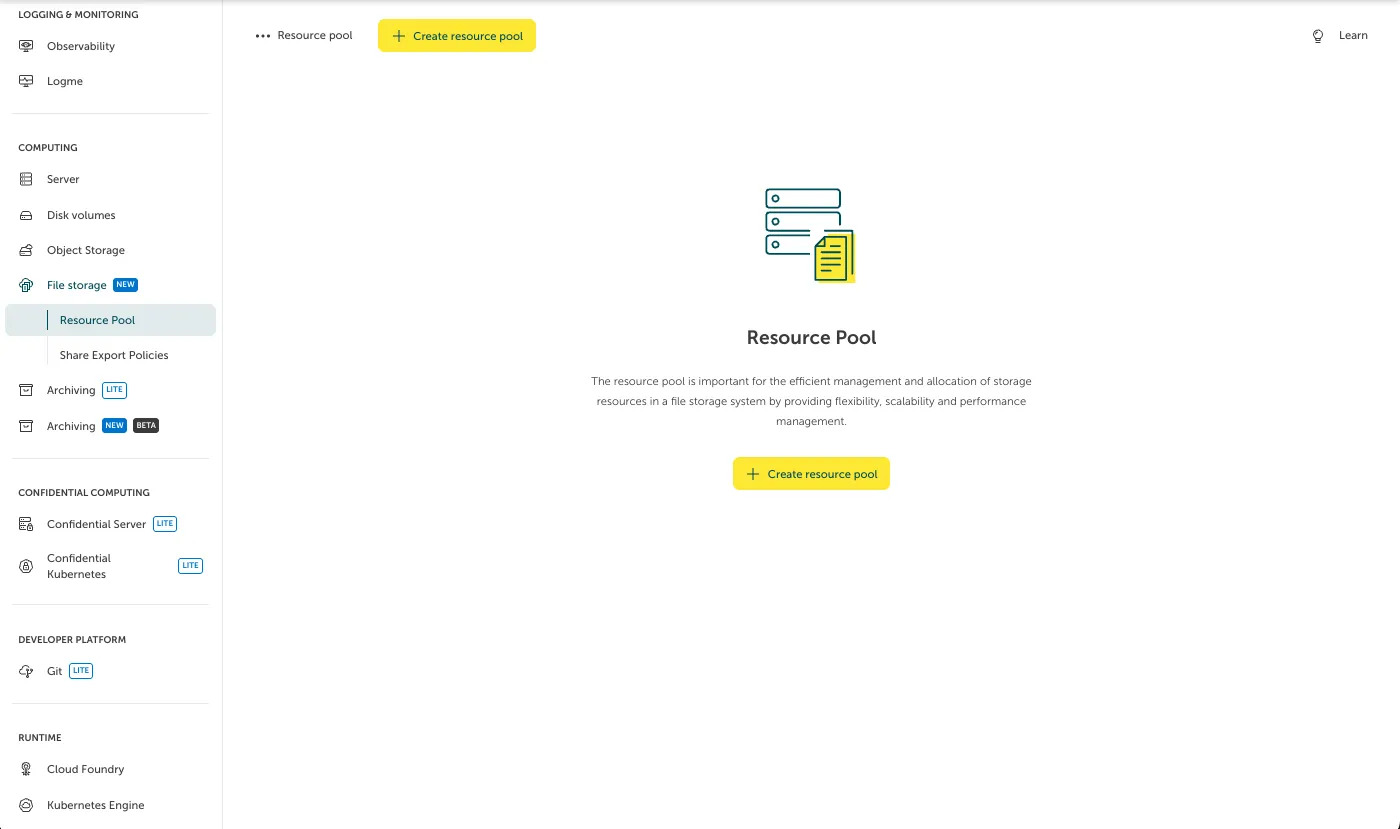
When you initially navigate to “File Storage > Resource Pools”, you will be able to create new Resource Pools. Please not, that a Resource Pool is always connected to the STACKIT Network Area (SNA) of the project, in which the File Storage is activated - this can be restricted via Share Export Policies separately.
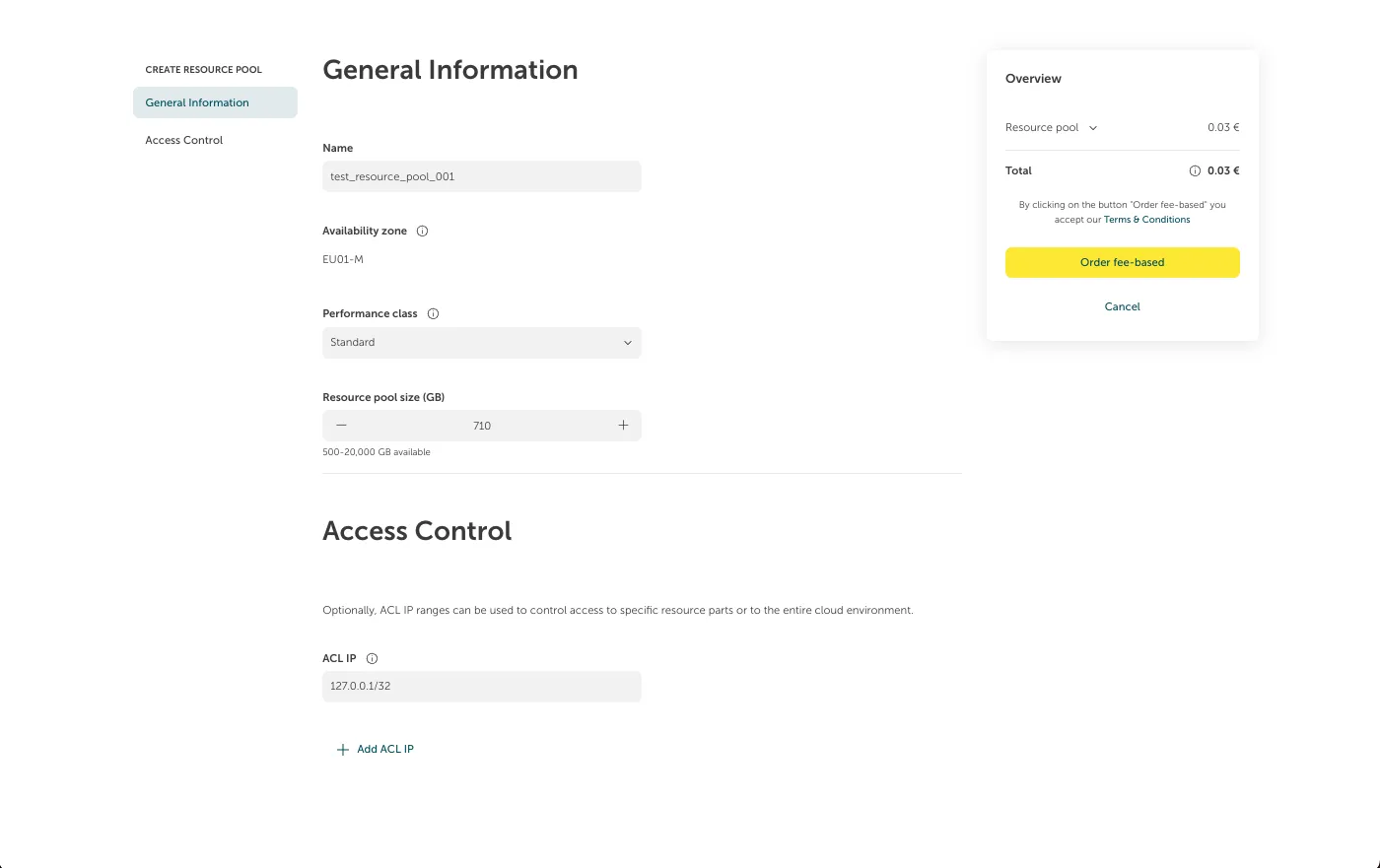
After clicking on “Create Resource Pool”, a form will appear where you can fill in the information regarding the desired Resource Pool. Amongst others, you can choose the name, performance class and size (in GB). Once you filled in all the mandatory information, you can create the Resource Pool by clicking on “Order fee-based”.
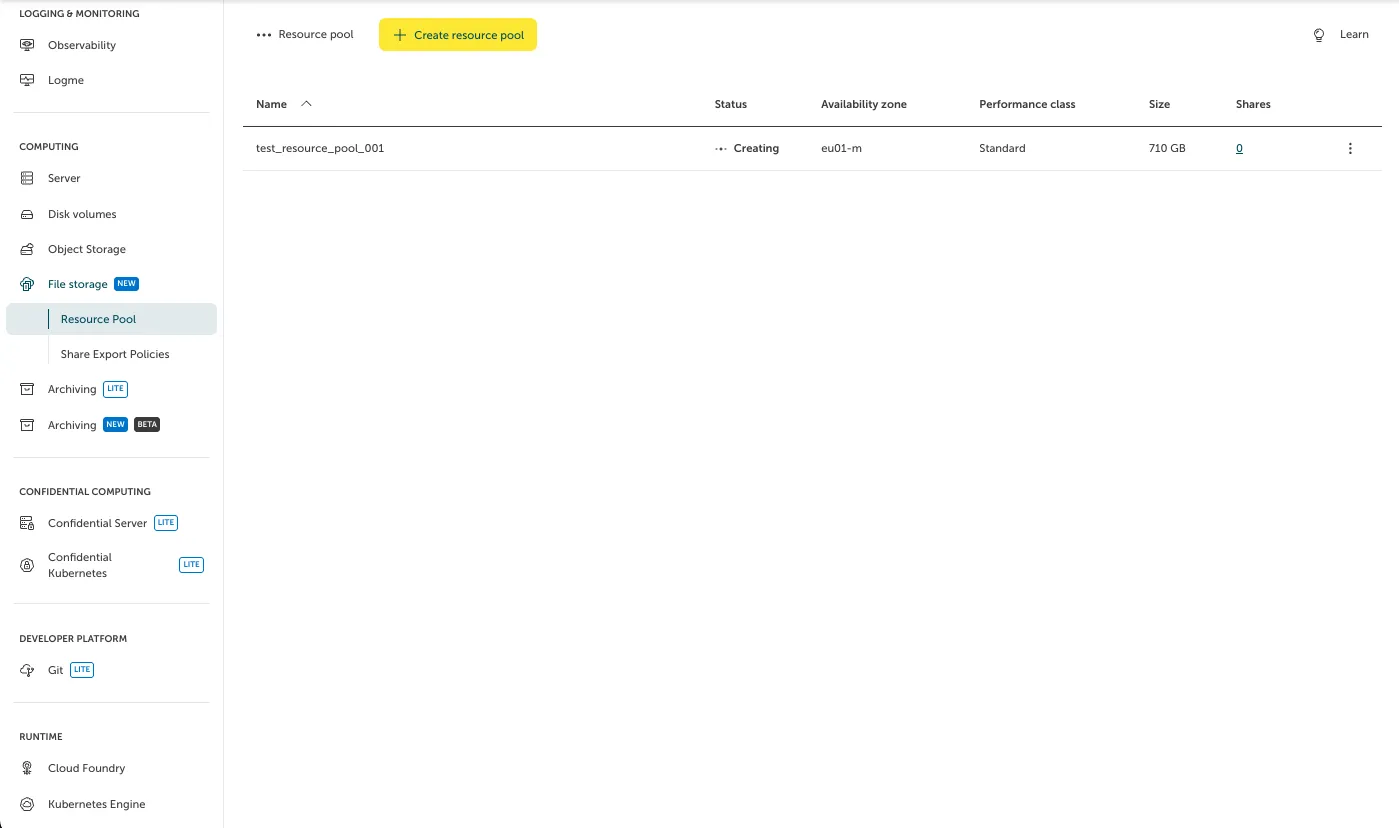
After creation, you will see the newly created Resource Pool listed in the Resource Pool page.