Create Share Export Policies
Last updated on
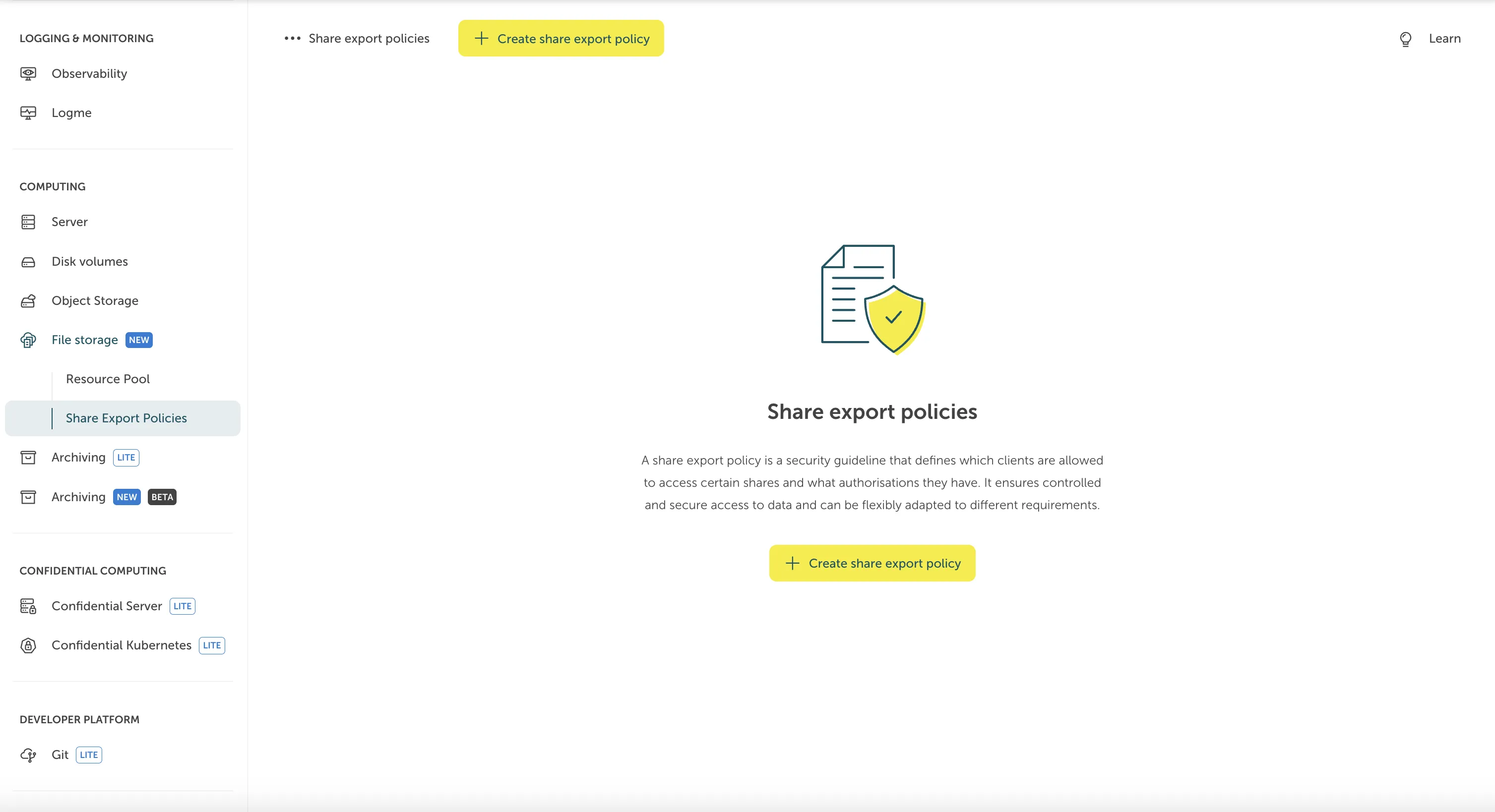
To create a Share Export Policy, go to “File Storage > Share Export Policies” and click on “Create Share Export Policy”.
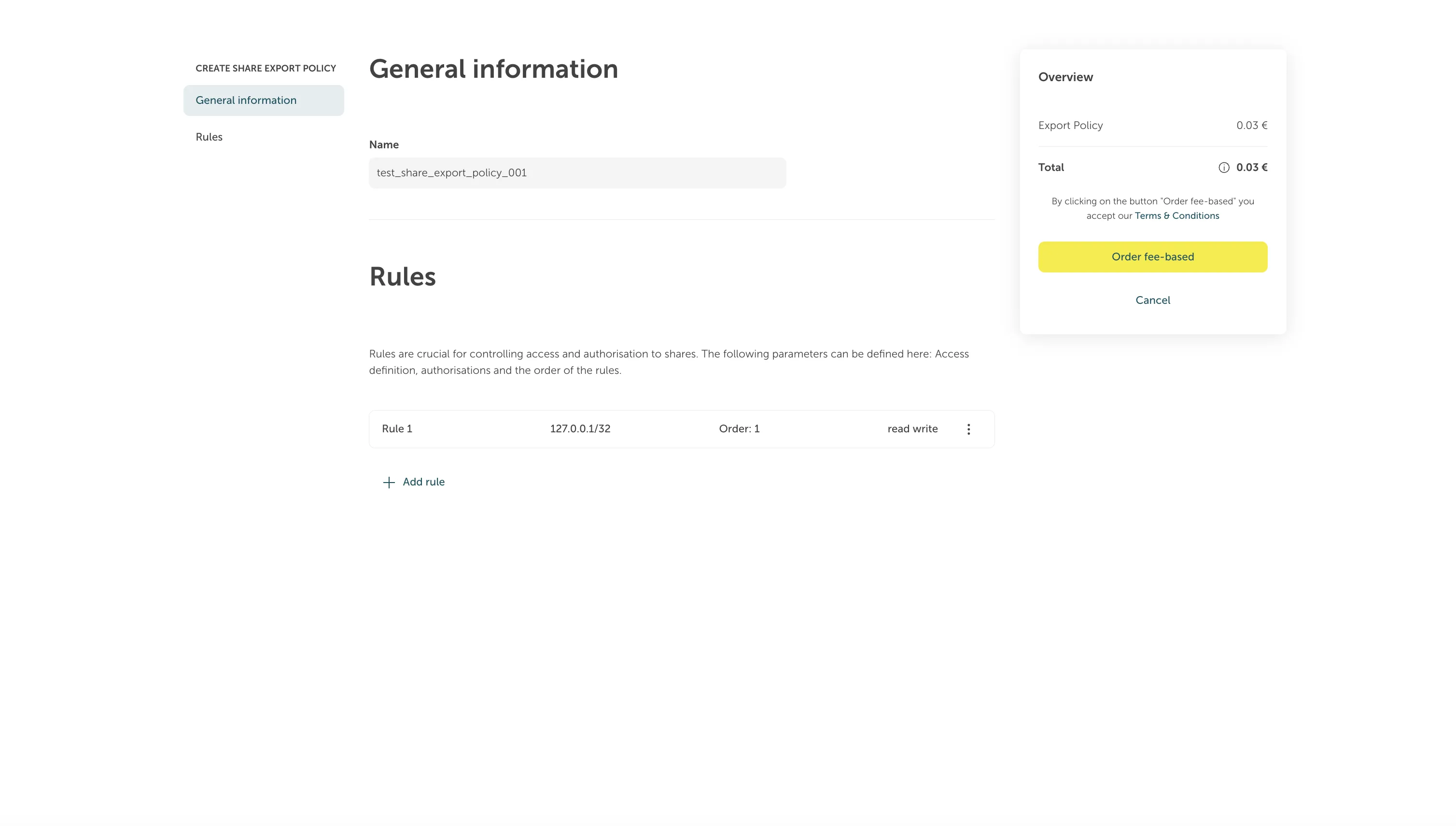
You will be prompted to a form where you can fill in the details for the Share Export Policy. After doing so, you can click “Order fee-based” to finish the process.
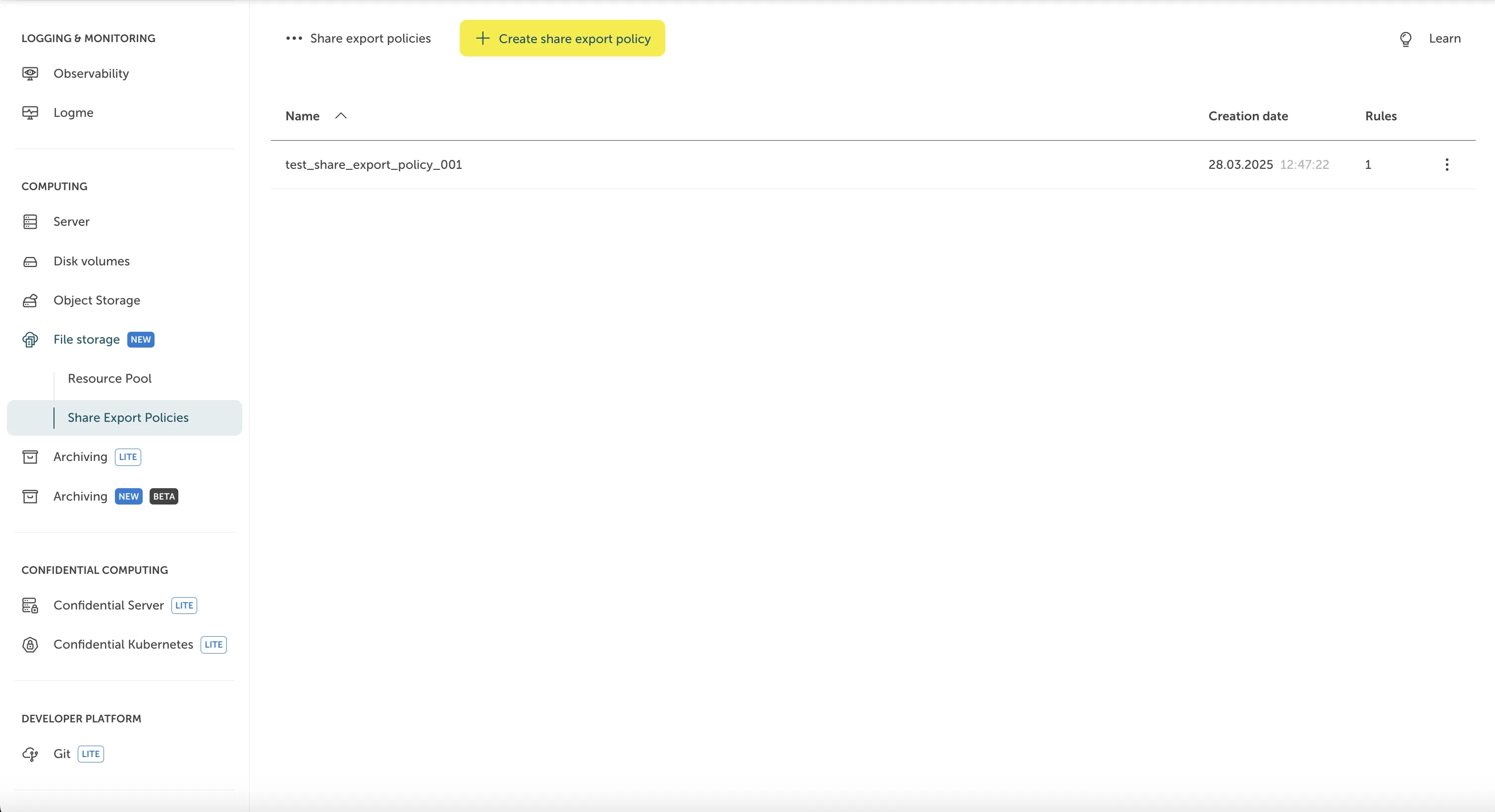
Afterwards, you will see the newly created Share Export Policy listed.