Update NFS Share
Last updated on
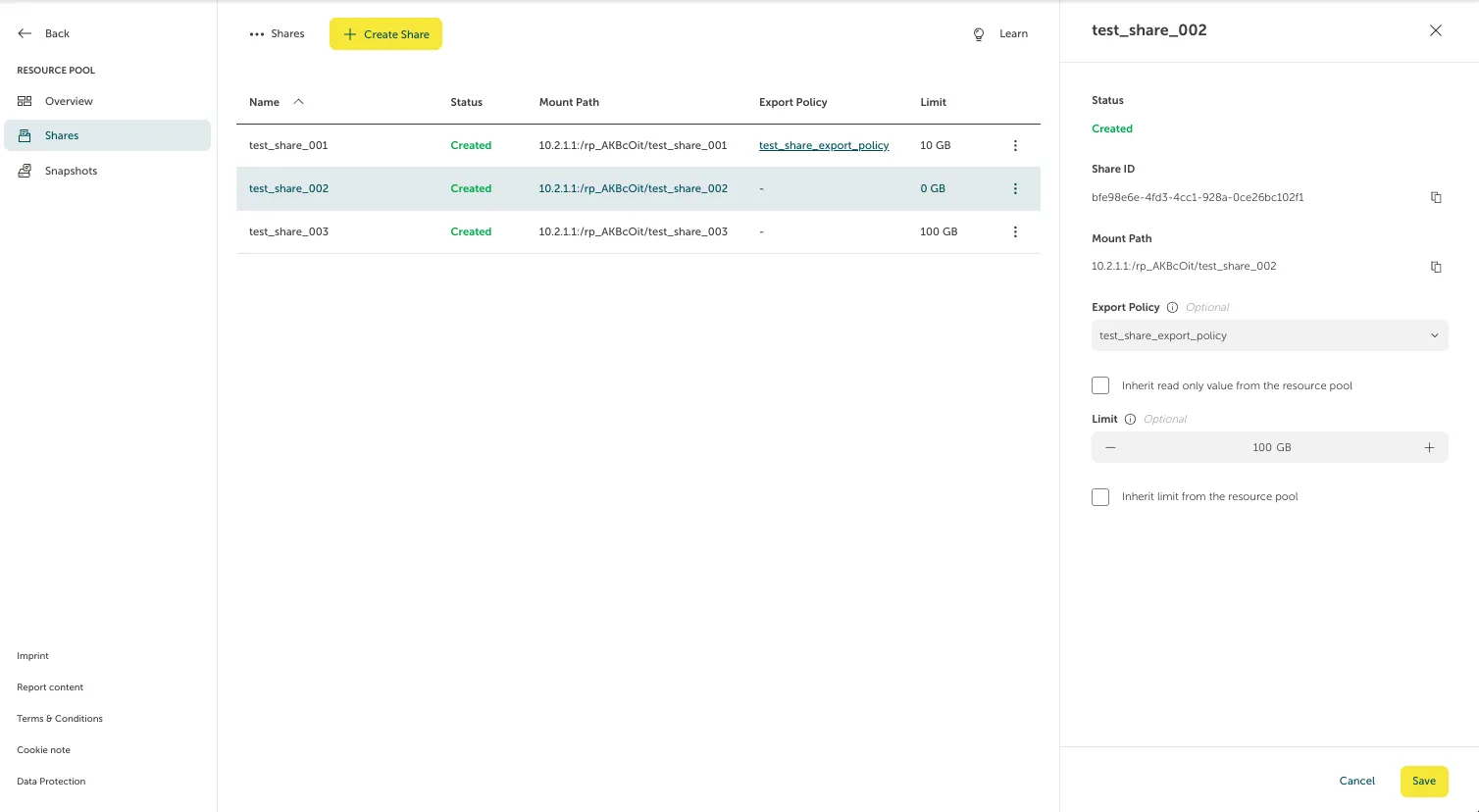
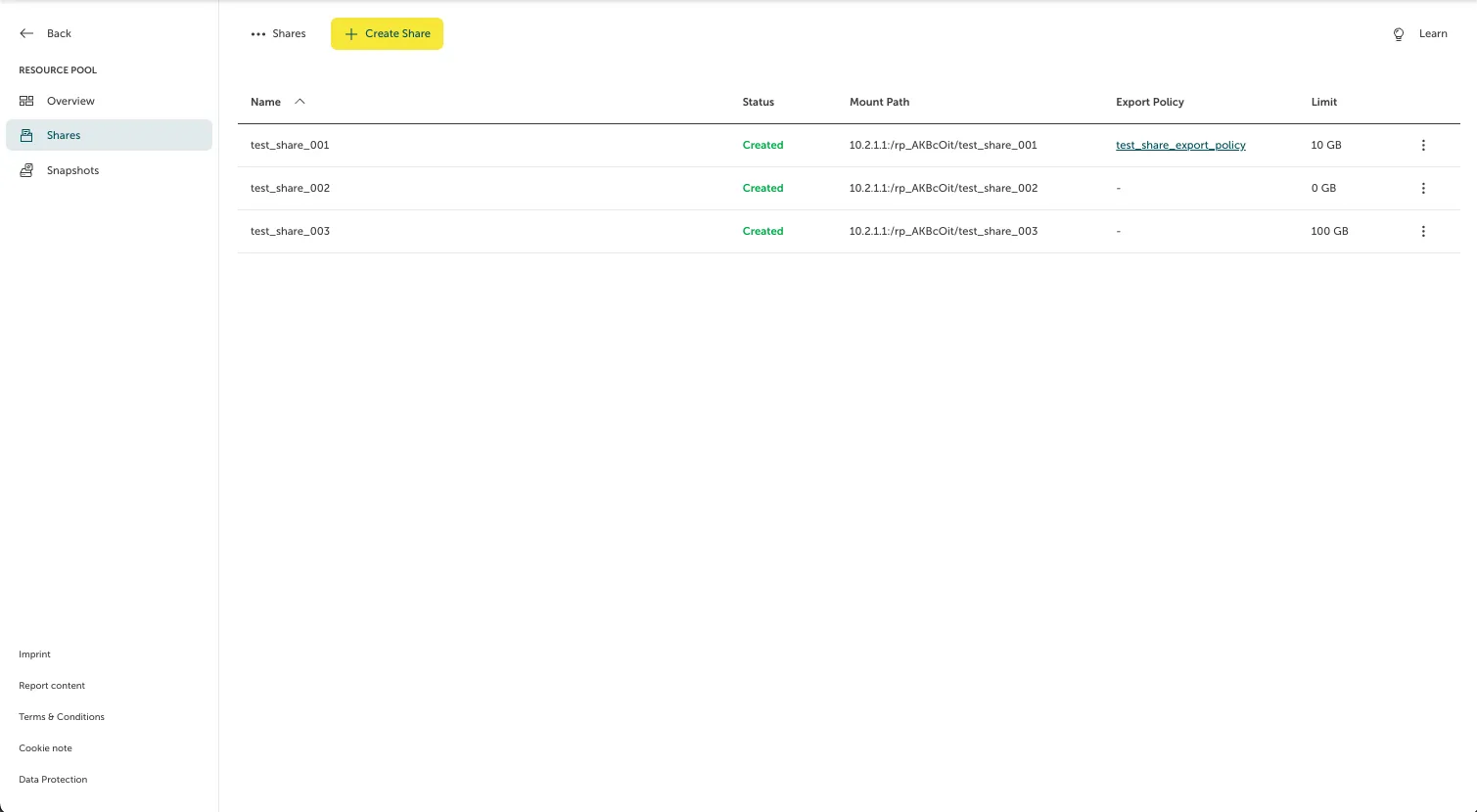
To update an NFS Share, select the respective NFS Share in the overview page (you can find this overview page by going to “File Storage > Resource Pools” and selecting the Resource Pool on which the NFS Share lives). In our case, we will take “test_share_002”.
A sidebar with the NFS Share information will pop up. Here, you can change the export policy or limit. After doing so, click “Save” to save the changes.