Update Share Export Policies
Last updated on
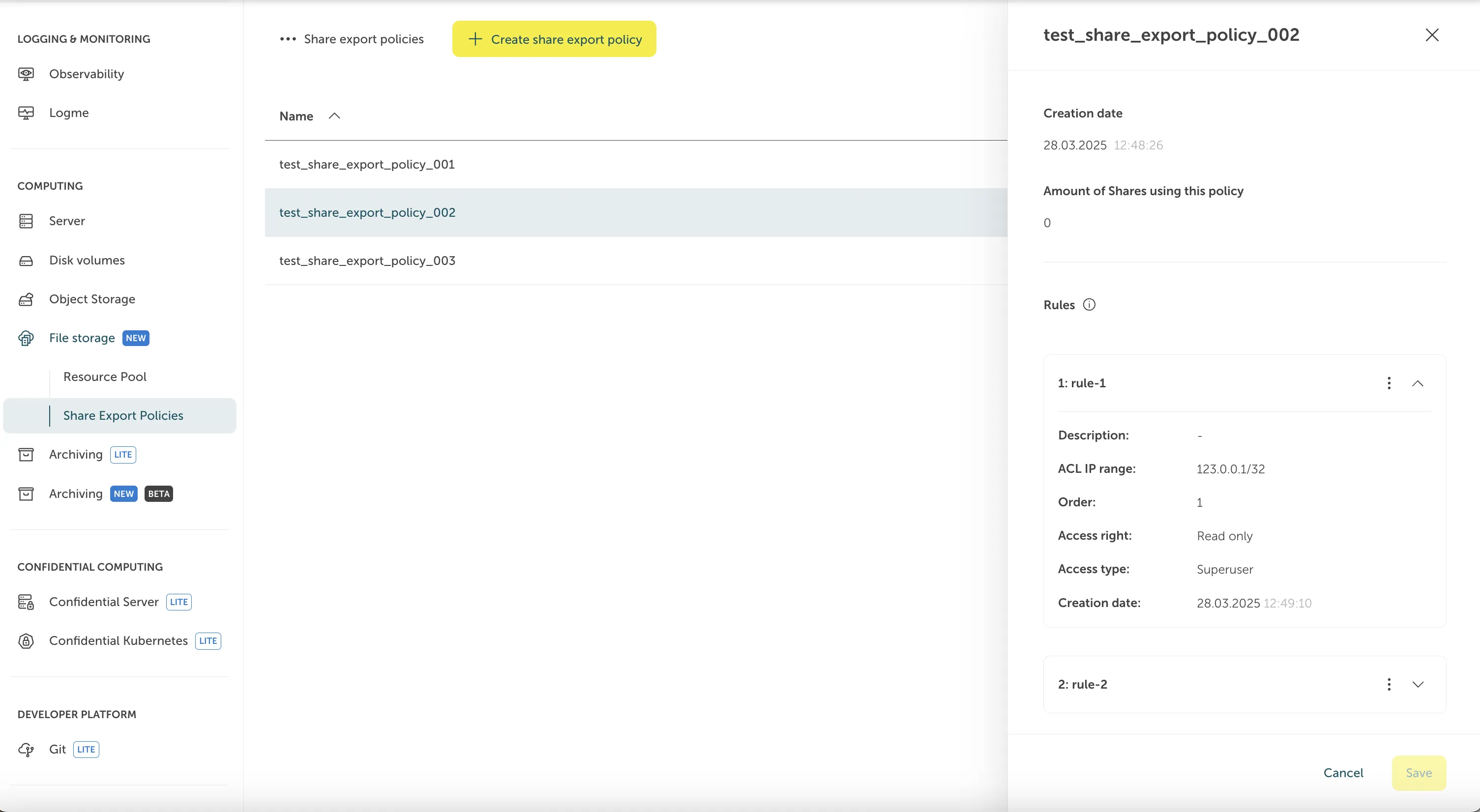
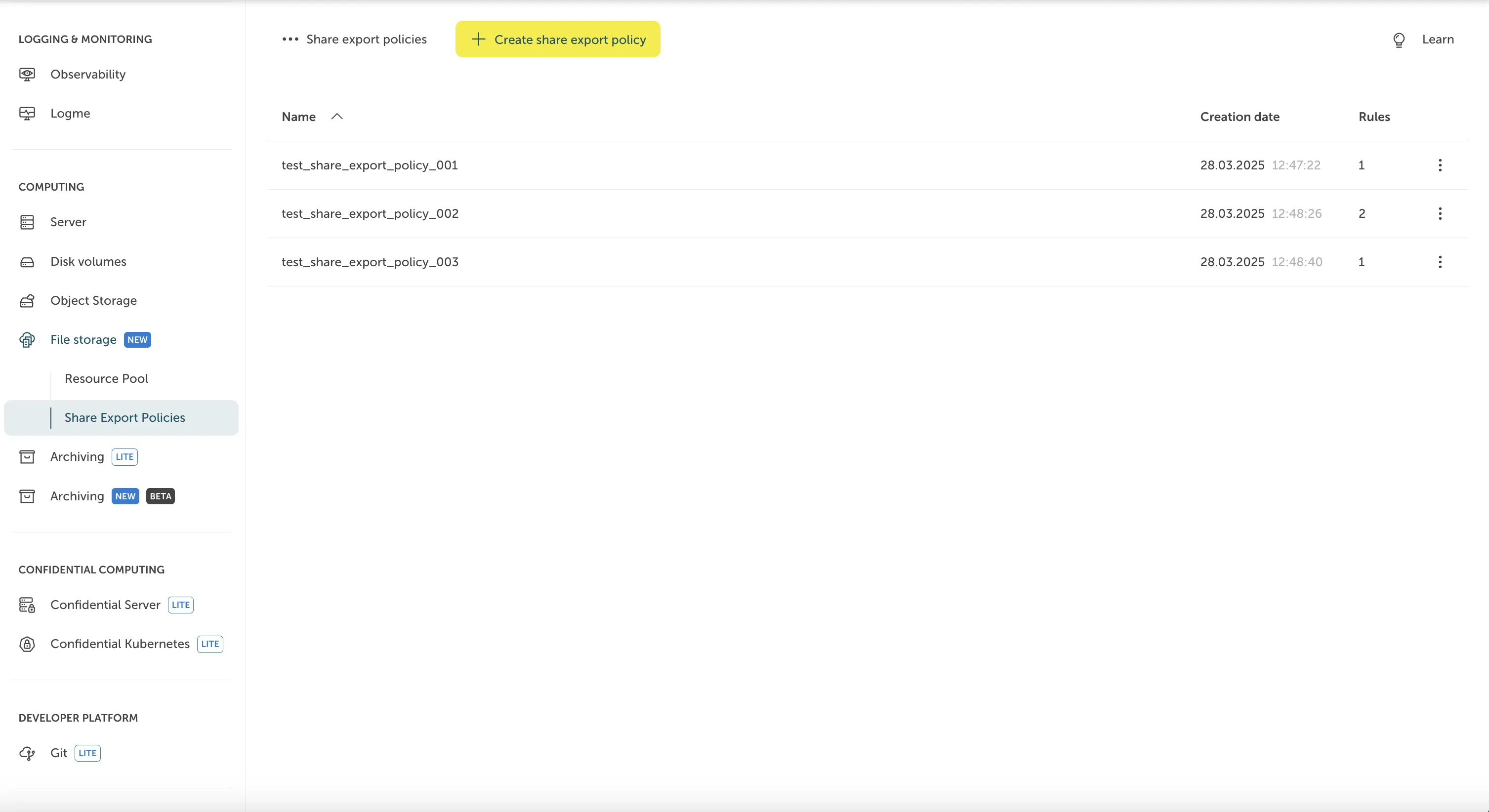
To update a Share Export Policy, go to “File Storage > Share Export Policies” and choose the desired Share Export Policy (in our case test_share_export_policy_002).
After clicking on the desired Share Export Policy, a sidebar will open where you can change the selected Share Export Policy. After doing all changes, you can apply them by hitting “Save”.