Create a customer account
Last updated on
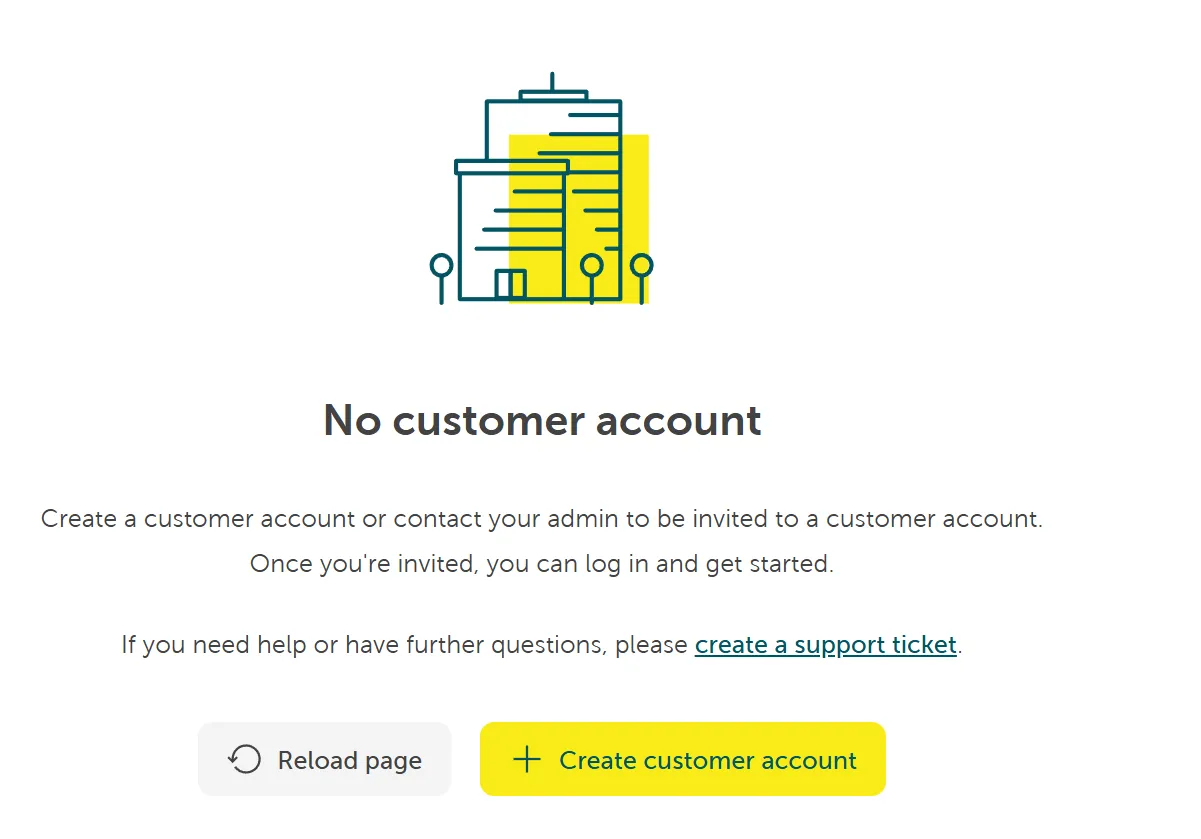
If you already have a user account in place but have not yet created a customer account, you will see the following screen:
Prerequisites
Section titled “Prerequisites”- You have a STACKIT user account: Create a user account
Register a customer account
Section titled “Register a customer account”Germany, Austria, and Switzerland (DACH-region)
Section titled “Germany, Austria, and Switzerland (DACH-region)”You can create a new customer account for Germany, Austria, and Switzerland yourself. To do so, log into the STACKIT Portal with your STACKIT user account. If you are not yet part of an organization, you can create one by selecting Create customer account.
Follow these steps to create a customer account:
- Select your country: Germany, Austria, or Switzerland (the DACH region). If your company is outside this region, follow the instructions for other countries.
- Enter the contact person’s information. This includes:
- Title
- First and last name
- Phone number
- Enter the company name and address. These details appear on the invoice.
- Provide the company’s VAT ID and Commercial Register number.
- Choose a payment method. Currently, STACKIT offers payments via invoice and credit card.
- Define the invoice email address. This can be the contact person’s address or, for example, the company’s accounting department.
Other countries
Section titled “Other countries”For creating a customer account outside the DACH-region, contact our sales department via the STACKIT contact form to create a customer account.
Within the form, provide the following information:
- The email address of a STACKIT user account: Specify an existing STACKIT user account, or the system will send an invitation to the provided email address. This user account will be assigned as the initial organization owner.
- First and last name of the contact person.
- Company name and address. These details will appear on the invoice.
Create an organization
Section titled “Create an organization”When you register a new account, the system automatically creates an organization. An organization acts as the main container for managing your projects and cloud resources. This structure helps you efficiently manage resources and access rights.