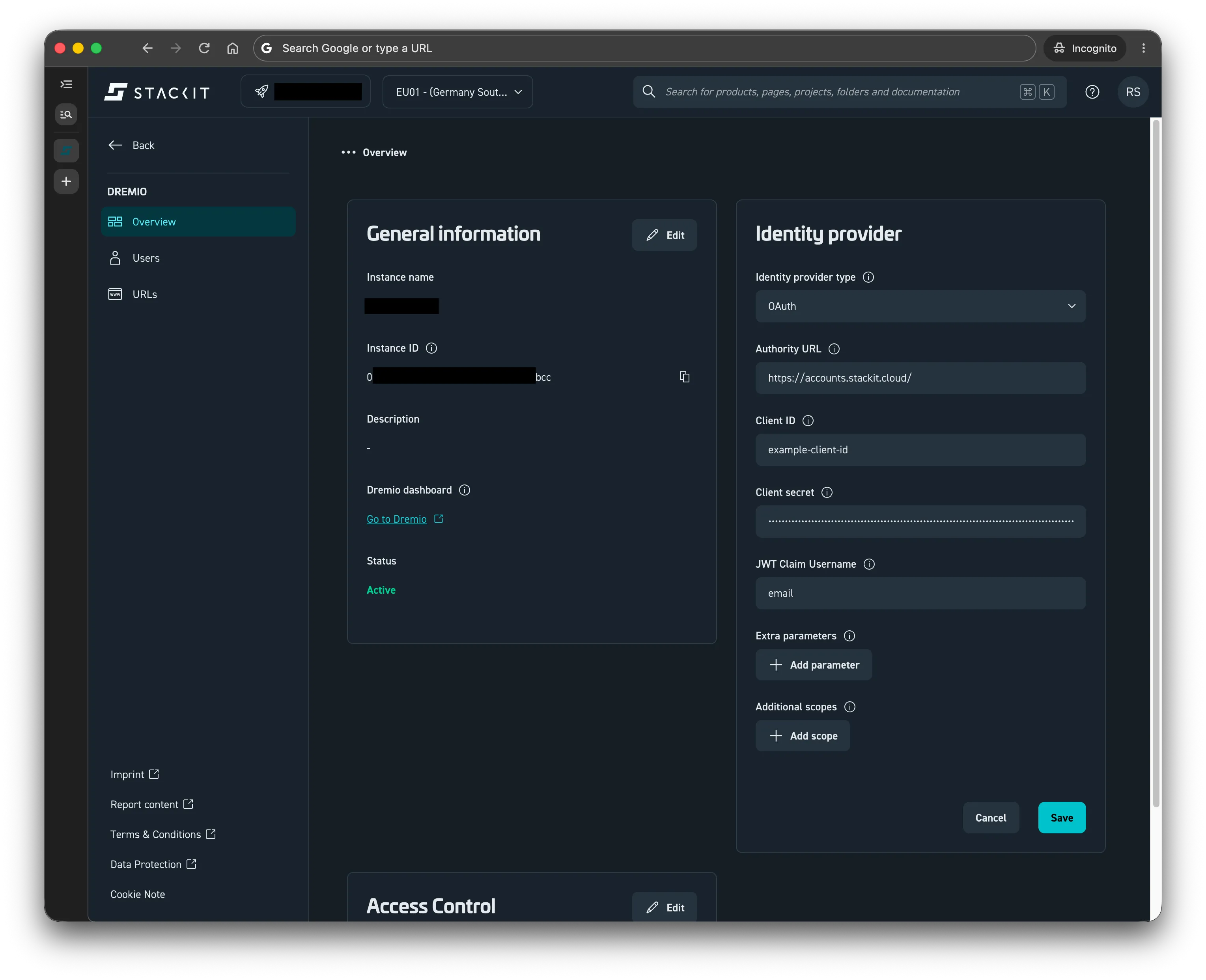
Setting up SSO on a Dremio Instance
Zuletzt aktualisiert am
The following tutorial shows how to set up SSO in Dremio, connecting an existing Dremio Instance to an Identity Provider.
Prerequisites
Section titled “Prerequisites”- You have a STACKIT Dremio Instance
- You have an OpenID/EntraID IdP
- You have a Client ID and Client Secret in your IdP for the Dremio Instance
- You have a Dremio
ADMINrole in your STACKIT Project
Step-by-Step configuration
Section titled “Step-by-Step configuration”For an existing instance:
-
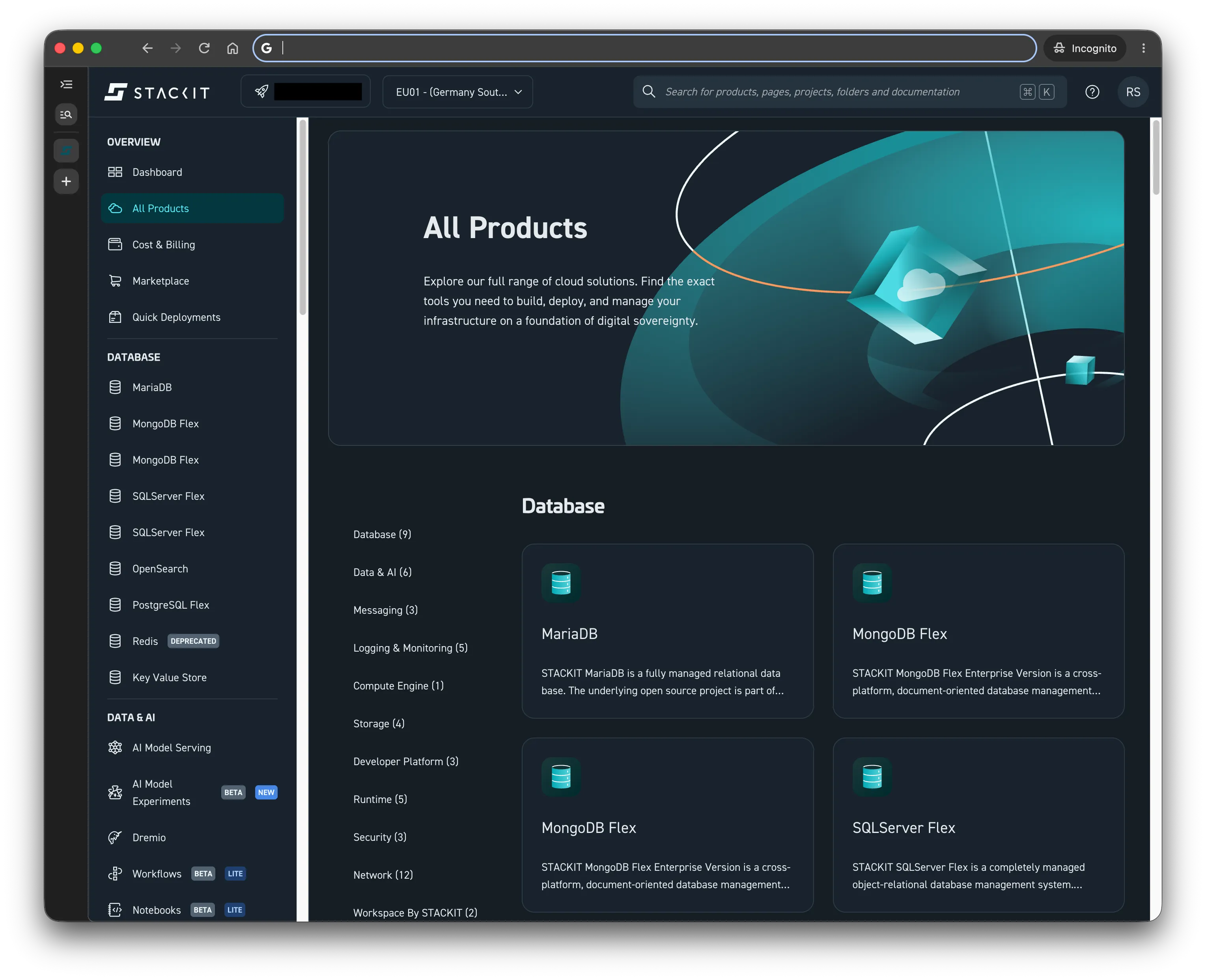
Open your project in the STACKIT Portal
-
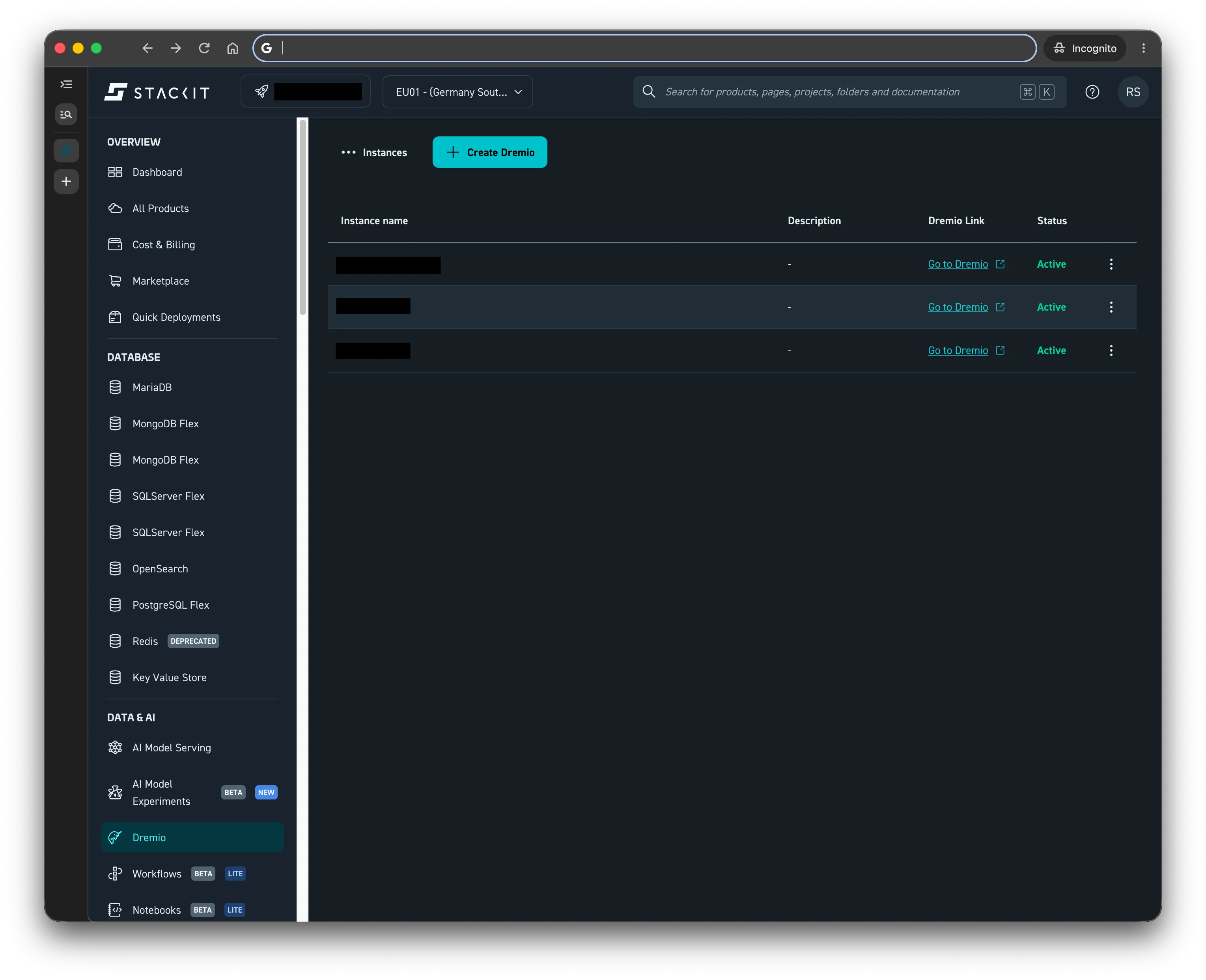
Navigate to Dremio
-
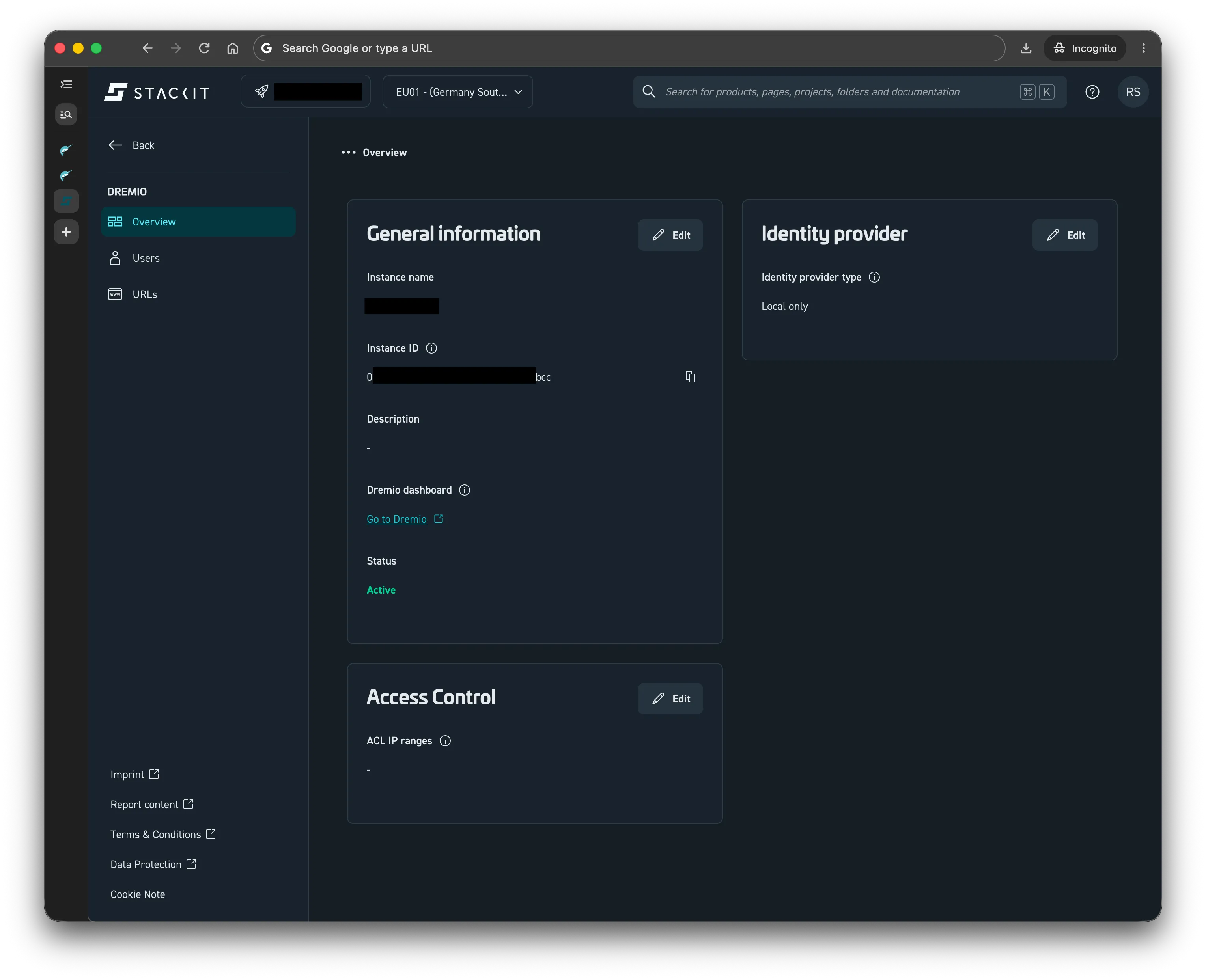
Select your Dremio instance and go to the Overview page
-
Click on Edit in the Identity Provider Tab
-
Click on the Identity provider type dropdown and select the applicable type (
Entra IDorOAuth)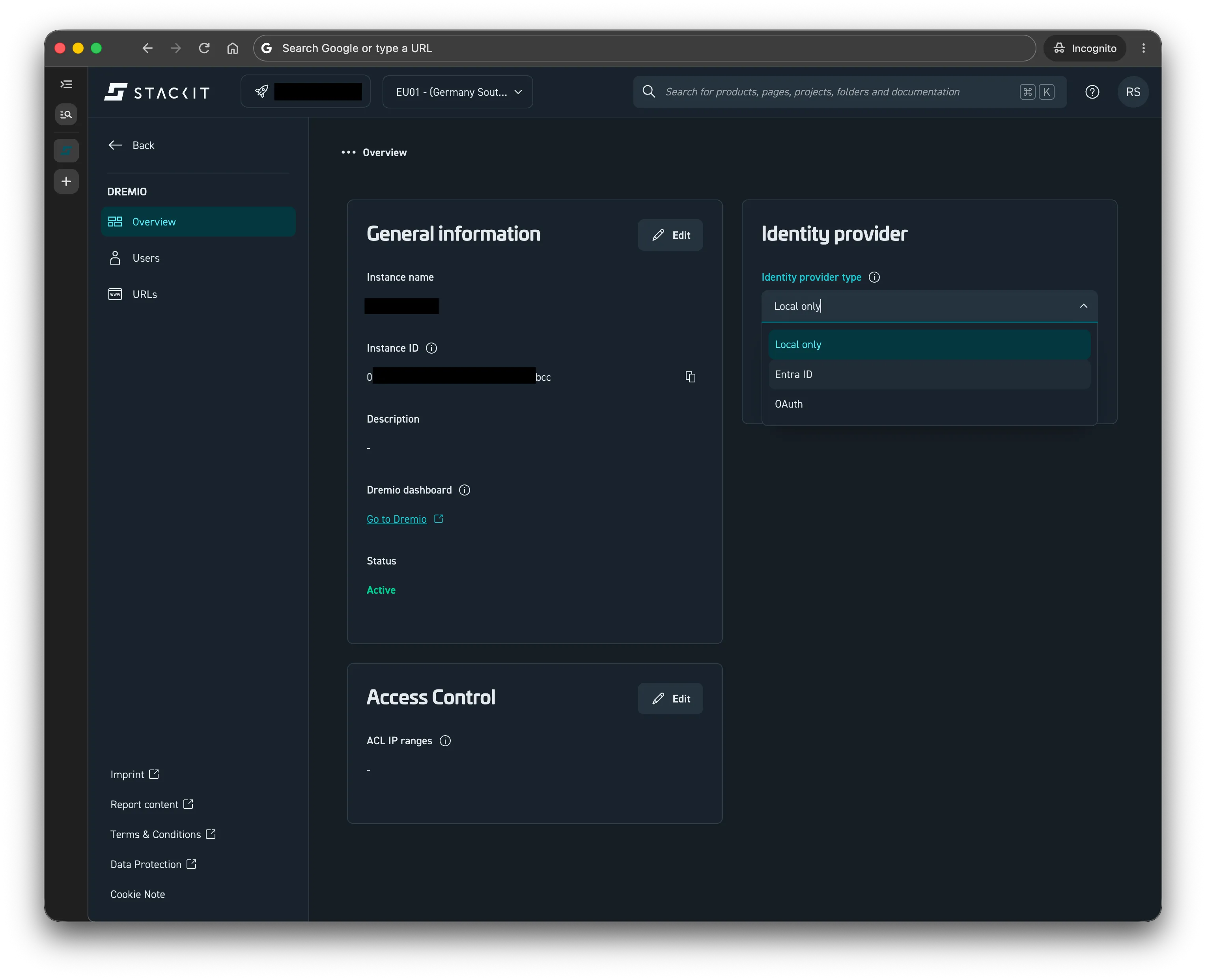
-
Fill in the required fields and click Save. Find more information at Create a Dremio Instance with SSO.