Do a password rotation
Zuletzt aktualisiert am
In this topic you will learn how to rotate your accounts password. All of our Cloud Foundry accounts - personal and service accounts - need password rotations once a year for security reason.
Rotate your service account
Section titled “Rotate your service account”To rotate the credentials of your service accounts you simply need to delete and recreate the service key. Please don’t use the “-f” flag while deleting the service key. This can cause problem as the broker might not be able to delete the account, while the service-key information will be removed.
cf delete-service-key pipeline-user pipeline-user-credentialsPlease see Create Cloud Foundry service accounts for further instructions.
Rotate your personal account
Section titled “Rotate your personal account”In your browser, go to the STACKIT Portal.
If you are not already signed in, it will in turn redirect you to the login mask. If you are signed in, then please log out to access the login mask.
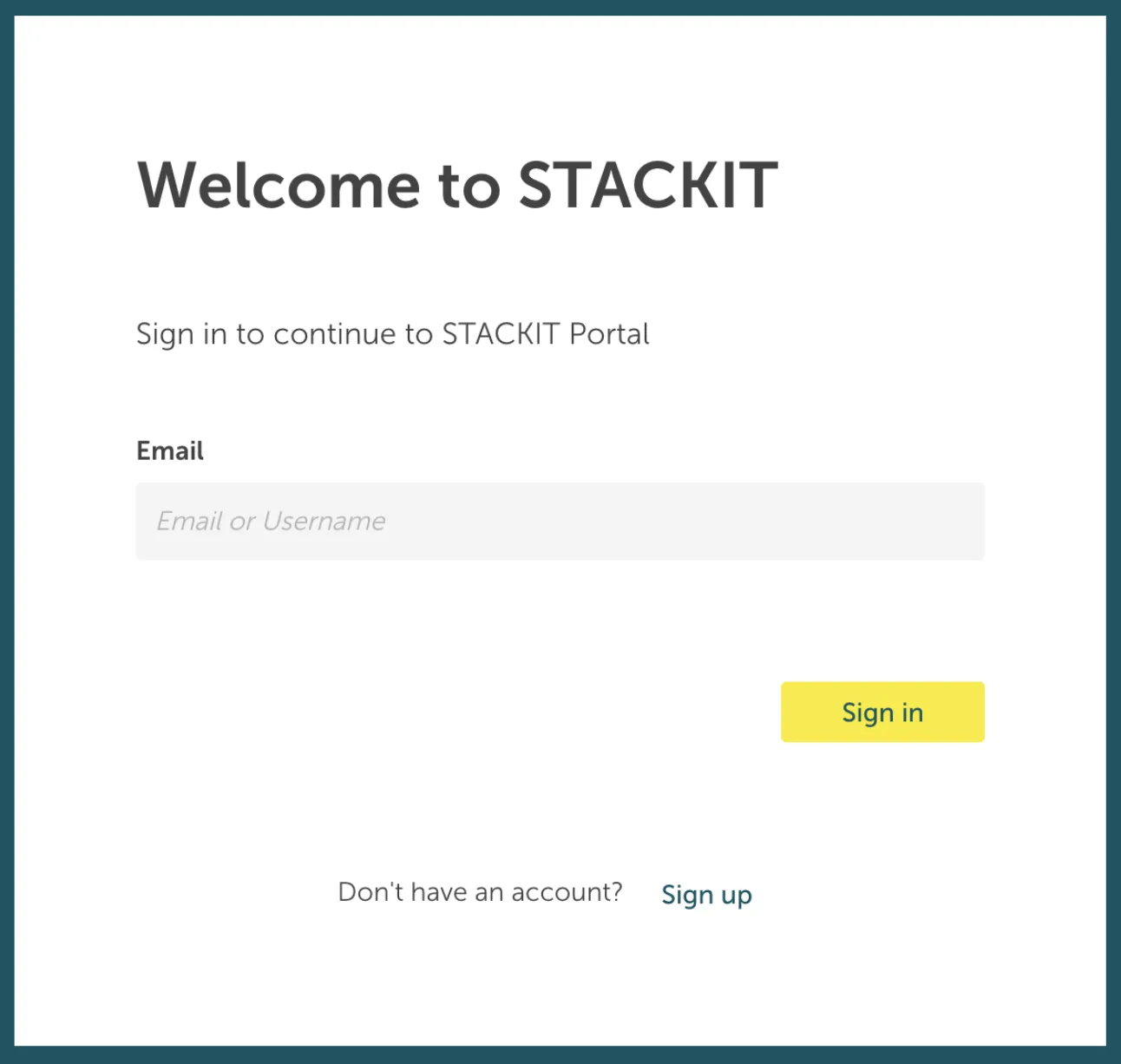
Type in your email address and press the sign in button. This will redirect you to the STACKIT personal account login mask.
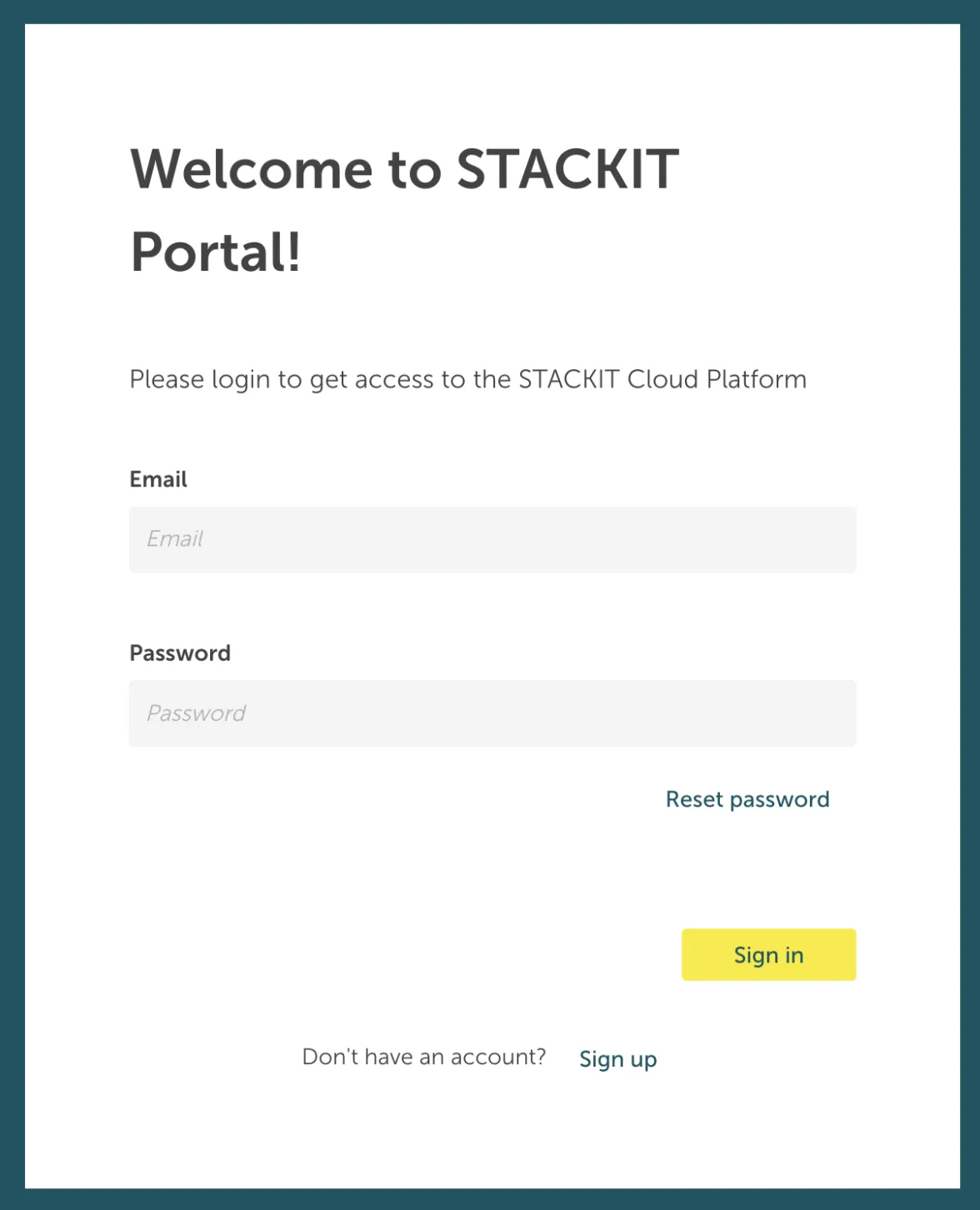
Here you can now start the password reset process by pressing the Reset password link underneath the Password Input field.
After starting the password reset process, you will be redirected to the following mask:
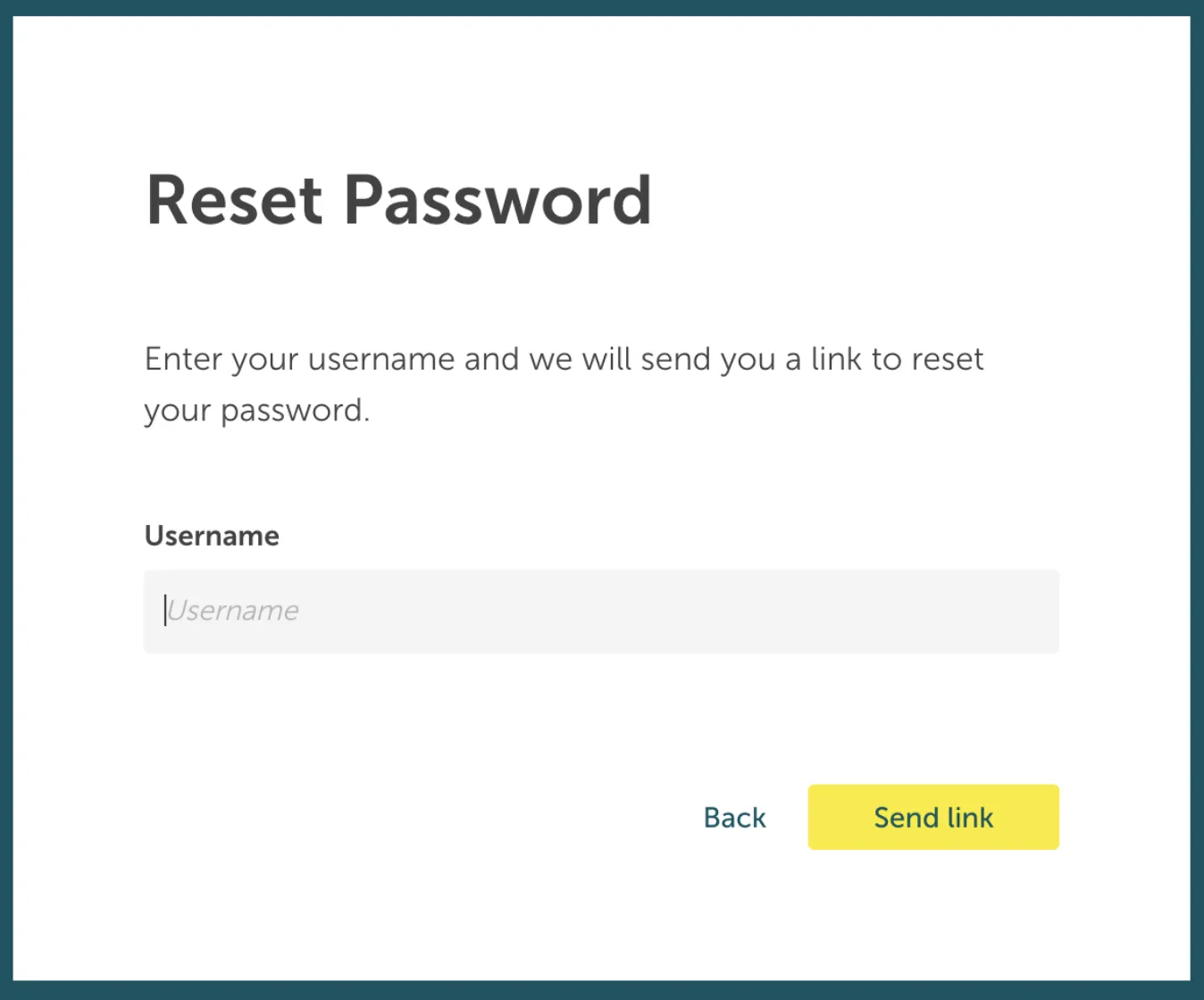
Here you have to type in your username (which is your email address) to send the password reset link to your email inbox.
Open the password reset request email in your personal inbox and follow the link in this mail to open the new password input mask as seen below:
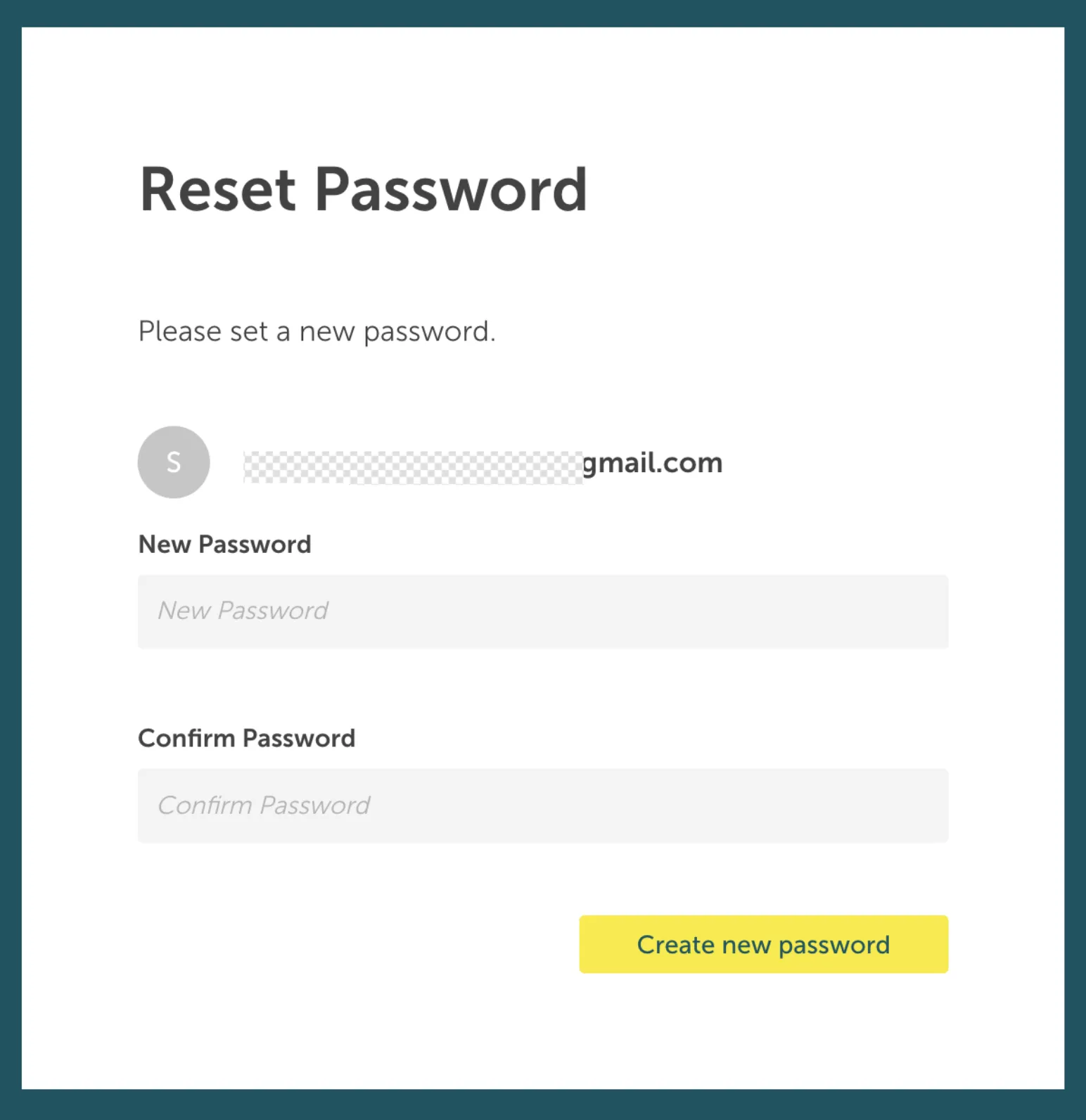
Type in your new password and submit it with the Create new password button.
Afterwards your password is rotated and you can login with your new password.