Snapshot-Zeitpläne aktualisieren
Zuletzt aktualisiert am
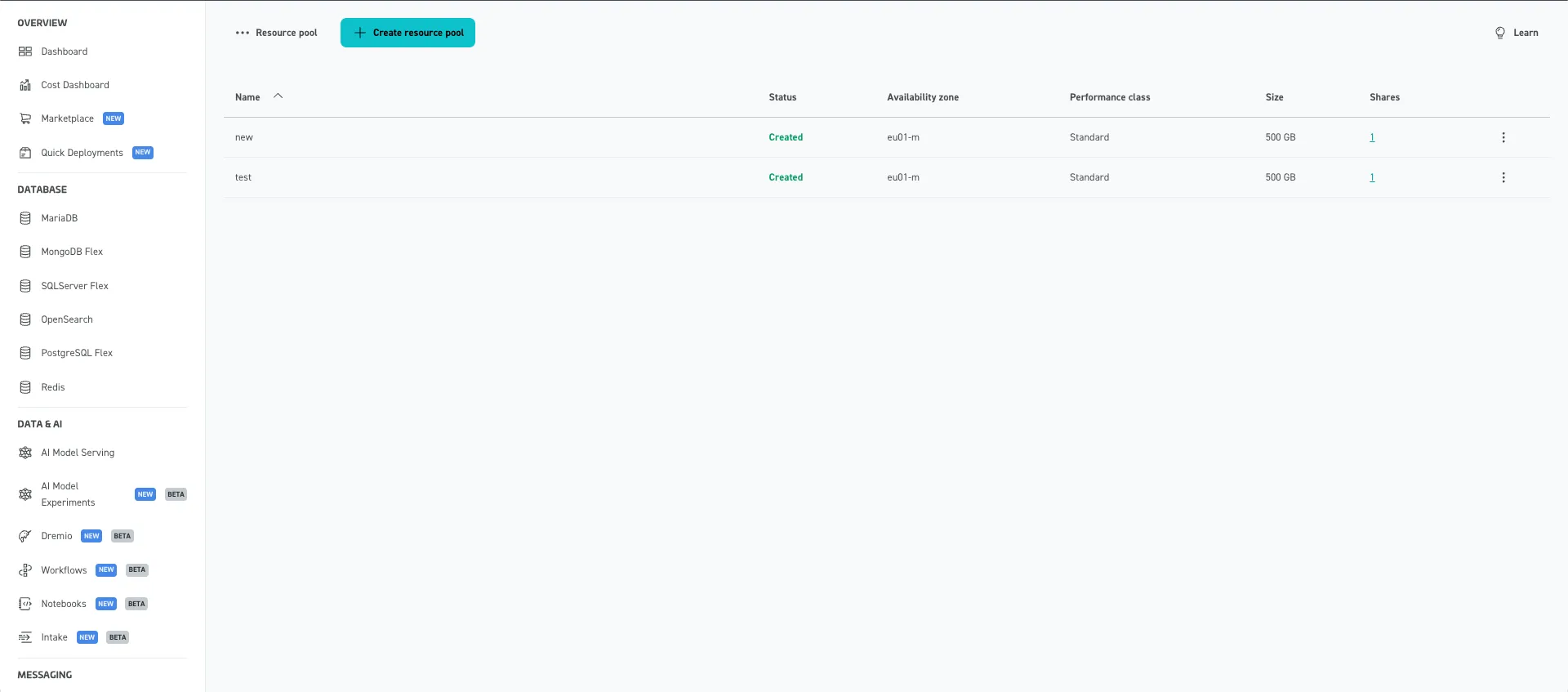
Um einen Snapshot-Zeitplan zu aktualisieren, gehen Sie zu „File Storage > Ressourcenpools“ und wählen Sie einen Ressourcenpool aus, für den Sie den Snapshot-Zeitplan aktualisieren möchten. In unserem Fall verwenden wir „test“.
Sie werden zu einer Seite weitergeleitet, auf der Informationen zum ausgewählten Ressourcenpool angezeigt werden. Zu diesen Informationen gehören die Snapshot-Einstellungen, die im Bereich auf der rechten Seite dargestellt werden. Um den Snapshot-Zeitplan zu aktualisieren, klicken Sie auf die Schaltfläche „Bearbeiten“.
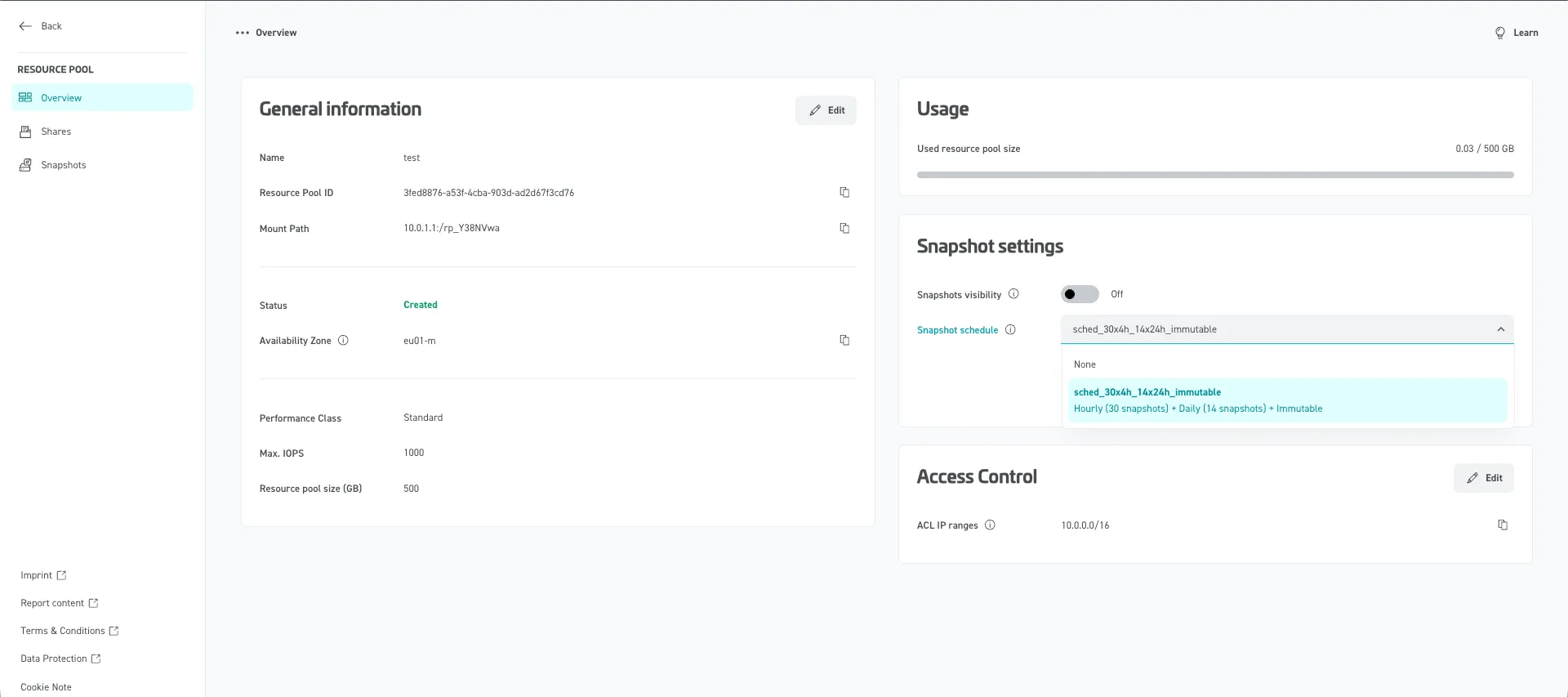
Sie haben nun die Möglichkeit, den Snapshot-Zeitplan zu aktualisieren (in unserem Fall sched_30x4h_14x24h_immutable). Wählen Sie den gewünschten Snapshot-Zeitplan aus dem Dropdown-Menü aus und klicken Sie auf die Schaltfläche „Speichern“, um die Änderungen zu übernehmen.
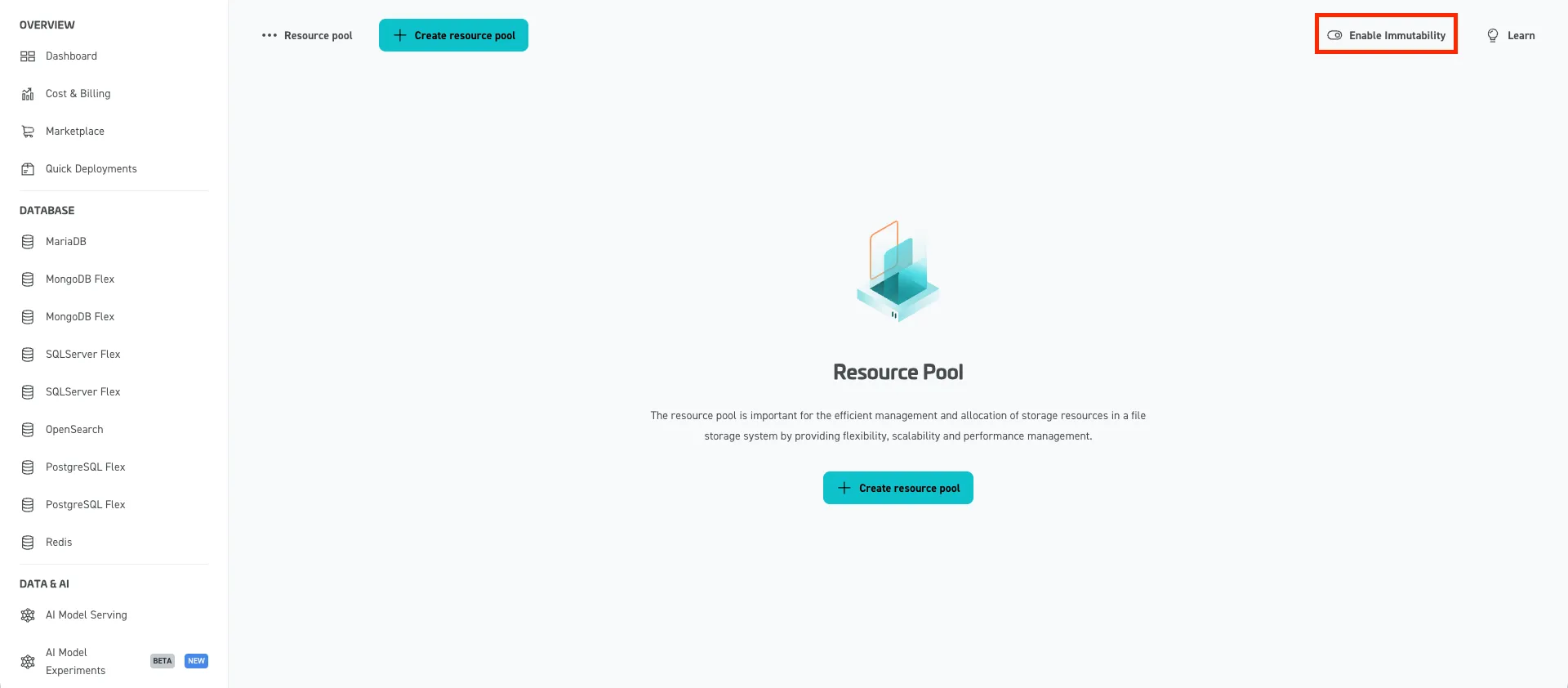
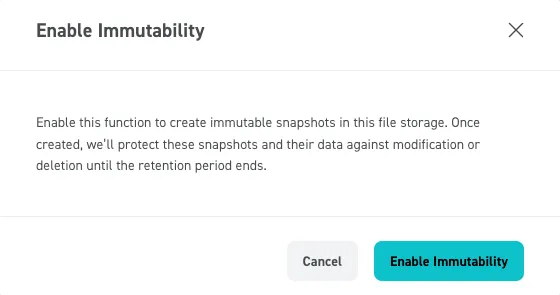
Um Immutable-Snapshot-Zeitpläne auswählen zu können, müssen Sie unter „File Storage > Ressourcenpools“ auf „Enable Immutability“ klicken und dies im Pop-up-Fenster mit „Enable Immutability“ bestätigen.