Drop logins and users in SQLServer Flex instances
Last updated on
Prerequisites
Section titled “Prerequisites”In order to follow the steps described on this page, the following conditions need to be met:
-
Your organization has a customer account. (See: Create a customer account)
-
You have a User Account with the necessary permissions.
(See: Create a user account) -
You have a Project in your customer account.
(See: Create a Project) -
You have created a Service Account.
(See: Create a Service account) -
You have assigned the required project permissions to this service account.
(See: Assign permissions to a service account) -
You have created an Access Token for this service account.
(See: Assign authentication token to a service account) -
You have created a SQLServer Flex Instance.
(See: Create a SQLServer Flex Instance) -
You are connected to the SQLServer Flex Instance.
(See: Connect to a SQLServer Flex Instances) -
You previously created a database with Logins and/or Users.
(See: Create Databases in SQLServer Flex Instances, Create Logins and Users in SQLServer Flex Instances)
Drop a Login / User
Section titled “Drop a Login / User”- Make sure the user you want to delete is not an active user of any database. Otherwise, the user cannot be dropped!
- Navigate to the list of databases.
- Select the relevant database.
- Select Users from the menu.
- In the list of users, open the ⋮ menu of the user you want to drop and select Delete.
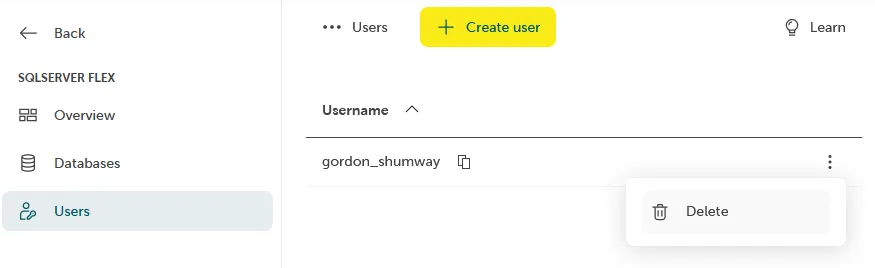
- Confirm by entering the name of the user and click Delete.
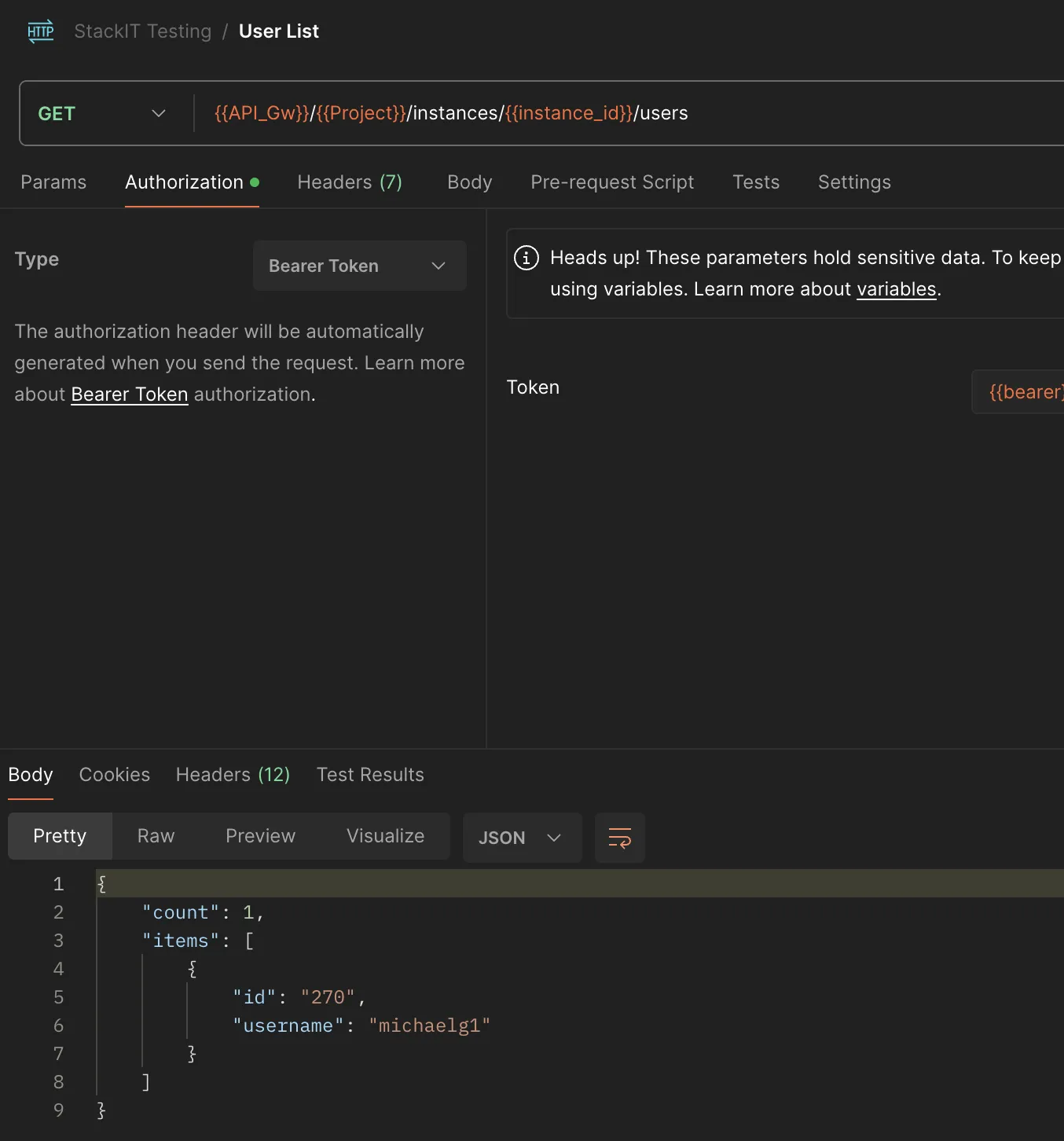
- Fetch the user ID by using the GET Users API Endpoint:
**GET** https://mssql-flex-service.api.eu01.stackit.cloud/v2/projects/{PROJECT_ID}/regions/{REGION} /instances/{INSTANCE_ID}/usersand replace{PROJECT_ID},{REGION}and{INSTANCE_ID}with the project id, region id and instance id of your SQL Server instance, respectively. Where do I find the Project ID? The project ID is displayed in the projects list of the Resource manager: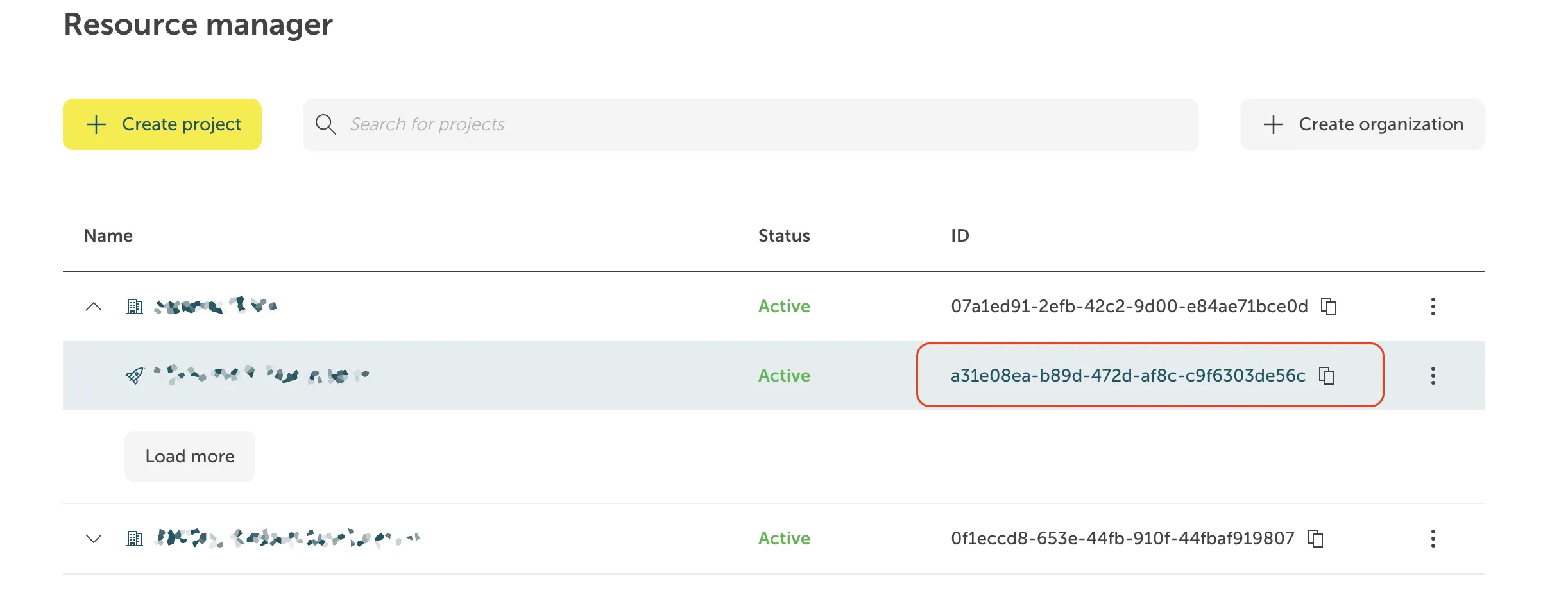 Where do I find
the Instance ID? The instance ID has the form of a UUID. It is displayed in the
Overview tab of your instance in the STACKIT Portal, in the section General
information.
Where do I find
the Instance ID? The instance ID has the form of a UUID. It is displayed in the
Overview tab of your instance in the STACKIT Portal, in the section General
information. 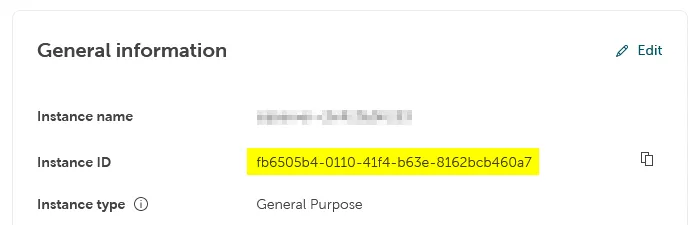 For some products, the
display of the instance ID in the Portal is not implemented yet. In these cases the instance
ID is visible as part of the instance URL in the address field of your browser when you
are on the instance page in the Portal, and it can be copied from there:
For some products, the
display of the instance ID in the Portal is not implemented yet. In these cases the instance
ID is visible as part of the instance URL in the address field of your browser when you
are on the instance page in the Portal, and it can be copied from there:

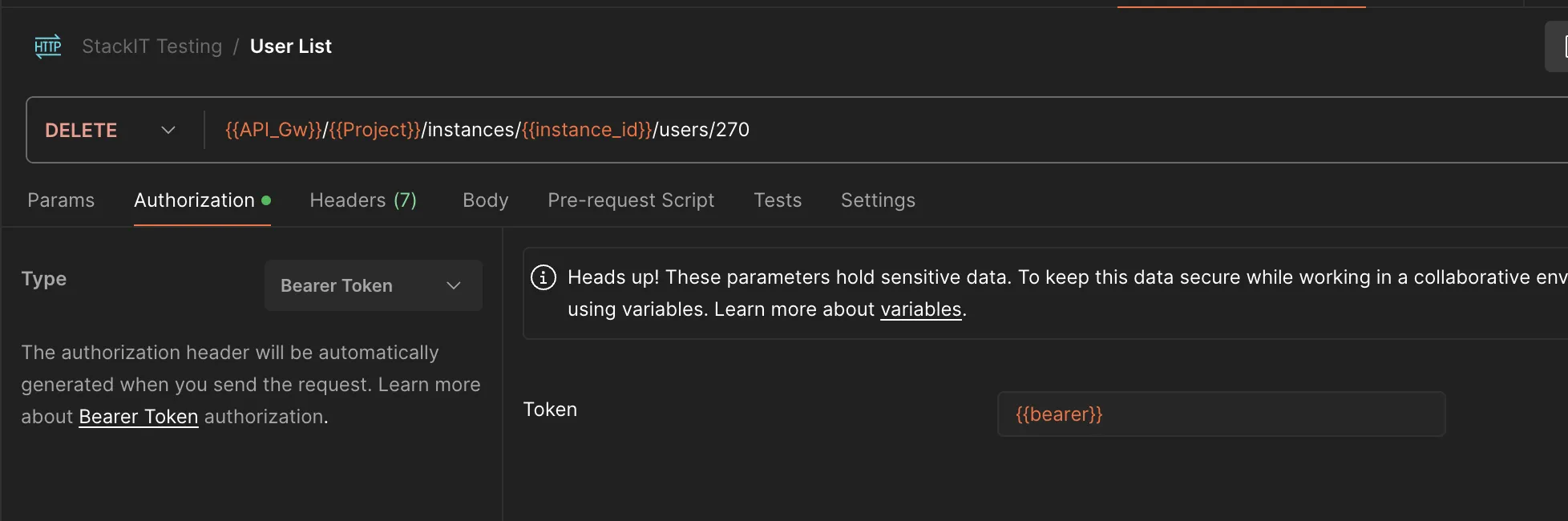
- Run the following command:
**DELETE**https://mssql-flex-service.api.eu01.stackit.cloud/v2/projects/{PROJECT_ID} /regions/{REGION}/instances/{INSTANCE_ID}/users/{USER_ID}and replace{PROJECT_ID},{REGION}and{INSTANCE_ID}with the project id, region id and instance id and{USER_ID}is the user ID you received in the previous step.