Git - Email notification preferences
Last updated on
From your STACKIT Git instance, you can manage your global email notification settings.
You can set your default notification preference to: enable, on mention or disabled.
For every user created prior to the modification, the user needs to update their notification preferences manually.
How to change individual email preferences
Section titled “How to change individual email preferences”- Log in and go to your STACKIT Git Instance.
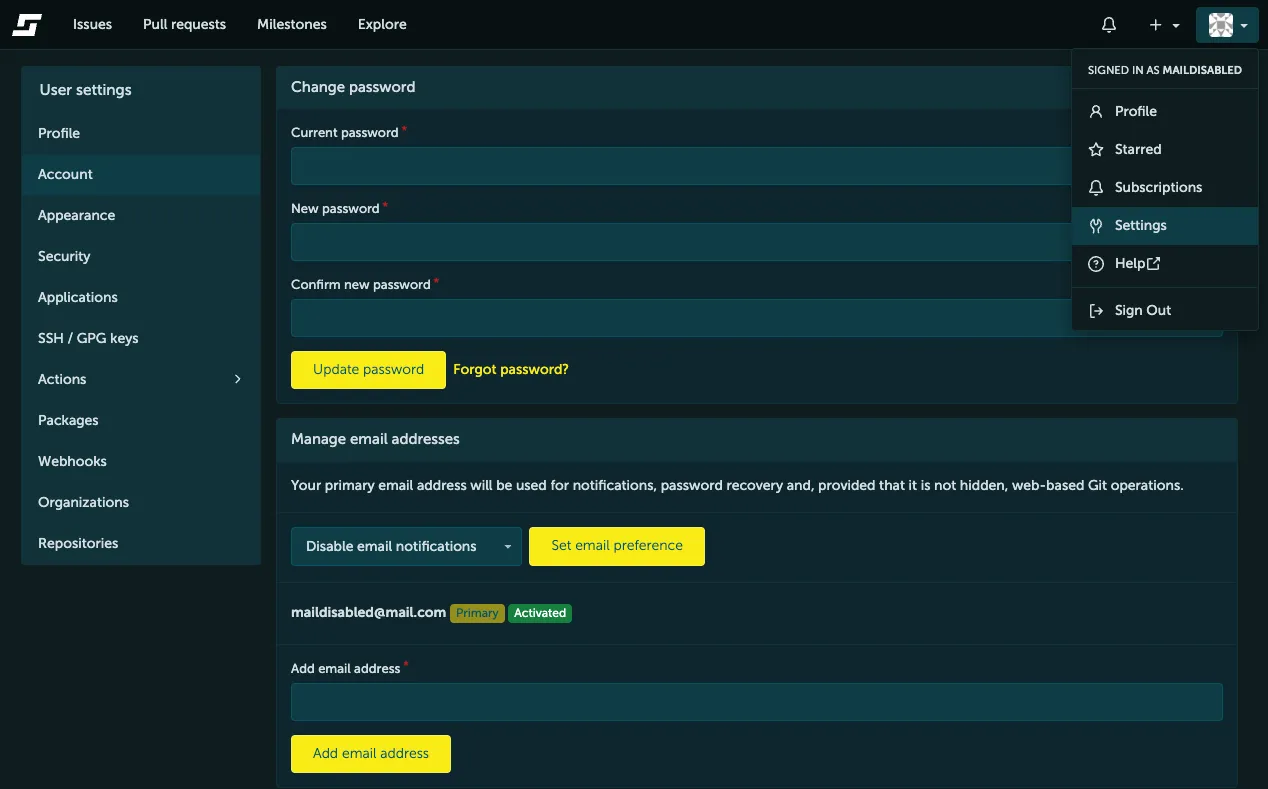
- On the top bar, click on your profile icon and select Settings from the dropdown menu.
- In the left navigation bar, navigate to Account and locate the Manage email addresses section.
- Update your notification selection to your preferred setting: enabled, on mention, or disabled.
- Click the Set email preference button to save your changes.