Get started as a customer
Last updated on
This guide helps you take your first steps in the STACKIT Marketplace. Learn about the basic platform requirements and how to access the core functions.
Access the STACKIT Marketplace
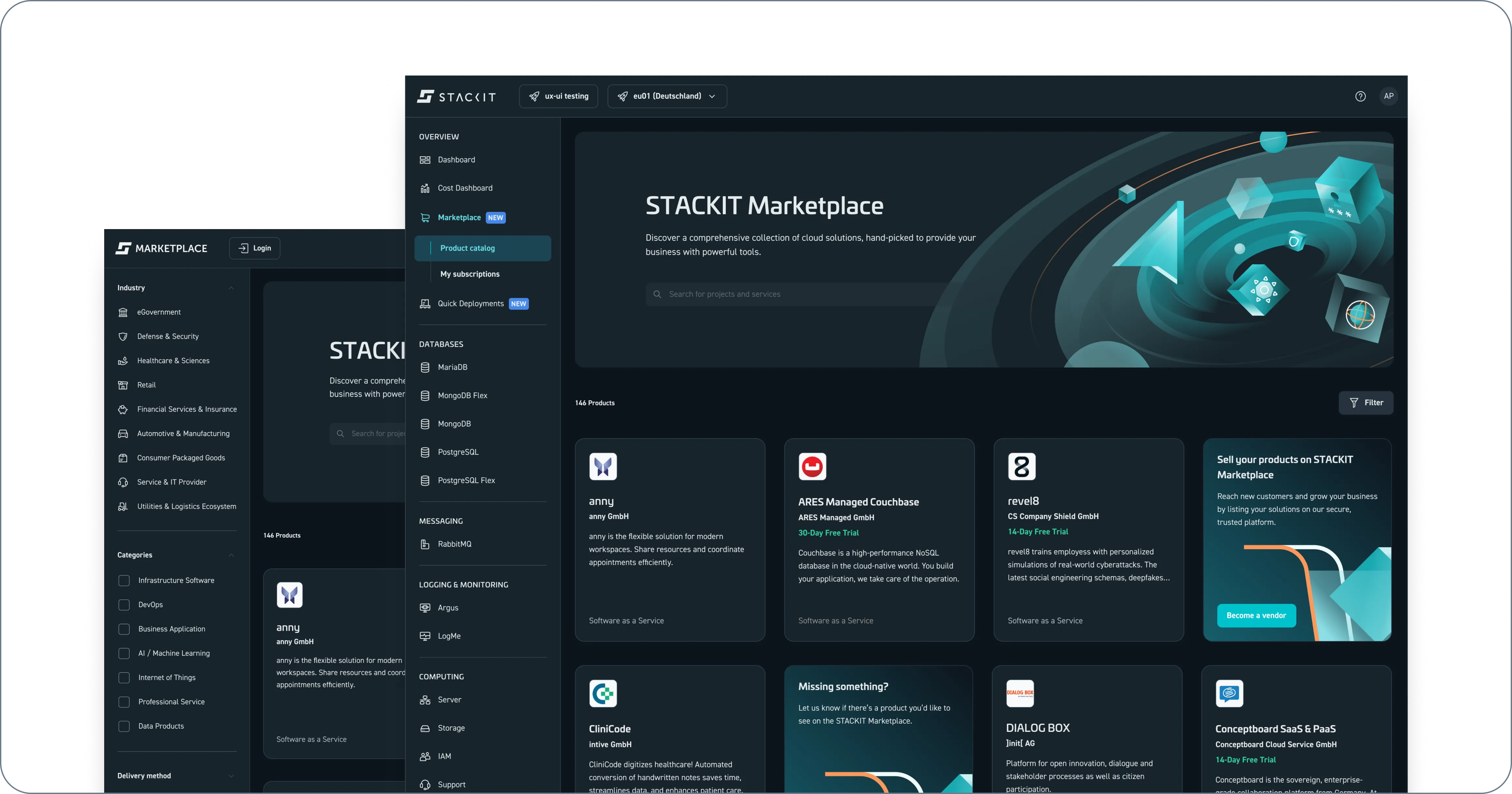
Section titled “Access the STACKIT Marketplace”You can access the STACKIT Marketplace in two ways:
- The STACKIT Portal: Log in to the STACKIT Portal and use the main menu. With this method, you can purchase and subscribe to products directly.
- The STACKIT Marketplace website: Visit the public STACKIT Marketplace website to browse the catalog. To buy a product, log in through the STACKIT Portal.
Both options offer the same product portfolio.
Requirements to use the STACKIT Marketplace
Section titled “Requirements to use the STACKIT Marketplace”Set up these basic prerequisites to ensure secure and smooth access to all marketplace features:
- Create a user account: Ensure that you have an active user account. For instructions, see Create a user account.
- Assign permissions: Verify that your account has the required roles. For details, see Assign a role to a service account. You need the following permissions:
subscription.getandsubscription.listto access your active subscriptions.subscription.create,subscription.update, andsubscription.deleteto manage your subscriptions.
- Join an organization: Join an active organization to manage your payment methods. For more information, see Create a customer account.
- Set up an active project: Create a project to act as your resource container and handle STACKIT billing. For instructions, see Create a project.
Marketplace interface and navigation
Section titled “Marketplace interface and navigation”The marketplace interface helps you find solutions for your business needs. Use the Catalog Switcher toggle button directly over the search bar to switch between two views:
- Products (default view): This view displays individual cloud services, software packages, and tools.
- Use Cases: This view focuses on solution architectures. It shows you how to combine different partner services with STACKIT technologies to solve real-world problems.
Explore products and use cases
Section titled “Explore products and use cases”Both views share a similar layout to help you find information:
- Search and filters: Use the search bar or filter options to narrow down catalog results based on your technical needs.
- Card layout: Browse individual items presented as visual tiles (cards) that give you an overview of the service or scenario.
- Detail pages: Select a card to open its detail page:
- Product pages provide technical specifications, product documentation, and pricing details so you can purchase subscriptions.
- Use case pages describe a specific business problem, the proposed solution architecture, target audiences, and key performance indicators (KPI).